Turn Teledyne FLIR Cameras Into Vision AI Systems
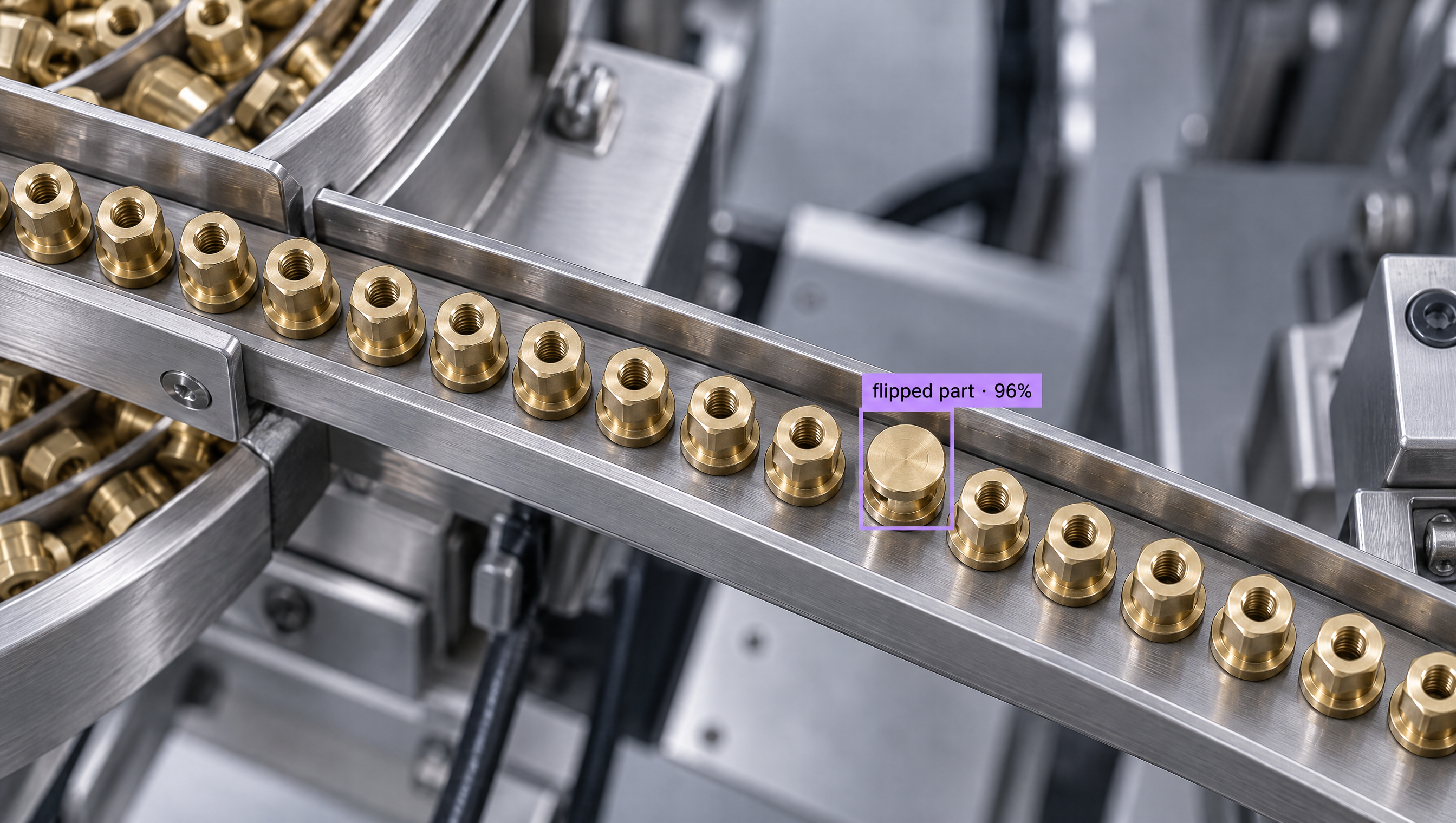
Add AI to the Blackfly S and other GigE and USB3 Teledyne FLIR cameras on your line. Roboflow trains a model on images from your camera and runs it on every frame at the edge, so you can inspect solder joints, read part markings, and count components, and send pass or fail results straight to your PLC.
Run vision models on Roboflow hardware
Roboflow Edge computers and the AI1 Smart Camera arrive ready to run your models. Each one ships with RoboflowOS, the operating system we build and maintain, so fixes and security patches reach your devices over the air without a site visit.
Roboflow Edge computers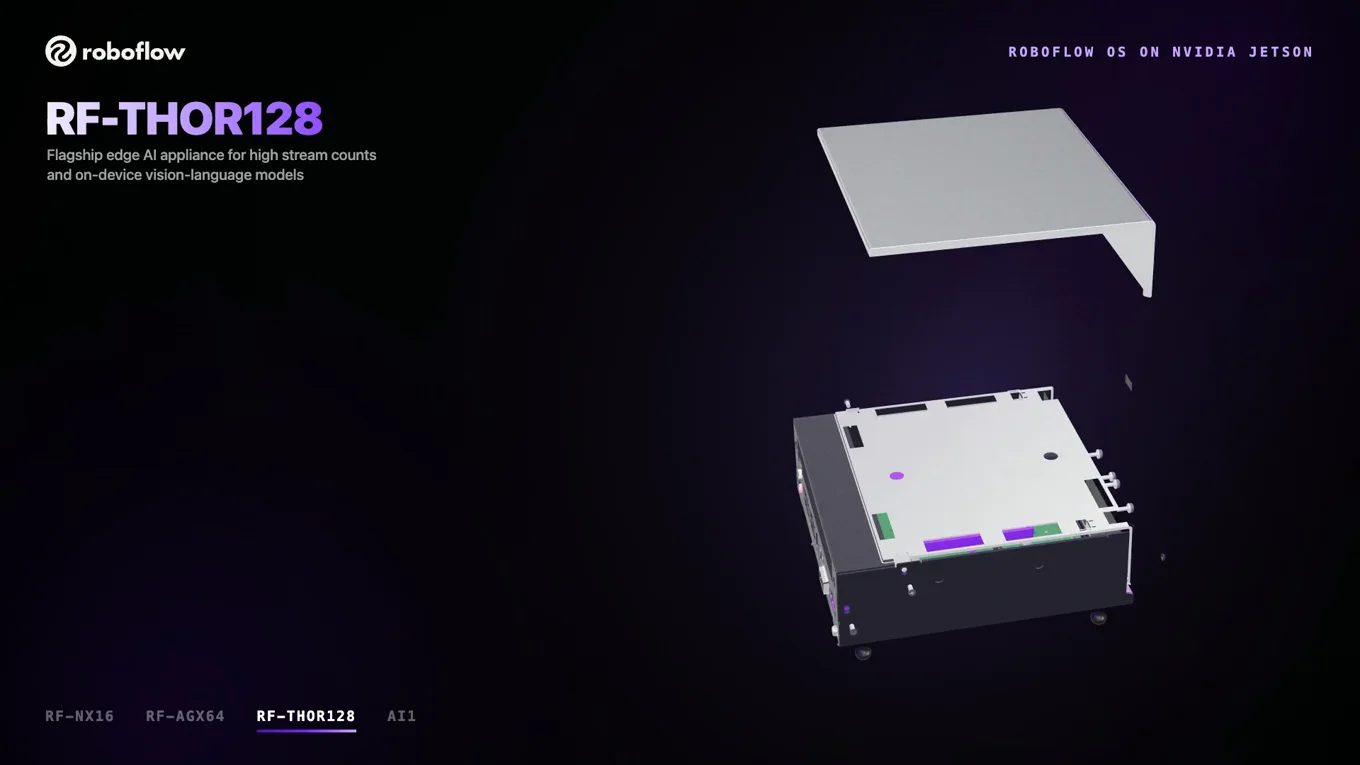
Settings that survive a restart
RoboflowOS rebuilds static addresses, gateway, DNS and camera-port tuning from a persistent store each time the device starts.
Updates over the air
Security patches, camera driver fixes and NVIDIA platform upgrades come in from the Roboflow platform, separate from your models and Workflows.
Tested on the hardware you get
We build the inference runtime too, so we test every OS image against it on the same boards we ship.
Locked down by default
The OS image is read-only and ships without SSH, a desktop or a local login. Your team reads logs, checks streams and views telemetry in Deployment Manager, the Roboflow tool for managing devices remotely.
Five years of updates included
Every appliance comes with five years of RoboflowOS updates from the purchase date, plus a one-year hardware warranty.
RoboflowOS on NVIDIA Jetson
- Smart Camera
AI1
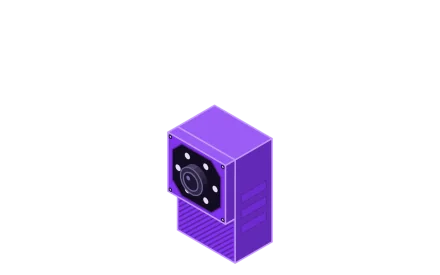
The AI1 puts a camera, a light and a computer in one housing. It pairs an 8 MP (3840 x 2160) camera and LED ring with an NVIDIA Jetson Orin NX 8GB. Teams use it to prove out an edge vision project on a fixed inspection view, counting parts a few inches away or spotting defects dozens of feet away.
- Memory
- 8 GB
- Cameras and networking
- Integrated 8 MP camera and LED ring1 x GbE
1 stream - Roboflow Edge
RF-NX16
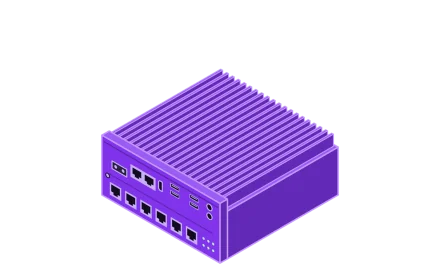
The RF-NX16 handles stations with several cameras. It has six PoE ports on a shared 150 W budget, two more GbE ports and an NVIDIA Jetson Orin NX 16GB.
- Memory
- 16 GB
- Cameras and networking
- 6 x GbE PoE with a 150 W total budget2 x GbE
1–4 streamsRF-NX16 Spec Sheet - Roboflow Edge
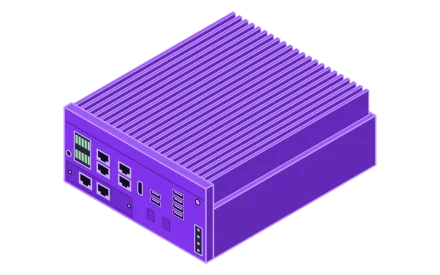
RF-AGX64
The RF-AGX64 runs higher-resolution cameras and bigger models. It has 64 GB of memory on an NVIDIA Jetson AGX Orin, four PoE ports and two 10 GbE ports.
- Memory
- 64 GB
- Cameras and networking
- 4 x GbE PoE2 x 10 GbE
4+ streams, line scanRF-AGX64 Spec Sheet - Roboflow Edge
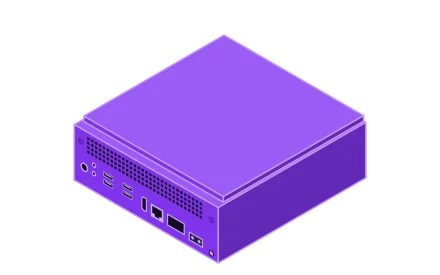
RF-THOR128
The RF-THOR128 is our most powerful appliance and runs on the NVIDIA Jetson T5000 with 128 GB of memory. It has one 5 GbE port and a 100 GbE QSFP28 port that breaks out to four 25 GbE links, and its cameras connect through a PoE switch.
- Memory
- 128 GB
- Cameras and networking
- 1 x 5 GbE and 1 x 100 GbE QSFP28Breaks out to 4 x 25 GbE
8+ streams, edge VLM inferenceRF-THOR128 Spec Sheet
One GbE PoE camera port
Already running Teledyne FLIR cameras? Connect them to an RF-NX16, RF-AGX64 or RF-THOR128 and manage the whole station from Roboflow.
Not sure which one fits your line?
Send us your cameras, Workflow and line rate, and we’ll create a recommendation for you.
AI for Teledyne FLIR Cameras Workflows
Using Teledyne FLIR cameras? Explore Workflows you can get started with to create computer vision apps in minutes. Easily deploy computer vision models with Roboflow Inference. Integrate AI by connecting to existing PLC and HMI solutions via standard protocols like MQTT or OPC-UA.
How to Setup Teledyne FLIR Cameras with AI
Teledyne FLIR cameras can be used for computer vision tasks such as object detection and image segmentation. Blackfly S cameras integrate with vision AI pipelines through the Spinnaker SDK, and pair well with an NVIDIA Jetson for running computer vision models at the edge.
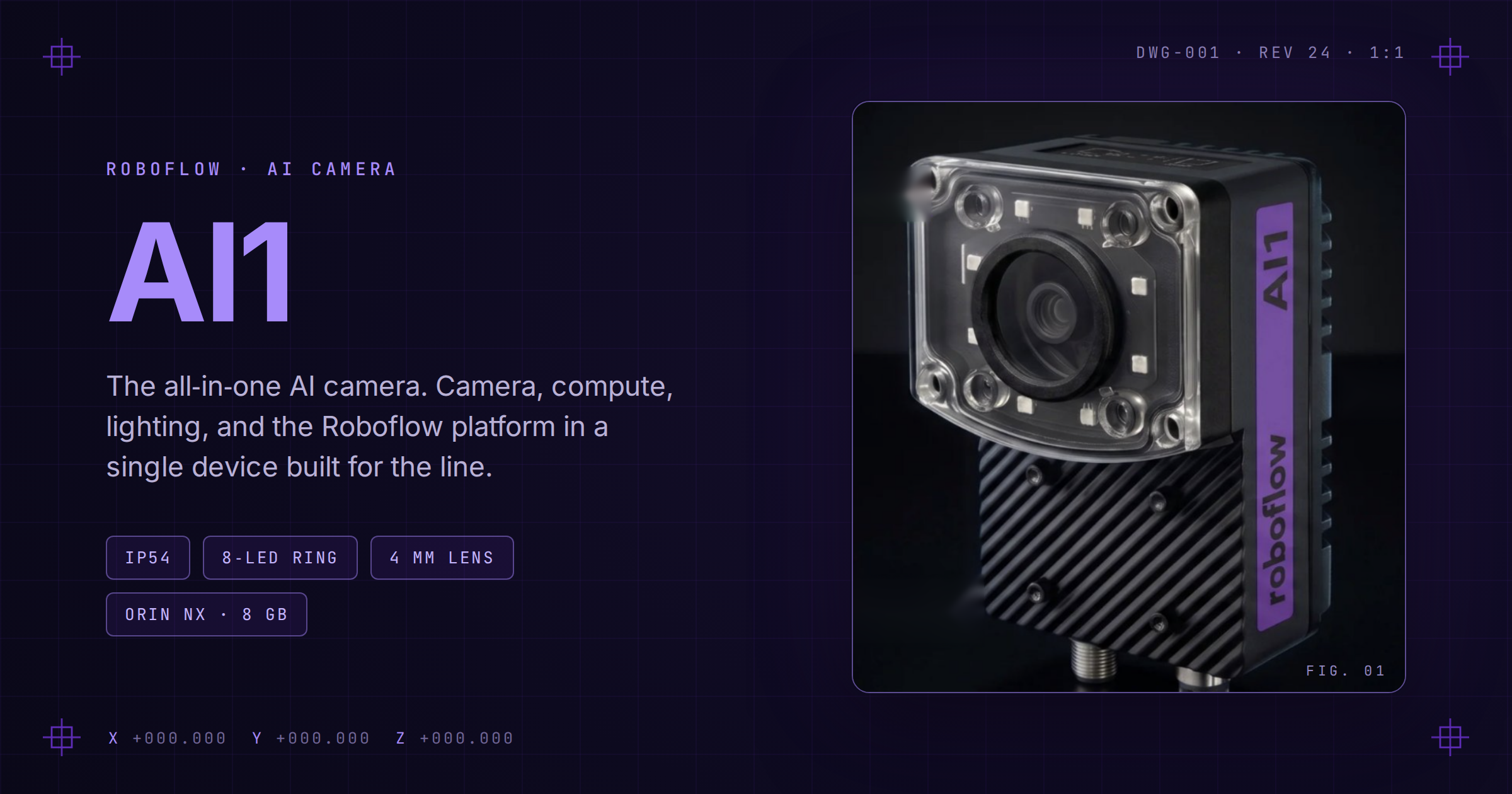
Meet Roboflow AI1
AI1 packages onboard AI compute, integrated lighting, and an industrial camera into one plug-and-play vision system.
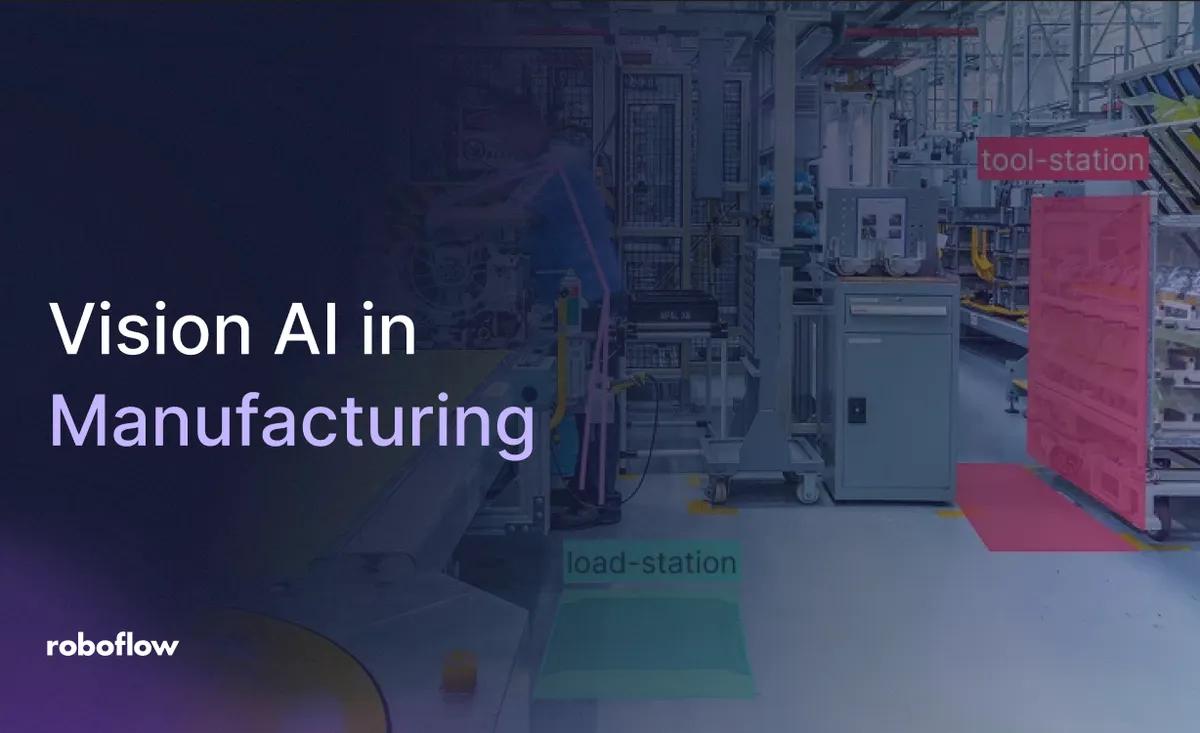
Computer Vision in Manufacturing Automation: Use Cases, ROI, and How to Deploy
Explore how manufacturing leaders deploy vision AI across quality, verification, and operations.
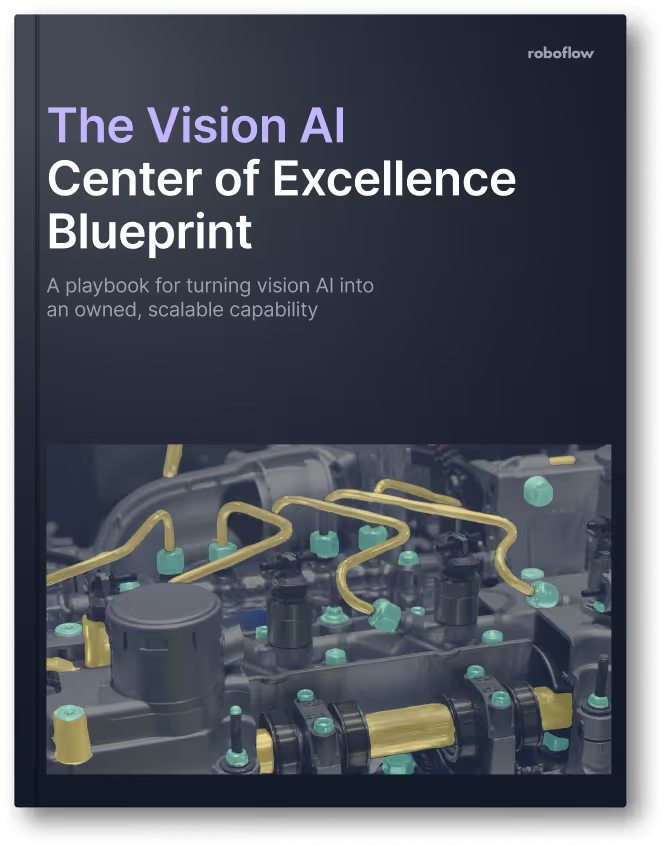
The Vision AI Center of Excellence Blueprint
A playbook for turning vision AI into a capability your own teams run, with a maturity model, the three CoE roles, and a 10-question diagnostic.
Talk to a Vision AI engineer about your Teledyne FLIR cameras.
Bring us your Teledyne FLIR stations and your toughest inspection problem, and we'll map a working solution.
Ask us about:
- Solution architecture that fits your Teledyne FLIR cameras, lenses, lighting, and line speed
- A live demo on images and video from your own Teledyne FLIR cameras
- Deployment options: Jetson at the station, edge, on-prem, or air-gapped, with results sent to your PLC or MES
- ROI modeling against scrap, rework, and manual inspection time
Over 80,000 organizations build with Roboflow.
- Rivian
- Pella
- Chobani
- USG Corporation
- BNSF Railway
- American Woodmark
Additional resources
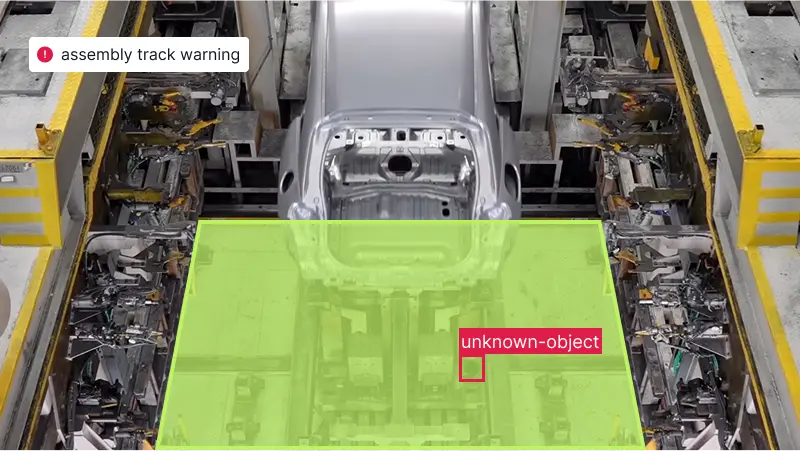
Vision AI in Automotive Manufacturing
See how automotive teams use Vision AI for assembly verification, defect detection, and safety monitoring on the line.
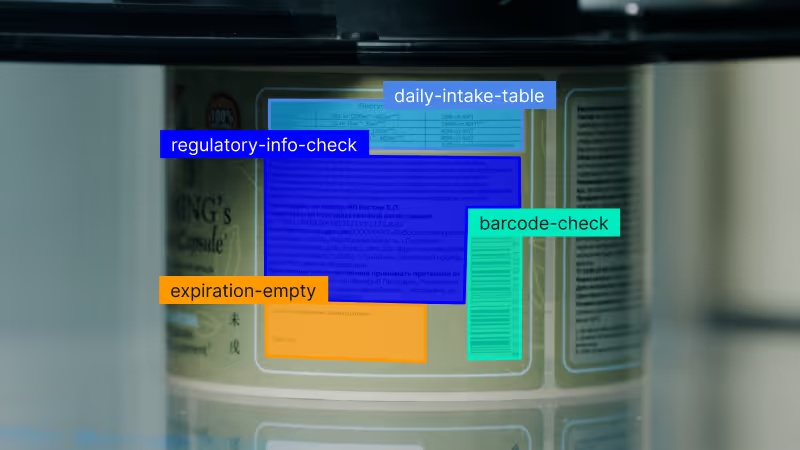
Vision AI for Consumer Goods
See how consumer goods brands automate quality inspection, packaging checks, and label verification with Vision AI.
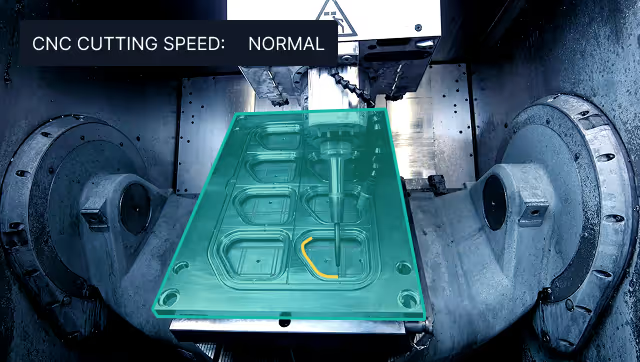
Vision AI in Industrial Manufacturing
Learn how manufacturers deploy Vision AI for quality control, worker safety, and process automation at scale.