Edge
Enterprise-scale perception.
Roboflow runs your vision models on hardware next to the line. Every decision happens on site, inspection keeps going when the network drops, and results reach your PLC as they happen. You train and check models in Roboflow Cloud and manage the fleet from there.
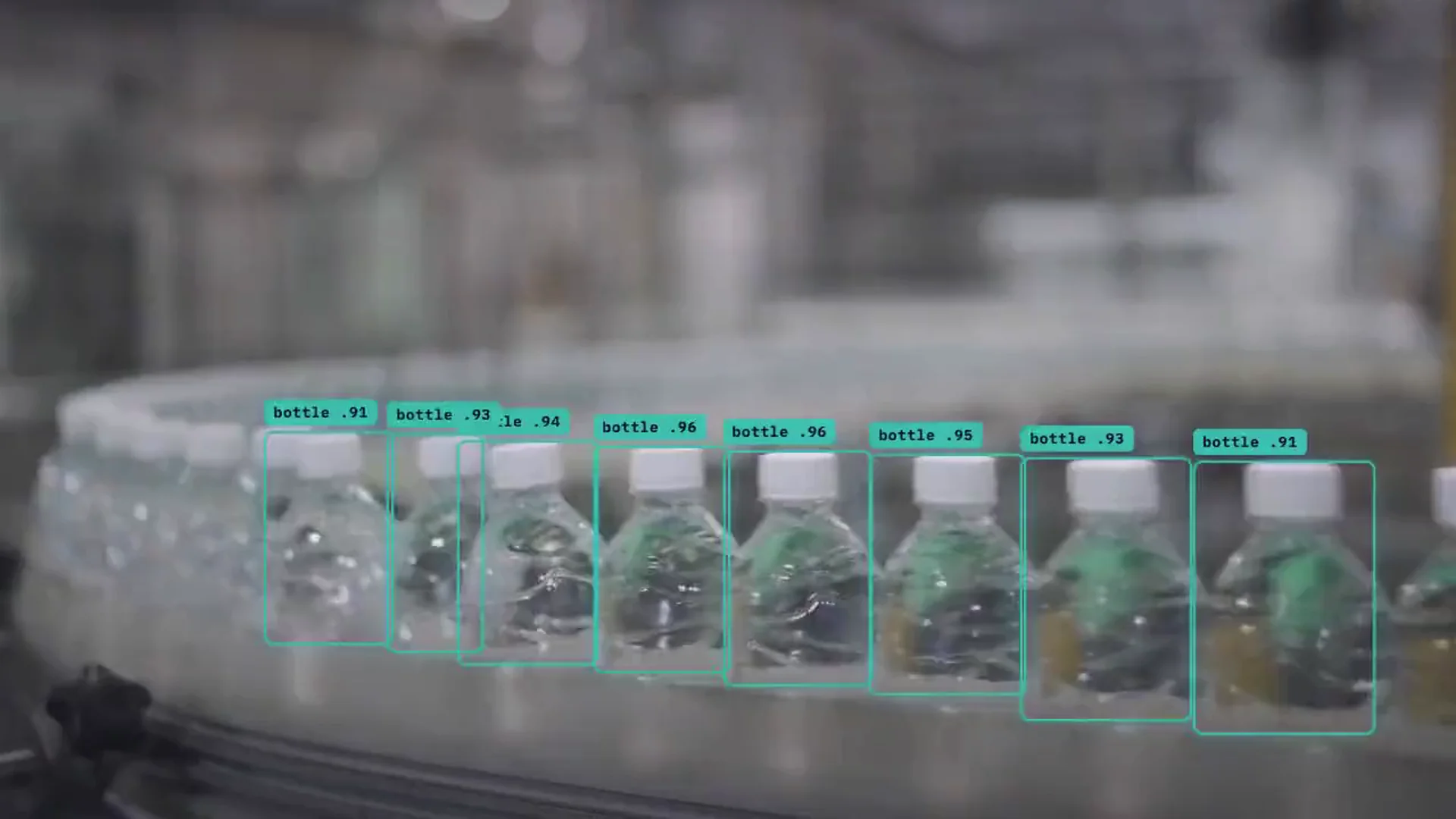
Four ways teams use Roboflow on site.
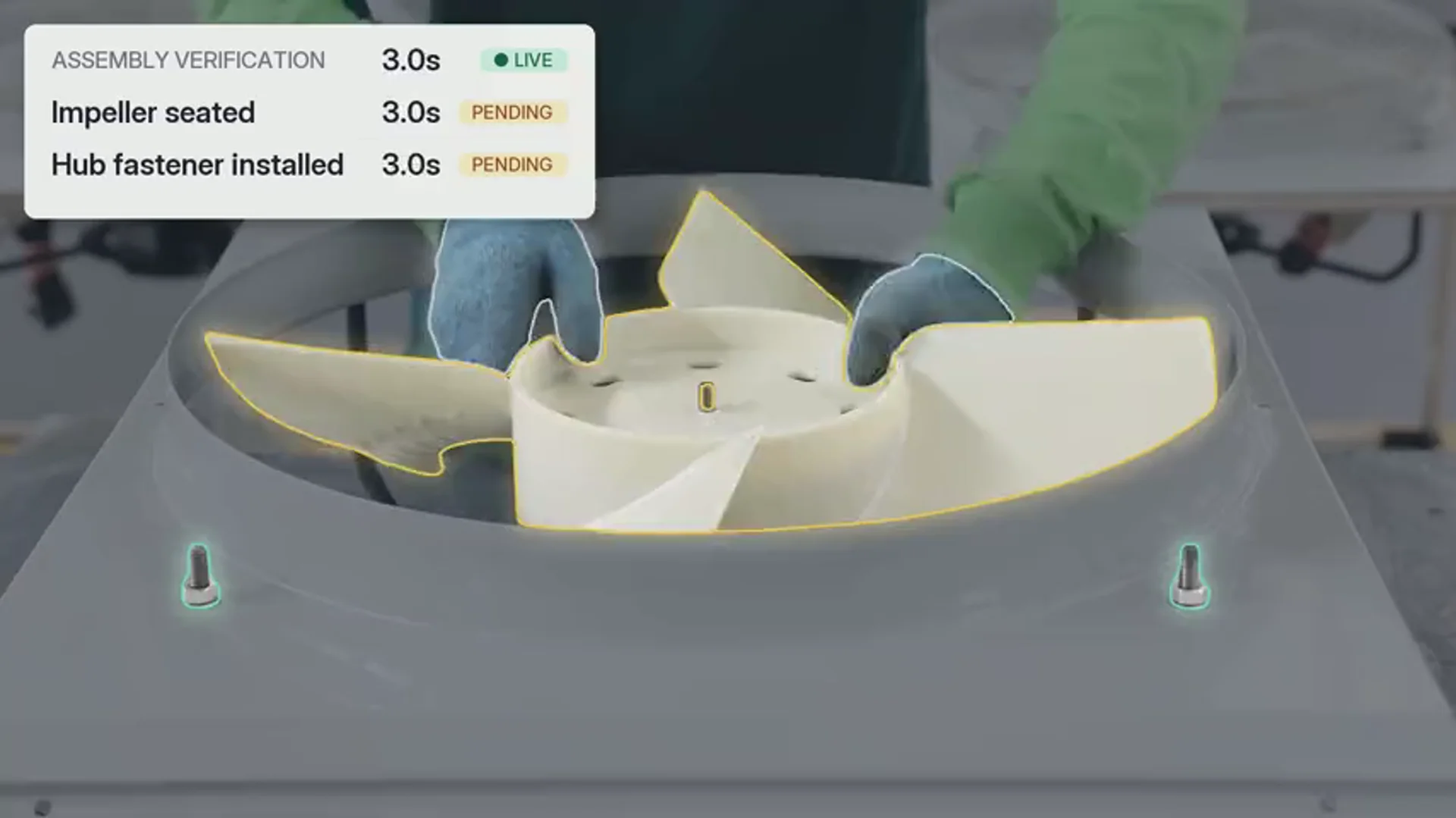
Manufacturing
Rejects any assembly with a missing part.
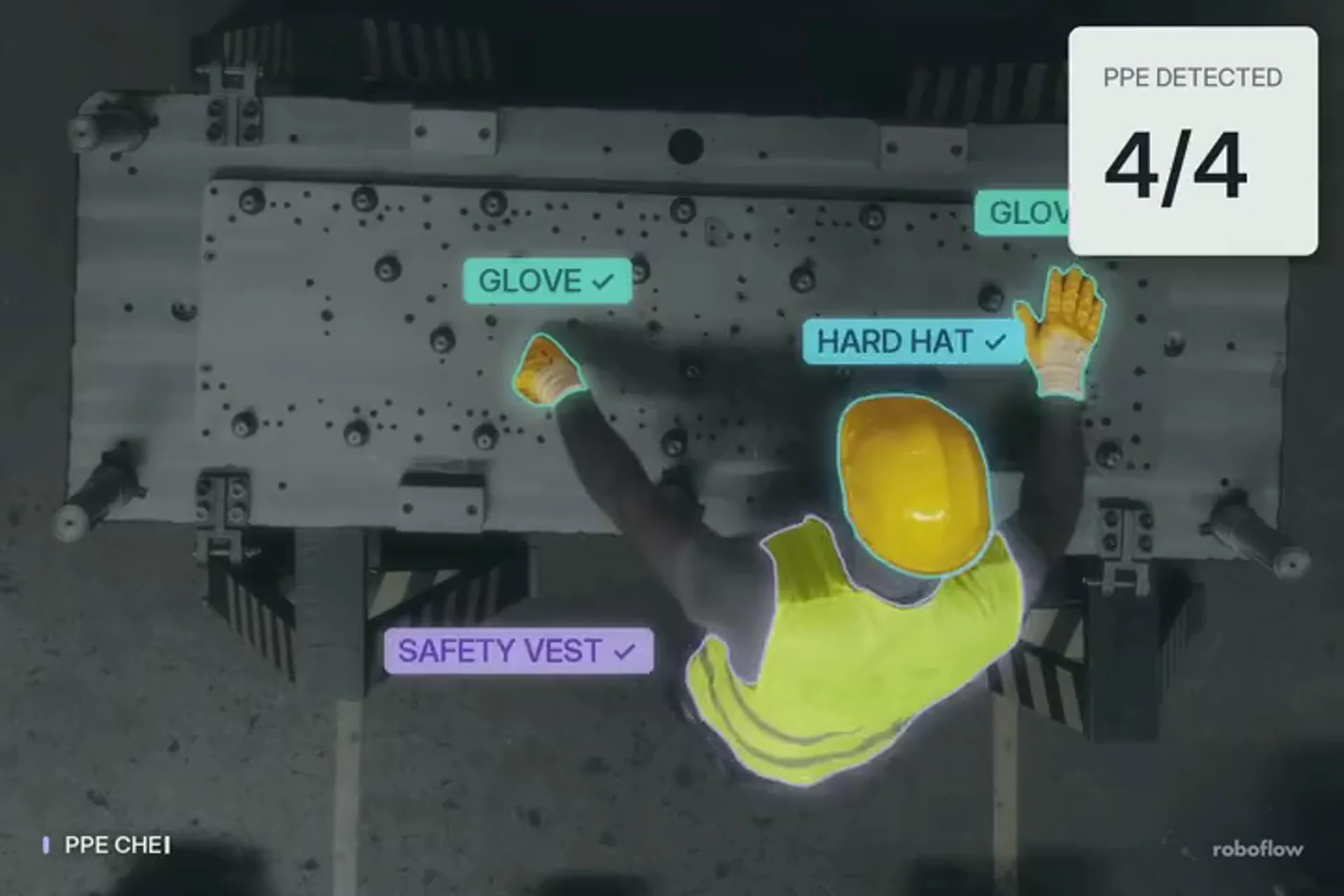
Worker safety
Alerts when someone enters the zone without a vest.
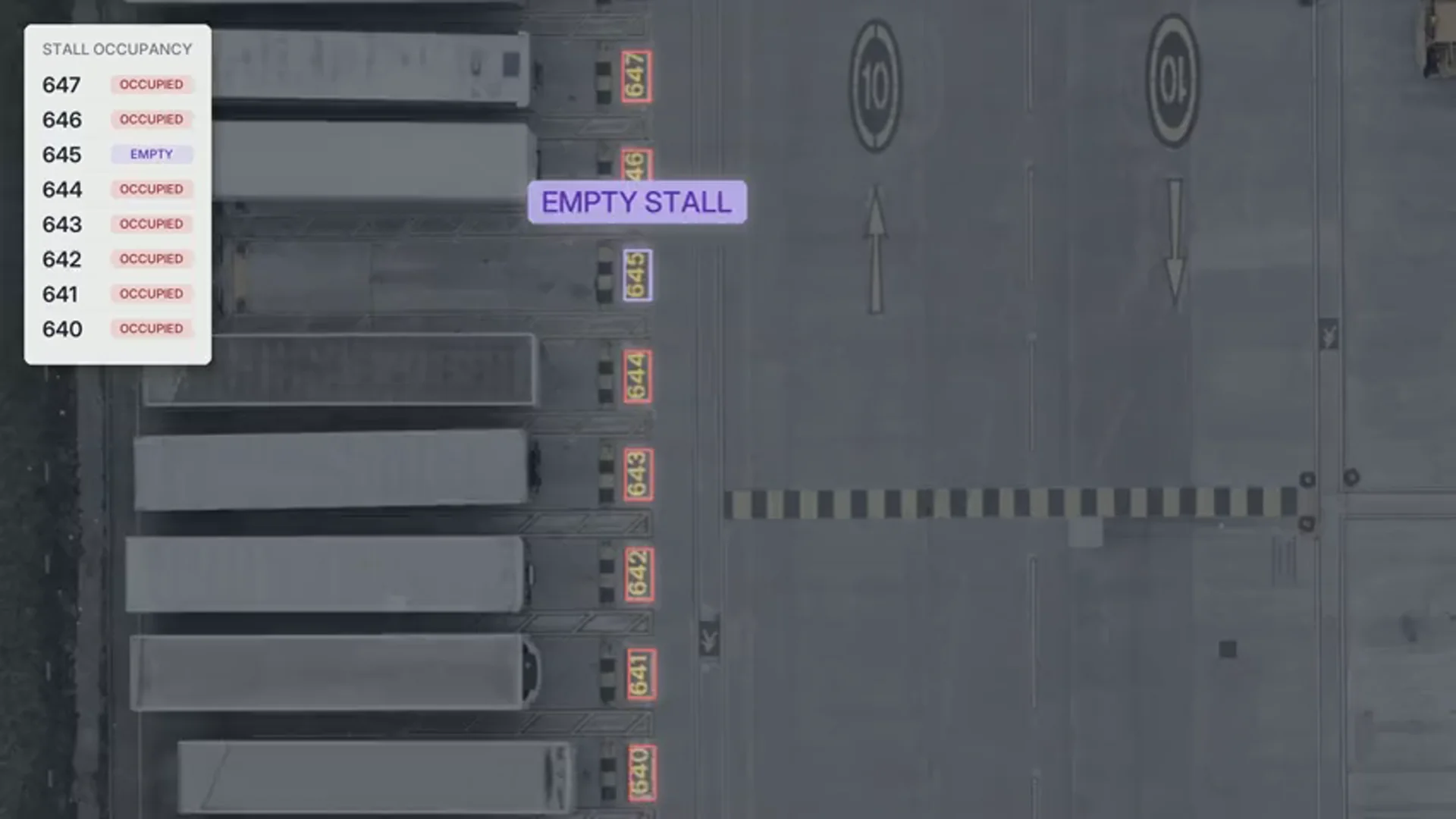
Logistics
Tells the yard system when a stall empties.
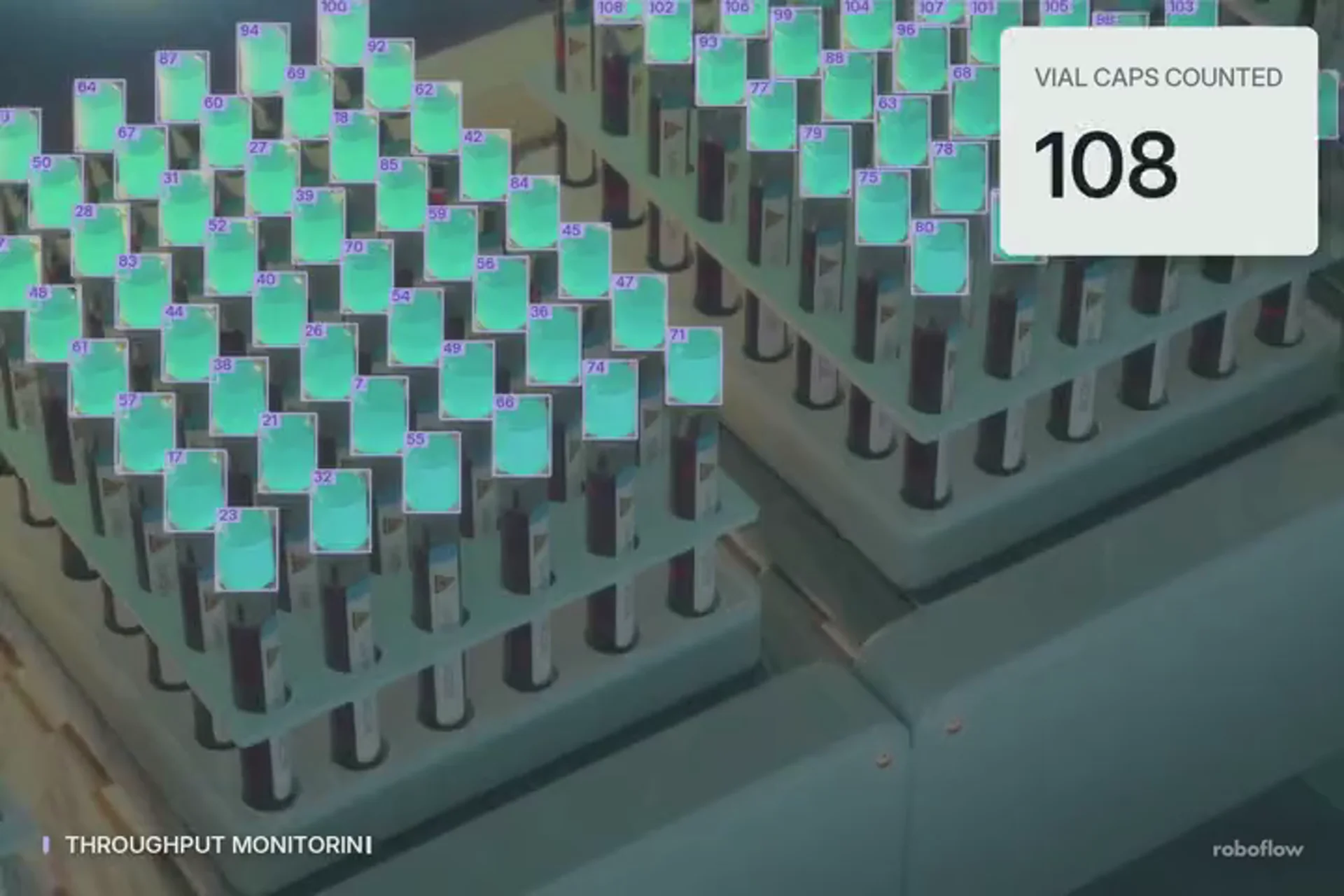
Healthcare
Stops the line when a vial has no cap.
From defect to reject on the line
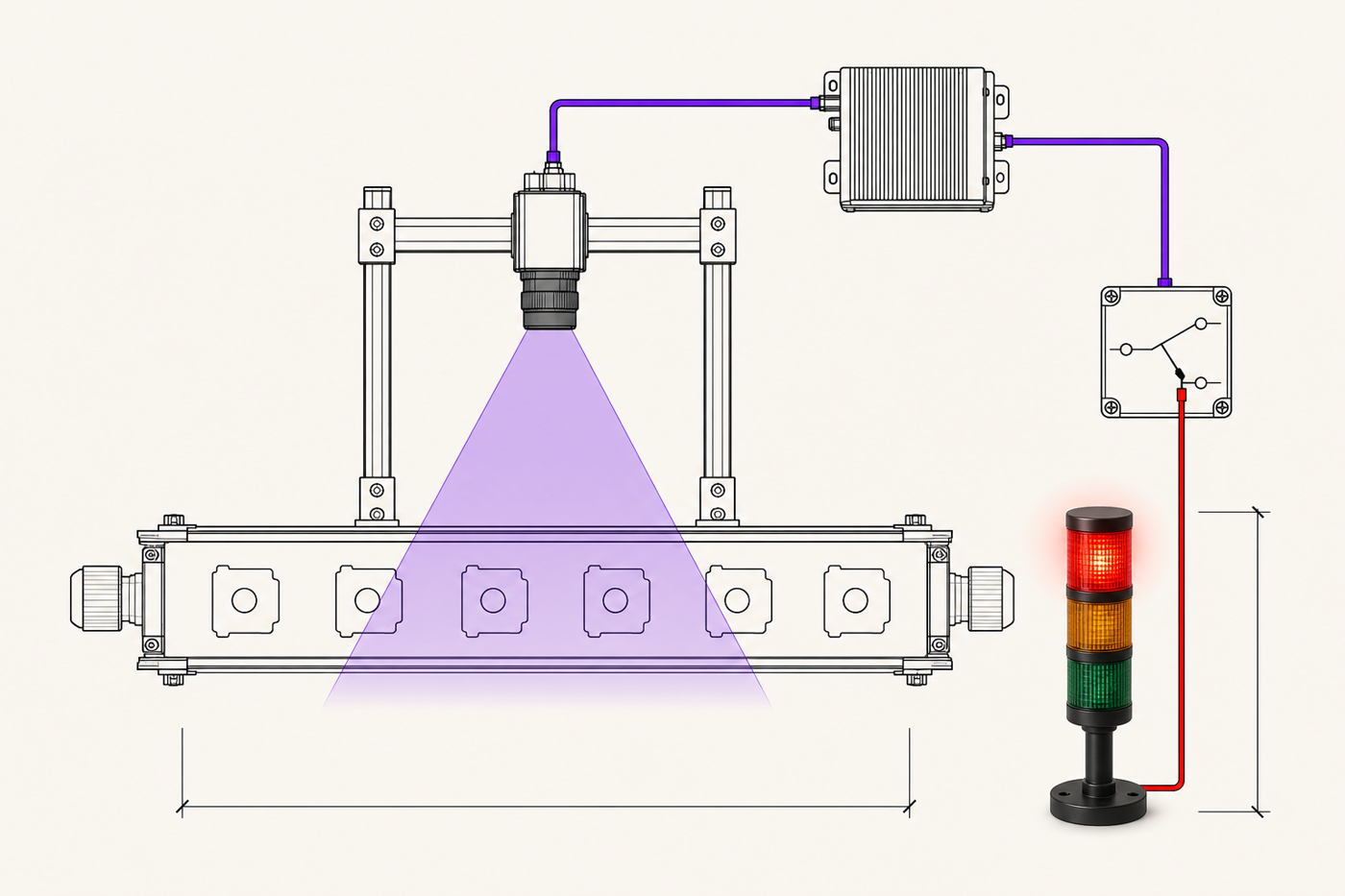
The Workflow runs next to the line, so the device decides without a round trip to the cloud. A detected defect can stop the line, fire a reject gate or light a stack light through your PLC.
- The camera sees the defect.
- On-prem compute runs the model and catches it.
- The device tells your PLC to reject the part.
- Optionally, upload images of defects or passed parts for audits and records.
Deployment Manager: every site in one console
See every device, camera and stream across your sites in one place, and change any of them without a trip to the site.
- Roll a Workflow out to one device, a device group or the whole fleet.
- Update devices over the air, with no one on site.
- Get an email when a device goes offline or loses its PLC.

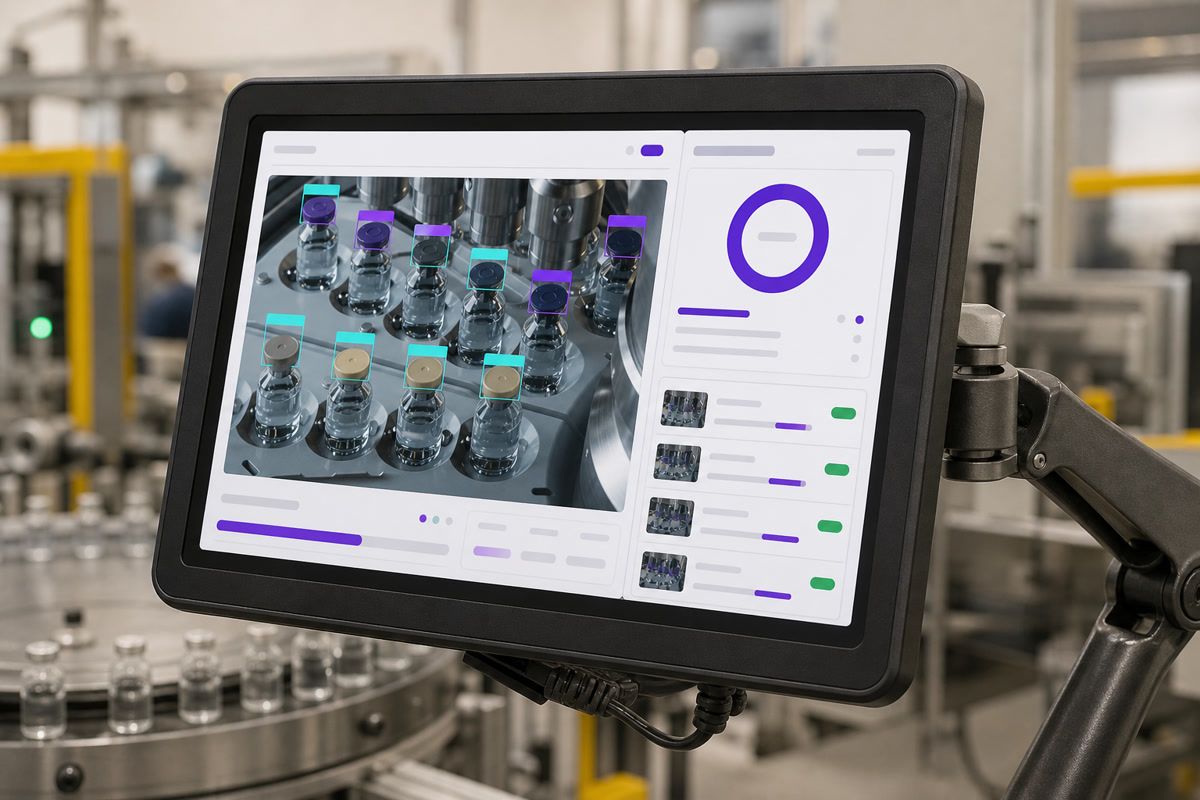
Edge HMI: operators see it live
A screen at the station shows what the camera sees, what the model found and the latest results. The device serves it over your local network, so it keeps working when the internet is down.
- It shows live video with every detection drawn on the frame.
- It lists the latest decisions, such as pass, fail or reject, as they happen.
- You set the layout for each line.
Secure Gateway: one way out to the internet
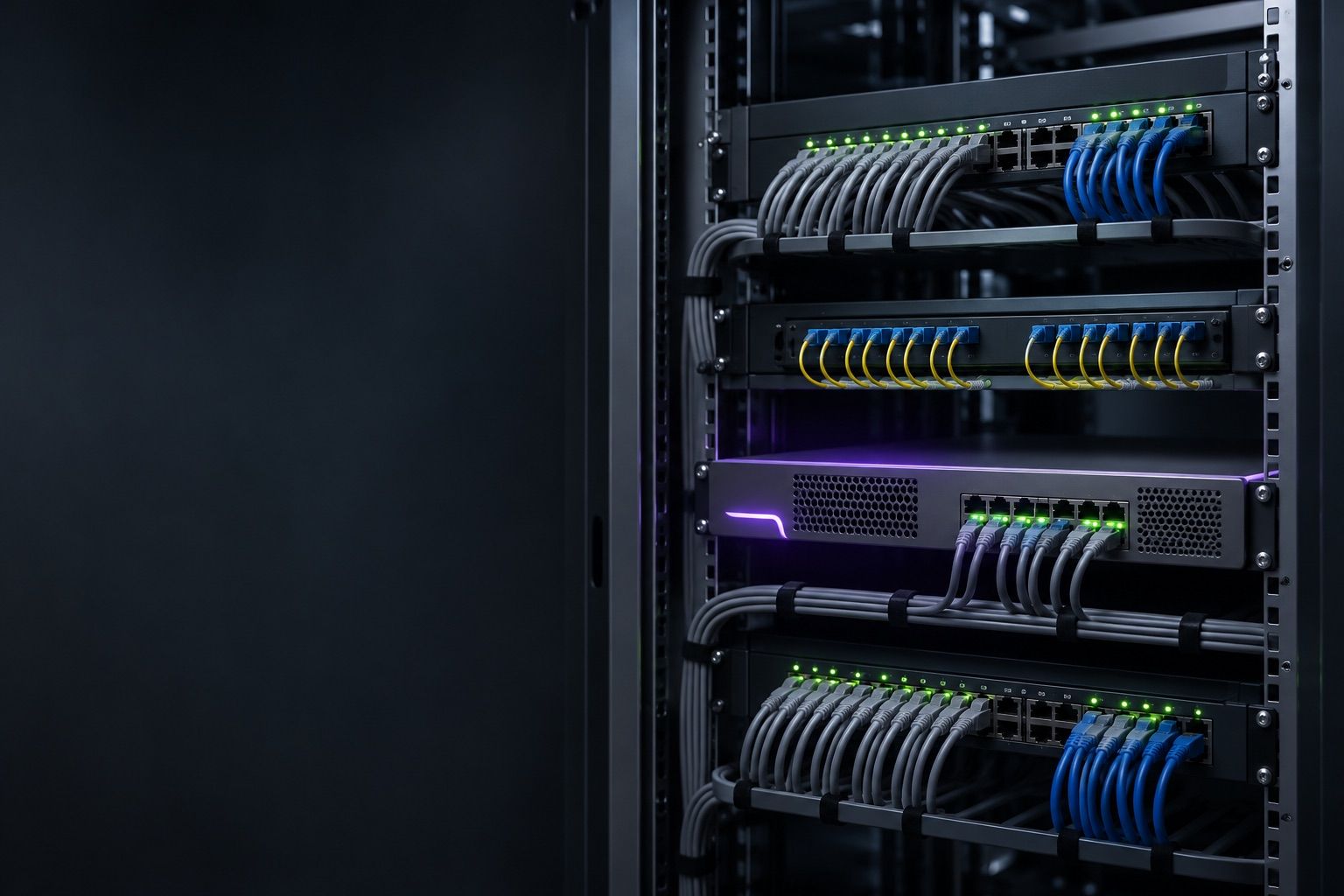
Devices on your OT network never touch the internet. Secure Gateway runs on your own server in your IT network and is the only machine that talks to Roboflow.
- It connects outbound on port 443 only, so you open no inbound ports.
- It caches models for the whole site.
- It logs every request to your SIEM.
- Devices keep talking to your PLCs, MQTT broker and HMIs on the OT network.
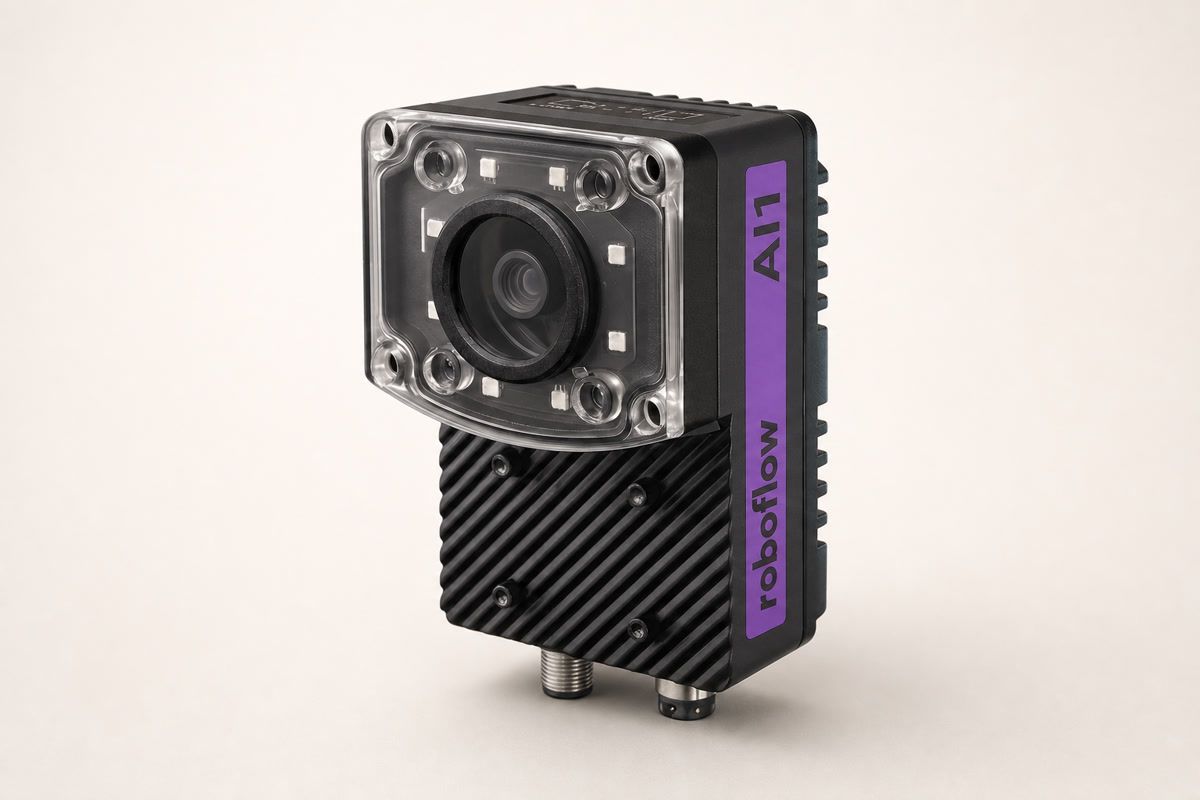
AI1: camera, light and compute in one device
Mount AI1 over a station and it handles the whole inspection. The Workflow runs on the camera itself, so each part gets its pass or fail in milliseconds, with no separate computer and no trip to the cloud.
- An 8 MP sensor at 4K and 30 fps, with a 4 mm lens, electronic focus and a built-in ring light.
- NVIDIA Jetson Orin NX with 8 GB of memory and 256 GB of storage.
- Signals your PLC over EtherNet/IP, PROFINET, Modbus TCP or OPC UA, or publishes to MQTT.
- Records every part as a structured event for your MES, ERP or BI tools.
- IP54, 24V DC and M12 Gigabit Ethernet, with five years of over-the-air updates.
Hardware sized to the job
Start with one smart camera at one station, or run eight or more cameras from one box. Every option runs on NVIDIA compute.
- AI1 puts the camera, a ring light and Jetson compute in one IP54 housing.
- RF-NX16 powers its cameras over PoE; RF-AGX64 adds 10GbE for more cameras and line scan.
- RF-THOR128 runs vision-language models on site for eight or more streams.
- Or run Roboflow on your own x86 server with NVIDIA GPUs.
- Keep the cameras you have. Legacy machine vision inspections already on the line can send their images to Roboflow.
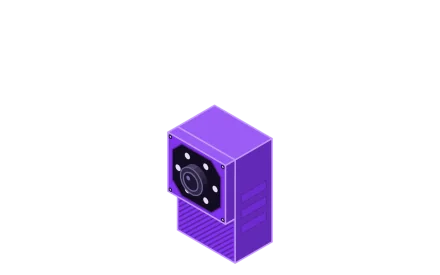 AI1Orin NX 8GB1× GbE, M128 MP sensor, IP541 stream
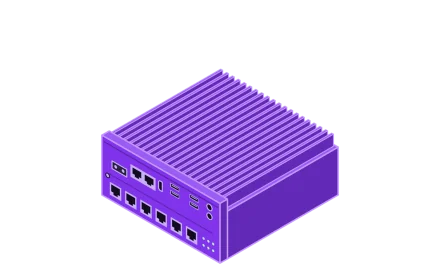 RF-NX16Orin NX 16GB6× GbE PoE + 2× GbE150 W PoE budget1–4 streamsRF-NX16 Spec Sheet
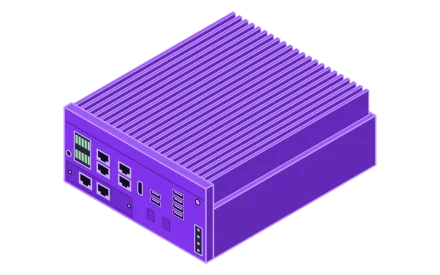 RF-AGX64AGX Orin 64GB4× GbE PoE + 2× 10GbE4+ streams, line scanRF-AGX64 Spec Sheet
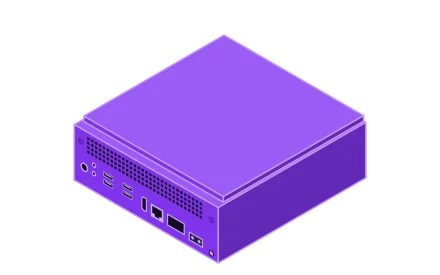 RF-THOR128Thor T5000 128GB1× 5GbE + 4× 25GbE8+ streams, edge VLM inferenceRF-THOR128 Spec Sheet
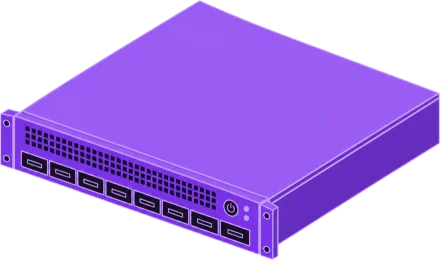 GPU serverNVIDIA GPUHardware-dependent performance
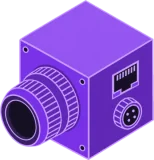 GigE area scan
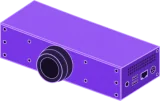 Line scan
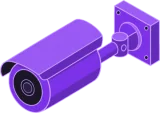 IP cameras
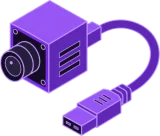 USB
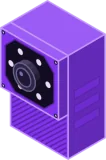 AI1 built-in
RoboflowOS: The Industrial Jetson OS
RoboflowOS is the operating system on every Roboflow Jetson device, built to be embedded in your equipment. Every device runs the same locked-down OS, and you update it without sending anyone to the site.
- The root filesystem is read-only, so nothing running on the device can change the OS.
- OS and security updates install over the air, checked against Roboflow’s update repository.
- Each update installs to a second, idle system slot, and the device rolls back if the new slot fails to boot.
- Each Jetson board, from AI1 to AGX Orin, gets its own build with NVIDIA drivers matched to the hardware.
Each device turns camera frames into results your systems can use.
 AI1Built-in 8 MP camera
Inspection runs on site in all three network modes.
Connected
DefaultDevices reach Roboflow Cloud over one outbound connection.
- Training
- Roboflow Cloud
- How models arrive
- Over the air, and Secure Gateway can cache them for the whole site.
- Internet
- Outbound on port 443 only, with no inbound ports.
- Best for
- Most plants.
Air-gapped
Devices run on a closed network once the model is on them.
- Training
- Roboflow Cloud
- How models arrive
- Downloaded once, then cached on the device.
- Internet
- Only to download or refresh a model.
- Best for
- Sites whose devices can’t reach the internet, or can’t count on it.
Fully on-prem
Regulated sites onlyRoboflow runs on your own servers, with no cloud at all.
- Training
- Your own servers
- How models arrive
- From your Roboflow install, over your own network.
- Internet
- None.
- Best for
- Regulated sites that can’t train models in the cloud.