Cloud Streaming
Turn live video into intelligence.
Run real-time AI video analytics on your existing cameras. Build, update, and scale vision applications without buying or managing dedicated inference hardware.
Start with 100 free stream-hours**Free plan’s 10 credits at the base rate for smaller workloads.
Camera to cloud
The camera has to be where the action is. The compute doesn’t.
Keep cameras where they’re useful: on a production line, above a loading dock, or in the arena. Bring cloud video analytics to your existing IP cameras with the Roboflow Connector.
Get Started Immediately
Connect your existing cameras and start building, without provisioning an inference server.
Scale With Demand
Add streams and expand your applications without managing a fleet of inference servers. Roboflow handles resource allocation.
No Upfront Hardware Investment
Run vision AI without buying dedicated inference hardware. Use your existing cameras and pay for processing as you go.
Iterate Efficiently
Test new versions, switch vision applications, or run multiple workloads on one stream, without any code changes.
IP camera / NVR
USB camera
Roboflow Connector
Runs on a local machine
Your vision application. Intelligence from every stream.
Models + logic + integrationsCompatible camera, drone, or app
Your vision application. Intelligence from every stream.
Models + logic + integrationsYour vision application. Intelligence from every stream.
Models + logic + integrationsBring existing cameras
The connector automatically discovers compatible cameras on your local network and connects to USB and RTSP sources. It is outbound-only, so your local network doesn’t need to be publicly exposed.
Already publishing a stream?
Send a compatible RTMP or WHIP feed directly. That includes supported encoders and streaming apps, without installing the connector.
Vision Solutions
From data to intelligence. In three steps.
Connect your video.
Run the connector to discover cameras on your local network and send video outbound, or publish a compatible stream directly.
Camera → cloudBuild your vision application.
Combine models, logic, and integrations with Roboflow Workflows, then start processing.
Your video → vision intelligencePut the results to work.
See annotated video and structured results. Send useful events to your systems through configured integrations.
Predictions → actions
More than a model. A working system.
Build custom video analytics with a visual, no-code builder. Combine object detection, tracking, text recognition, and integrations in a runtime built for computer vision.
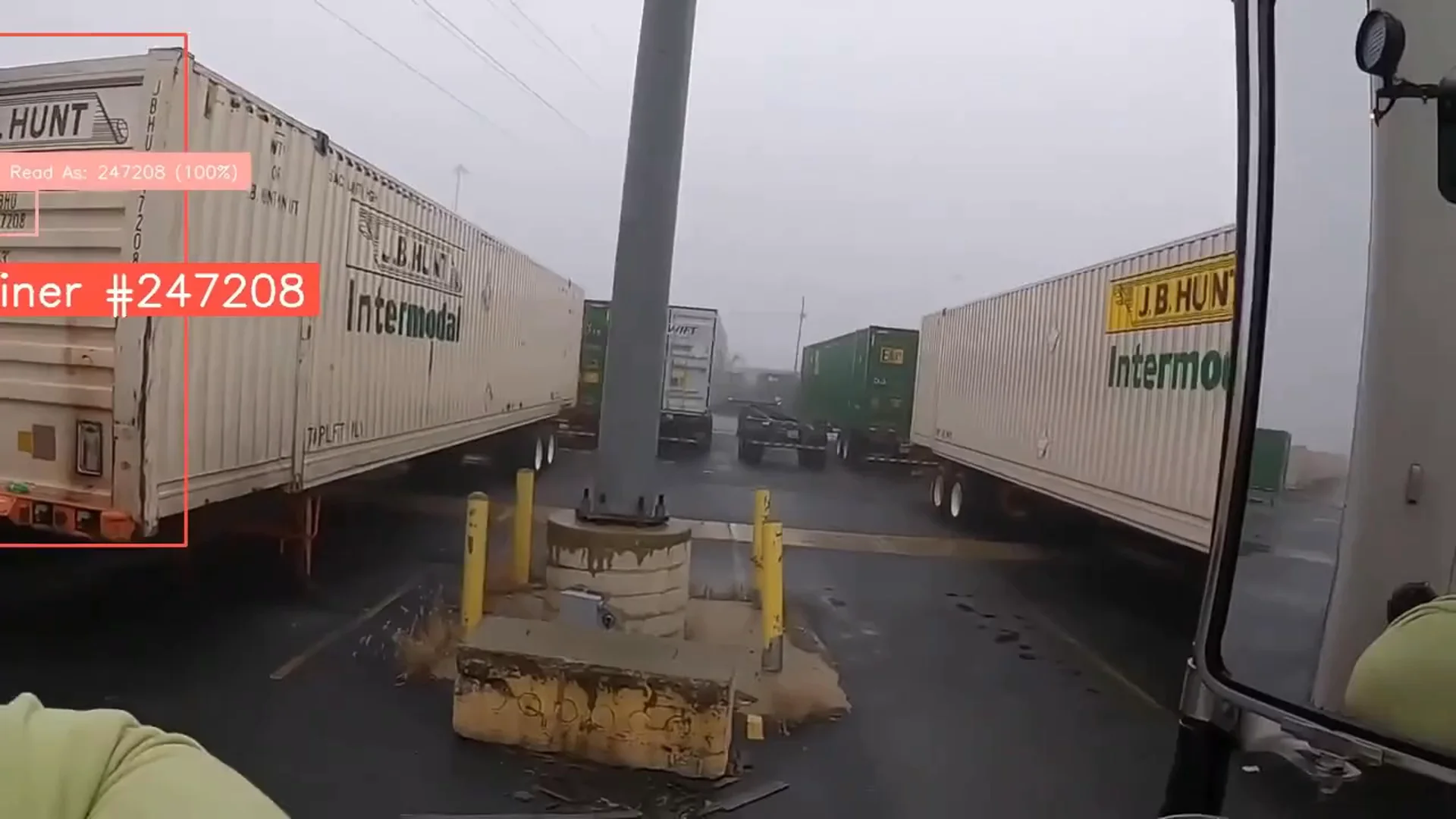
Example / Container ID logging
Camera → vision application → results
Your vision application
Detect container
Find and track each container
Crop ID region
Focus on the relevant text
Read text
Use video OCR for container ID recognition
Send record
Configure an integration
Useful outputs
Annotated video
See detected containers and IDs
Container ID + timestamp
Turn observations into records
Send to your system
Through a configured integration
{"container_id": "MSCU1234567","timestamp": "2026-10-20T09:00:00Z"}Your next use case is already on camera.
Start with a question about what’s happening. Build a computer vision solution that turns video into a useful answer.
 01 / Count
Count what moves.
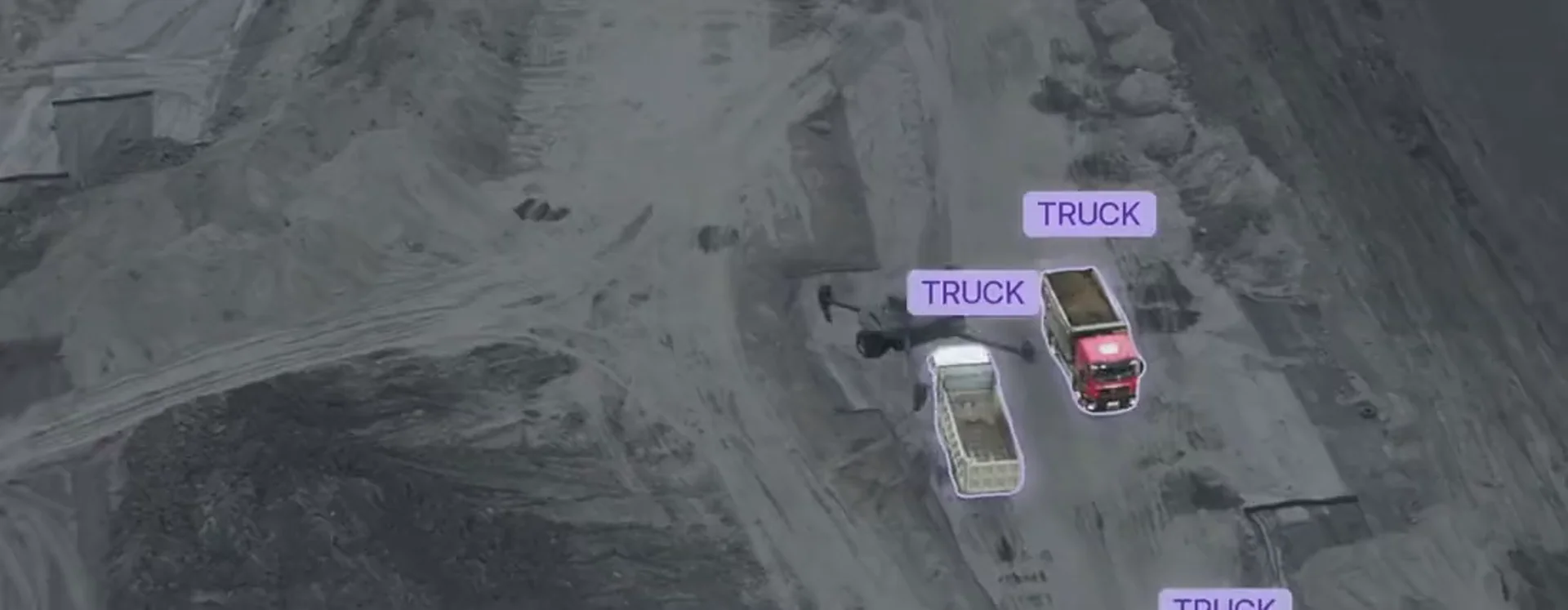
Use vehicle counting and object tracking to measure traffic through a zone. Combine detection, tracking, and a counter to understand flow.
Objects → tracks → counts
- 02 / Monitor
See where activity builds.
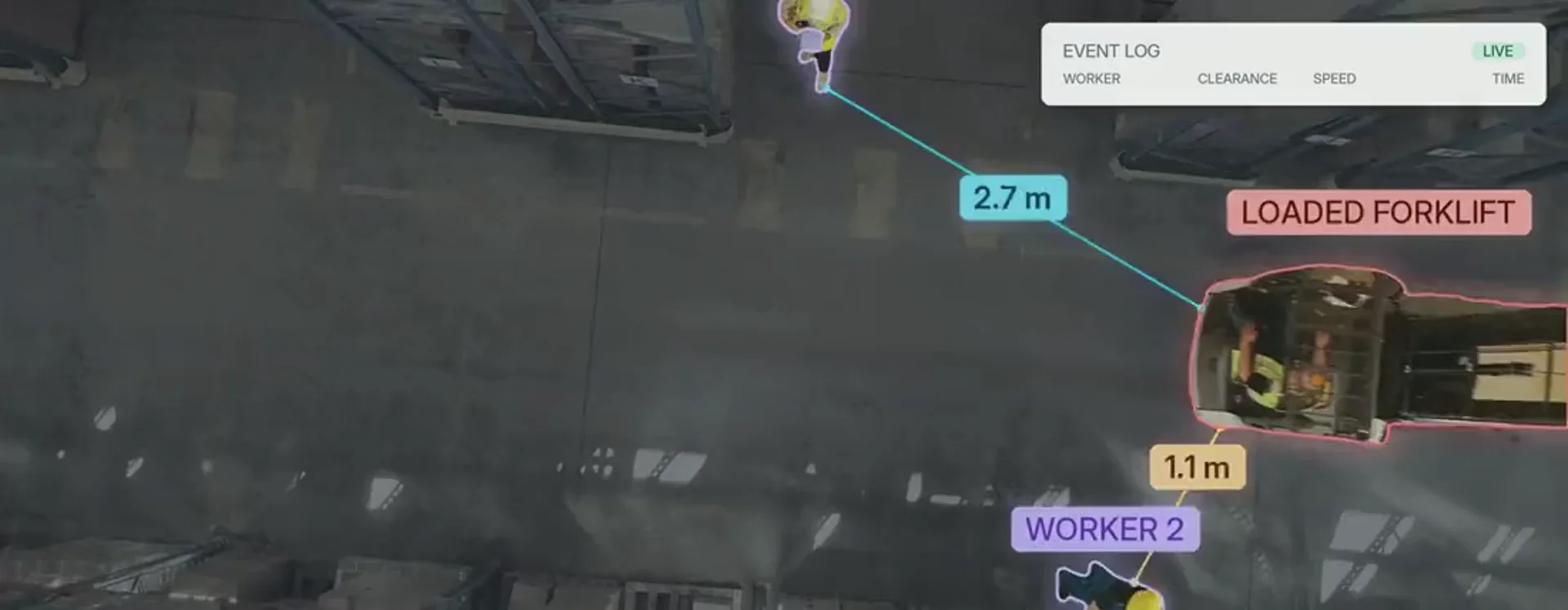
Use warehouse video analytics for occupancy monitoring and to track movement around equipment. Route selected events for review.
Detections → zones → events
 03 / Inspect
Check the process.
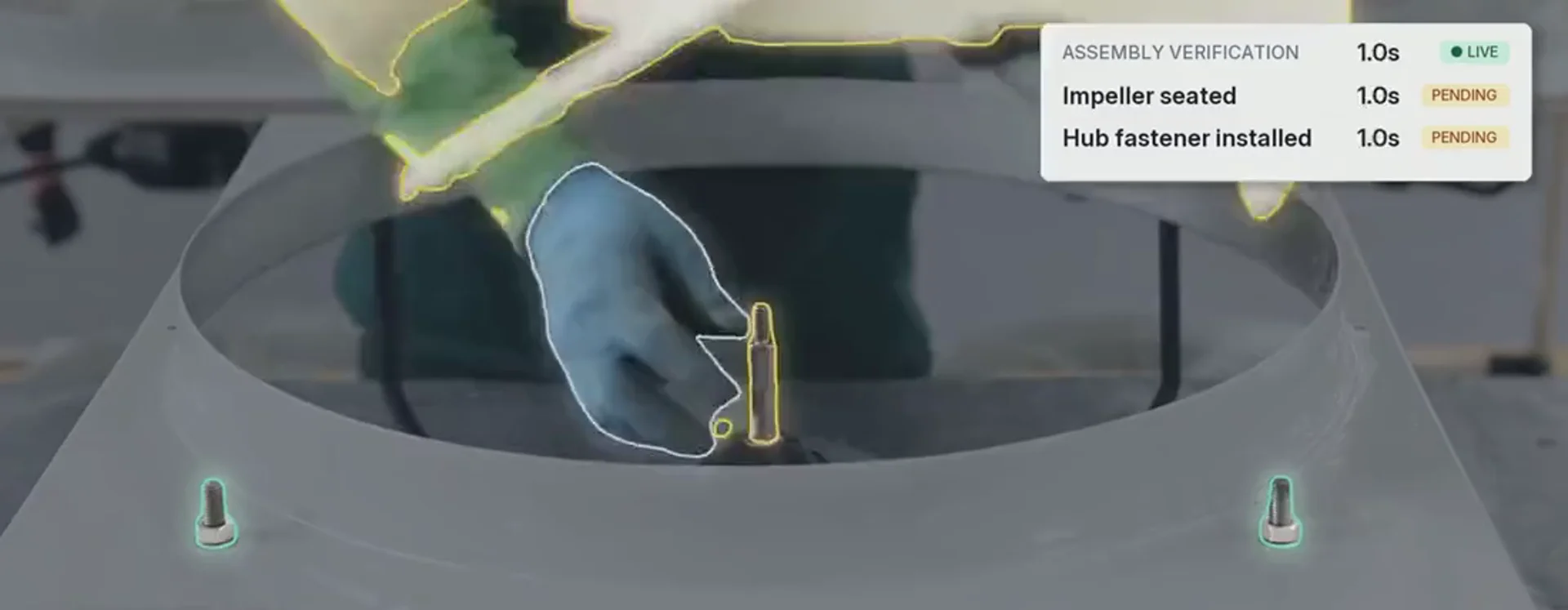
Use visual inspection and manufacturing video analytics to find missing components or unexpected conditions. Flag examples for review with model outputs and logic.
Model → conditions → review
Built for the real world
Built for continuous operation.
Keep processing beyond the browser, recover from supported interruptions, and get notified when a connector goes offline.
Know when a connector goes offline
Configure email notifications for connector-backed streams so the right people know when connectivity needs attention.
Keep processing beyond the browser
Persistent processing continues after you leave the page. Temporary browser and Agent previews have a different lifecycle.
- ProcessingVideo reaches your vision application
- Source offlineCamera or connection drops
- Waiting for videoPersistent processing stays enabled
- Processing resumesVideo returns; execution restarts
Usage-based pricing
Run when you need it. Stop when you’re done.
Processing is metered by time and the GPU resources your vision application uses. Estimate your usage by operating hours and number of streams.
Starting at 0.1 credits per hour.
17.38credits / month
1 stream × 173.8 h/month × 0.1 credits/h
- Scheduled hours / stream
- 173.8 h
- Total stream-hours
- 173.8 h
- Hourly rate / stream
- 0.1 credits
Estimates use a 365-day year averaged across 12 months. This estimate uses the starting rate of 0.1 credits/hour. Actual rates depend on required resources and plan. Roboflow allocates resources automatically.
A few practical details
Good questions. Clear answers.
Add AI video analytics to existing USB cameras and RTSP sources, including compatible IP cameras and NVR channels, with the Roboflow Connector. Compatible encoders or streaming apps can publish directly over RTMP/WHIP.
For USB and RTSP sources, a connector runs on a machine near the cameras to capture and send video. Roboflow runs your vision application on managed cloud GPUs, so you don’t need to operate your own infrastructure.
View annotated video from a Workflow image output and inspect structured results. Configure Webhook Sink or other supported integration blocks to send selected results to your systems.
Persistent processing continues independently of an open viewer. Temporary browser-camera and Agent preview sessions have separate lifecycles.
Processing uses credits based on elapsed processing time and allocated GPU resources, including initial testing and validation. The app shows an estimated rate before starting. Workspace-specific rates may apply.
Roboflow automatically sizes the infrastructure for your vision application and adjusts the resource allocation when more capacity is needed. We manage the compute so you can focus on your vision application.
Your next stream
Ready when you are
Put your cameras
to work.
Bring the video. Build your vision application. Let Roboflow handle the compute.
Start with 100 free stream-hours**Free plan’s 10 credits at the base rate for smaller workloads.