Is it free to convert Google Cloud AutoML Vision CSV to Tensorflow Object Detection CSV?
Yes! It is free to convert Google Cloud AutoML Vision CSV data into the Tensorflow Object Detection CSV format on the Roboflow platform.
Convert annotation formats
In this guide, we show you how to convert data between the AutoML Vision and Tensorflow CSV formats for free. You can use your converted data to train models and other models that support the Tensorflow CSV format.
Convert with an AI agent
Claude Code, Cursor, Codex or any agent with the Roboflow MCP uploads your Google Cloud AutoML Vision CSV dataset to Roboflow, generates a version and downloads it as Tensorflow Object Detection CSV.


No Roboflow MCP yet? The prompt has your agent set it up first, or connect your agent before you paste it.
Rather convert it by hand? Follow the steps below
Yes! It is free to convert Google Cloud AutoML Vision CSV data into the Tensorflow Object Detection CSV format on the Roboflow platform.
The CSV format needed for Google's AutoML Vision tool.
The intermediate human-readable format prior to creating a TFRecord.
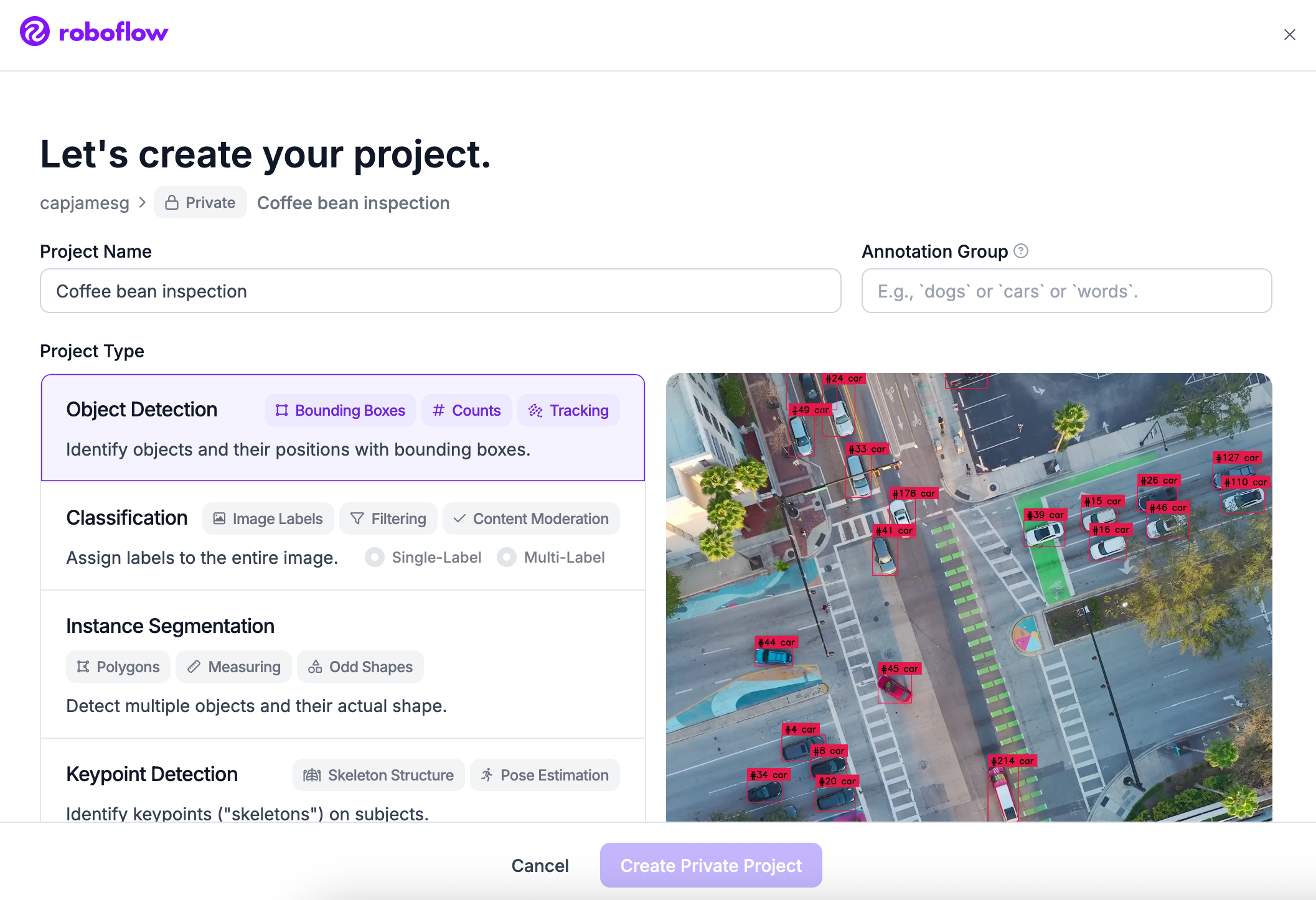
Once your account has been created, click Create New Project. (opens in a new tab)
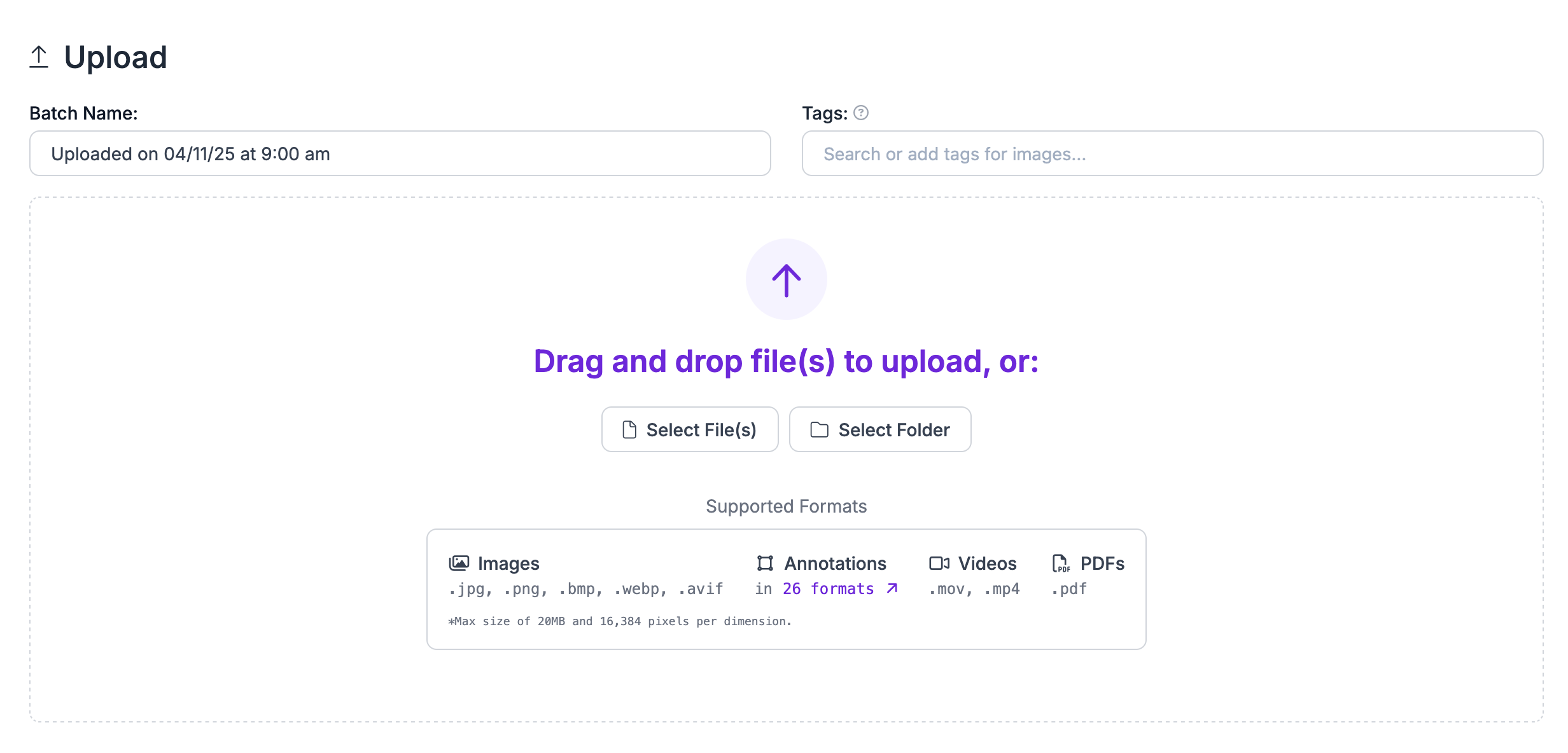
Upload your data to Roboflow by dragging and dropping your Google Cloud AutoML Vision CSV images and annotations into the upload space.
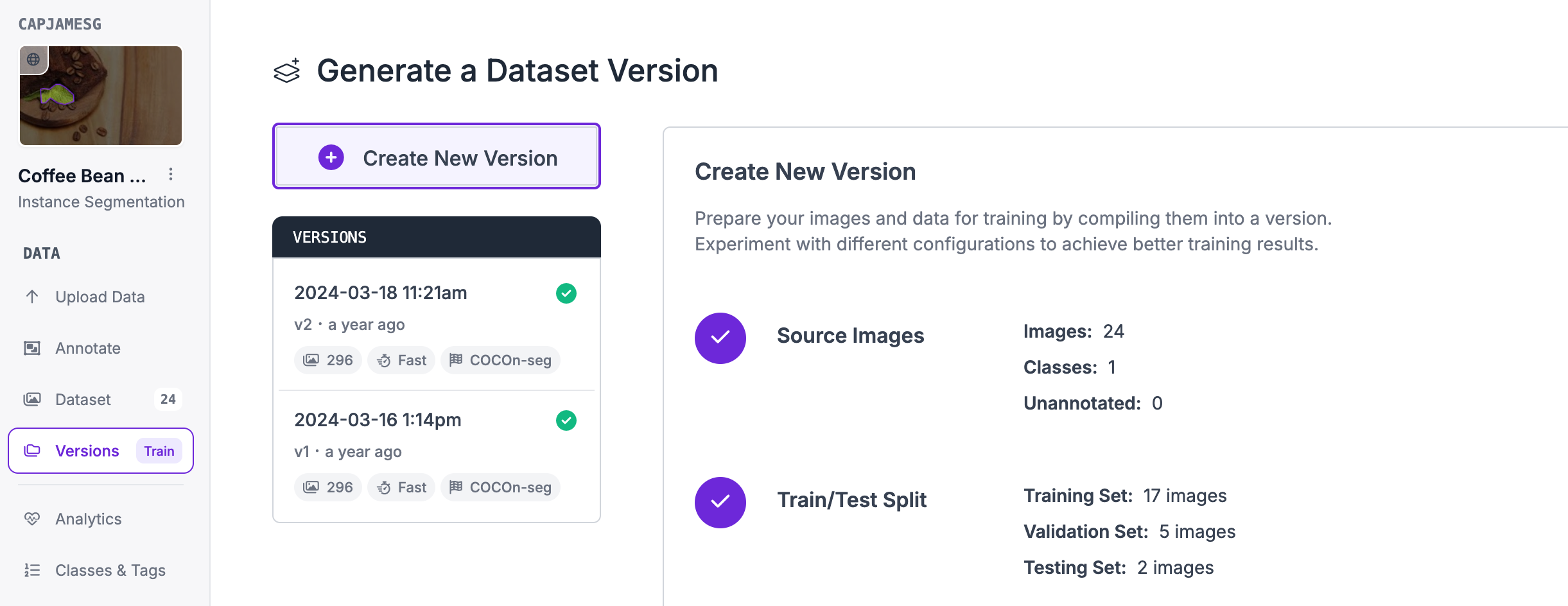
Next, click "Generate New Version" to generate a new version of your dataset:
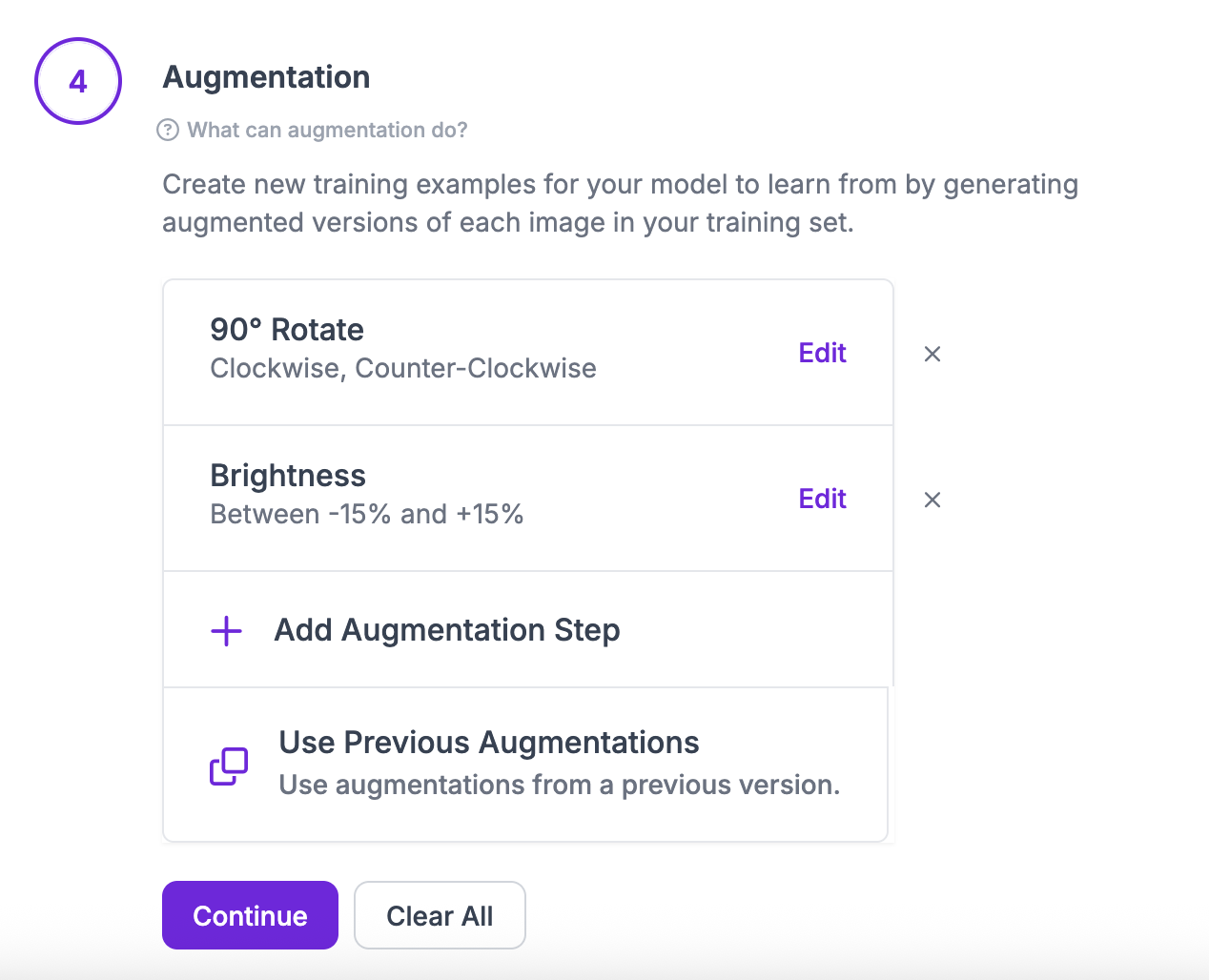
You can then apply any preprocessing or augmentation steps to your dataset:
After generating, you will be prompted to Export your dataset. You can choose to receive your dataset as a .zip file or a curl download link. Choose Tensorflow Object Detection CSV when asked in what format you want to export your data. You will see a dropdown with various options like this:
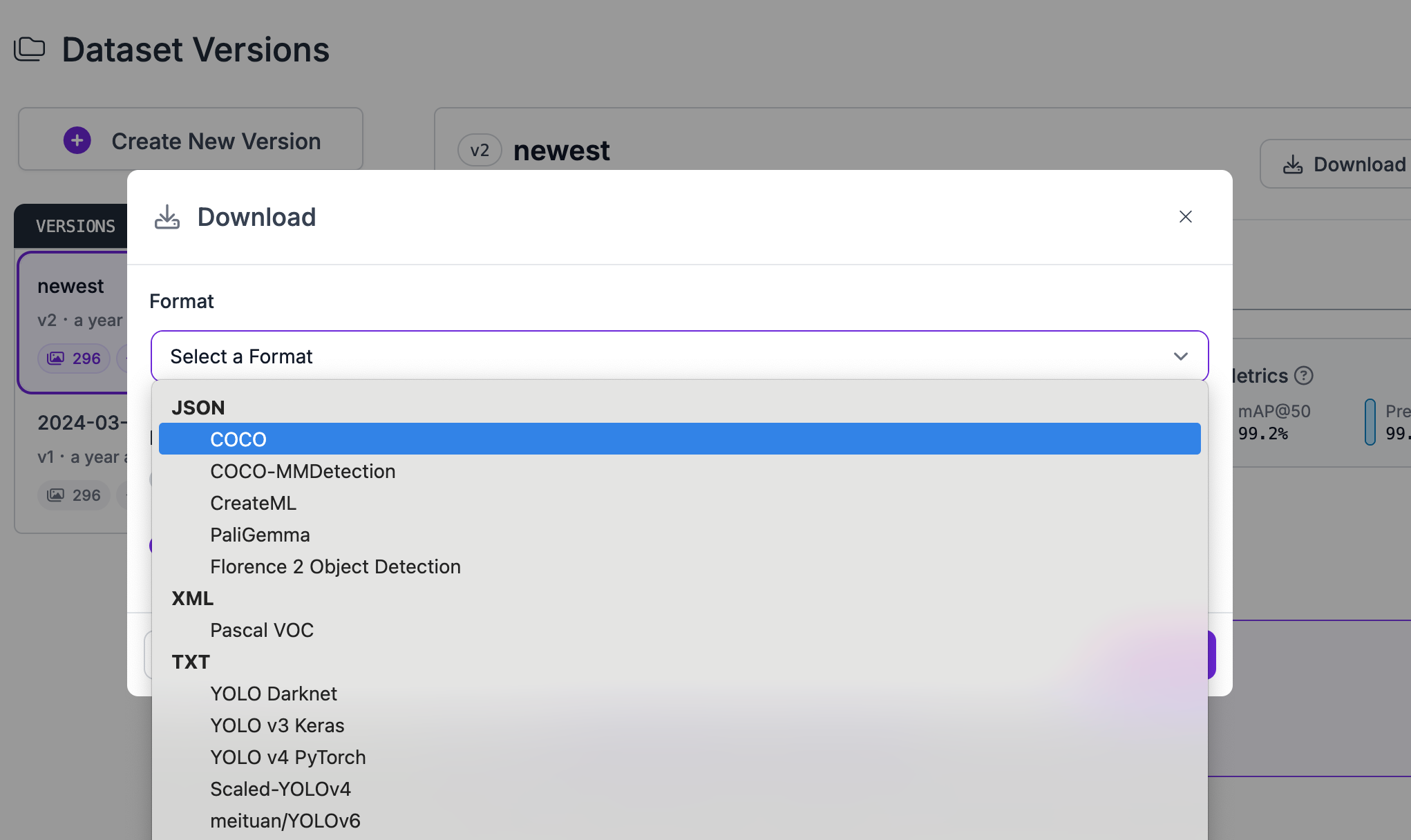
Congratulations, you have successfully converted your dataset from Google Cloud AutoML Vision CSV format to Tensorflow Object Detection CSV format!

Convert Computer Vision Annotation Formats Tutorial
Want to dive deeper into converting annotation formats with Roboflow? In the tutorial below, we explore how to convert your data in the Roboflow dashboard. We also discuss rejecting annotations and train-test-validation splits.
Yes! It is free to convert Google Cloud AutoML Vision CSV data into the Tensorflow Object Detection CSV format on the Roboflow platform.
If you have between a few and a few thousand images, converting data between these formats will be quick. But, the time it takes to convert between data formats increases with the more images you have.
Our team will help you start solving business problems on the first call.
Over 80,000 organizations build with Roboflow.