Is it free to convert YOLOv8 PyTorch TXT to YOLOv4 PyTorch TXT?
Yes! It is free to convert YOLOv8 PyTorch TXT data into the YOLOv4 PyTorch TXT format on the Roboflow platform.
Convert annotation formats
In this guide, we show you how to convert data between the YOLOv8 and YOLOv4 Pytorch formats for free. You can use your converted data to train YOLOv4 PyTorch models and other models that support the YOLOv4 Pytorch format.
Yes! It is free to convert YOLOv8 PyTorch TXT data into the YOLOv4 PyTorch TXT format on the Roboflow platform.
A modified version of YOLO Darknet annotations that adds a YAML file for model config.
Below, learn the structure of YOLOv8 PyTorch TXT.
Each image has one txt file with a single line for each bounding box. The format of each row is
class_id center_x center_y width height
where fields are space delimited, and the coordinates are normalized from zero to one.
Note: To convert to normalized xywh from pixel values, divide x (and width) by the image's width and divide y (and height) by the image's height.
1 0.617 0.3594420600858369 0.114 0.17381974248927037
1 0.094 0.38626609442060084 0.156 0.23605150214592274
1 0.295 0.3959227467811159 0.13 0.19527896995708155
1 0.785 0.398068669527897 0.07 0.14377682403433475
1 0.886 0.40879828326180256 0.124 0.18240343347639484
1 0.723 0.398068669527897 0.102 0.1609442060085837
1 0.541 0.35085836909871243 0.094 0.16952789699570817
1 0.428 0.4334763948497854 0.068 0.1072961373390558
1 0.375 0.40236051502145925 0.054 0.1351931330472103
1 0.976 0.3927038626609442 0.044 0.17167381974248927
The `data.yaml` file contains configuration values used by the model to locate images and map class names to class_id's.
train: ../train/images
val: ../valid/images

nc: 3
names: ['head', 'helmet', 'person']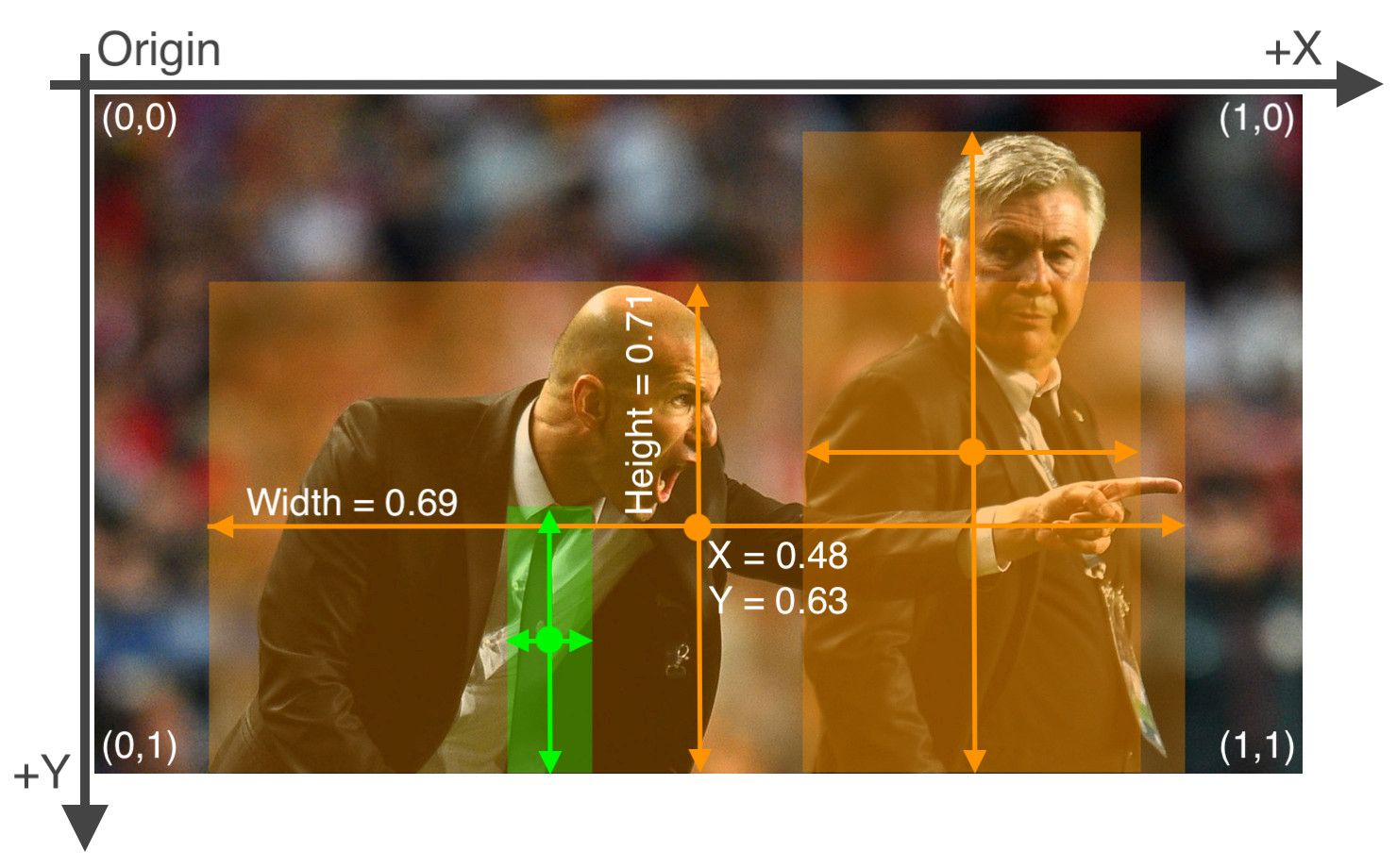
A format used with the PyTorch port of YOLO v4.
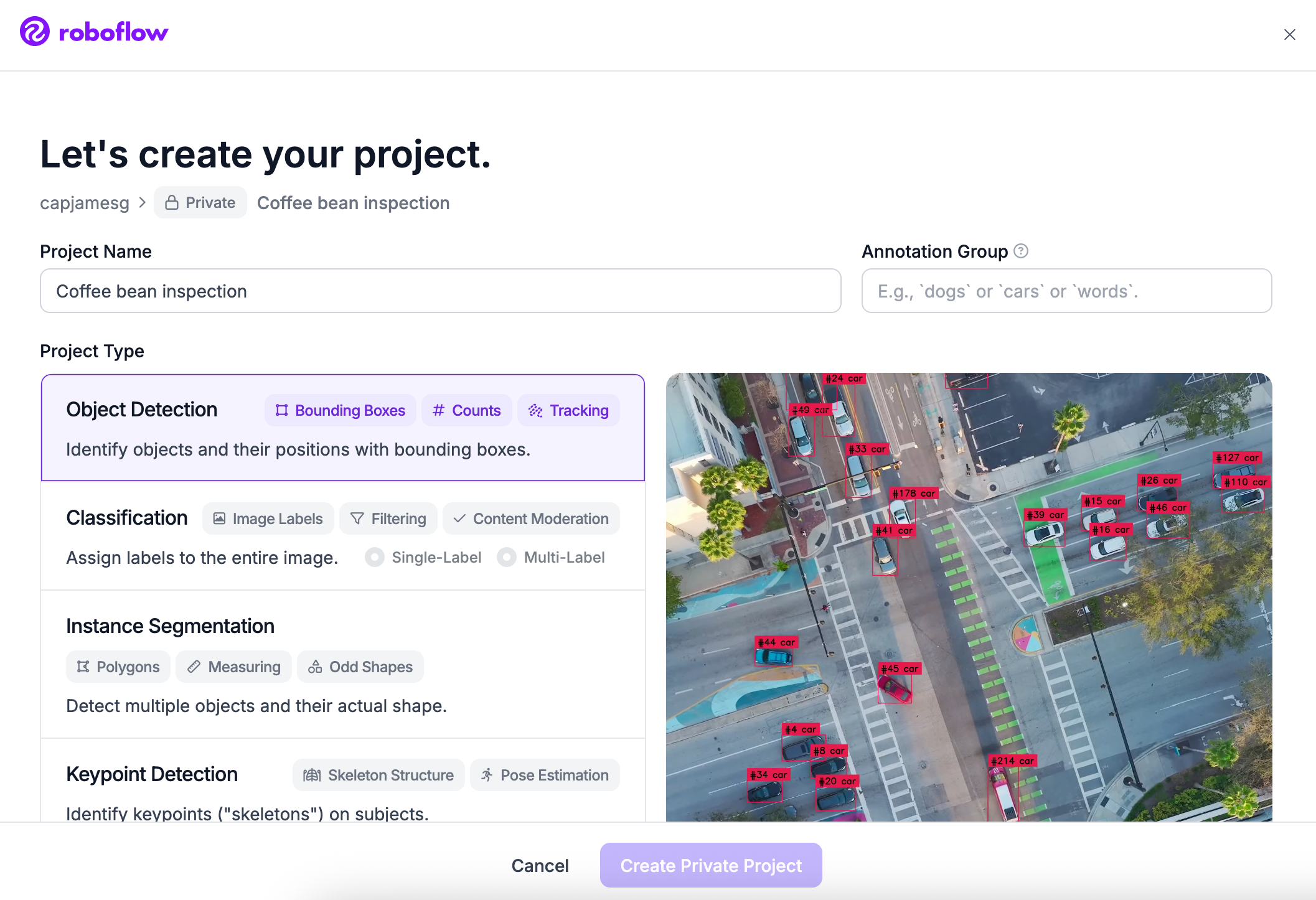
Once your account has been created, click Create New Project. (opens in a new tab)
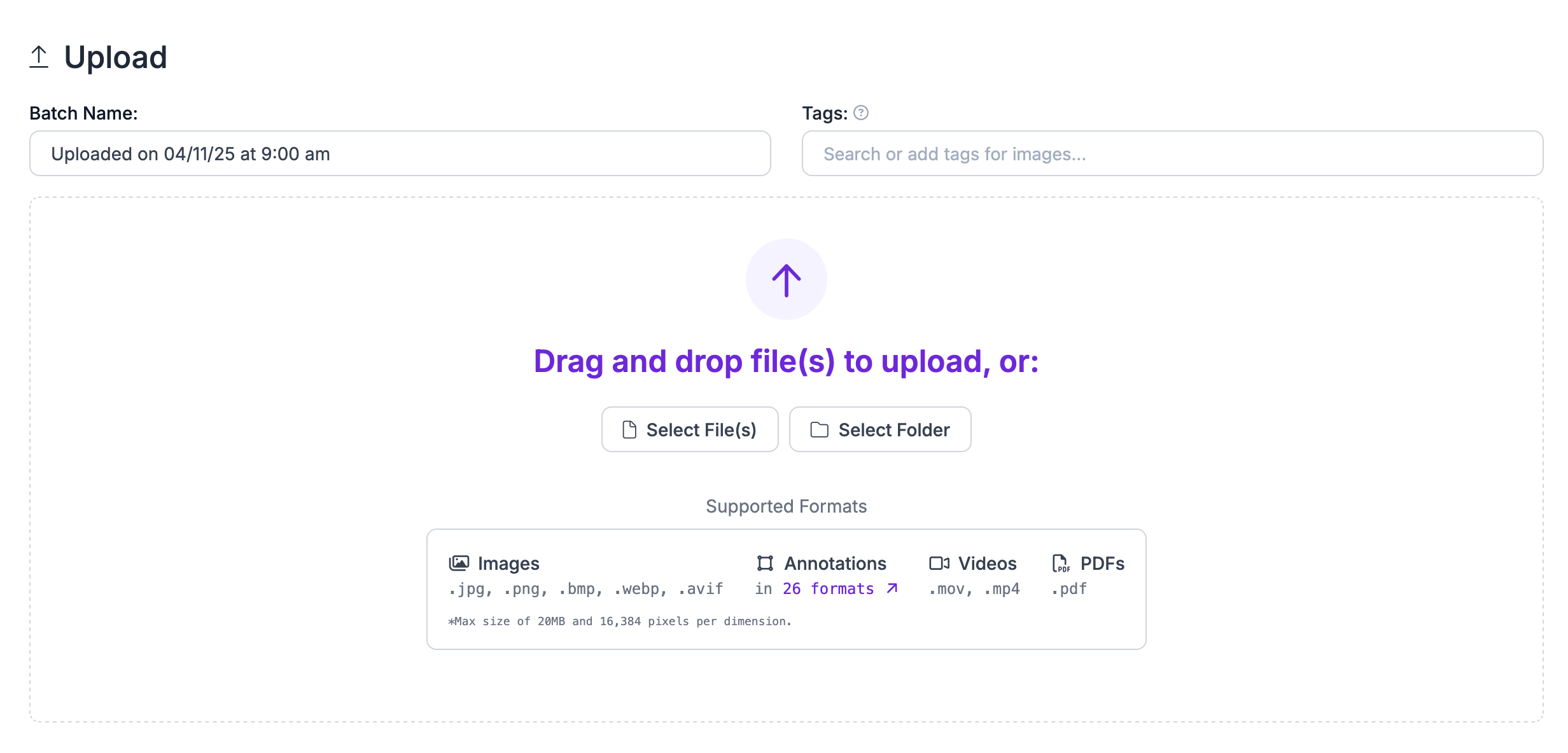
Upload your data to Roboflow by dragging and dropping your YOLOv8 PyTorch TXT images and annotations into the upload space.
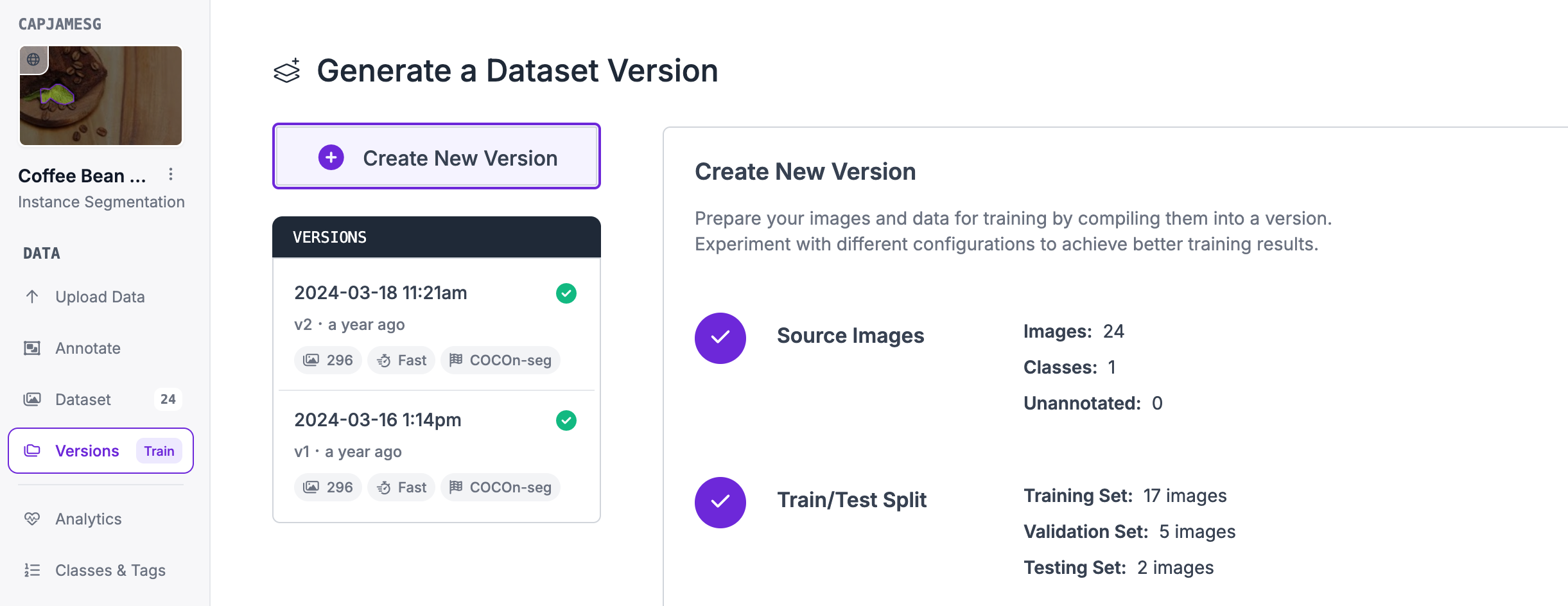
Next, click "Generate New Version" to generate a new version of your dataset:
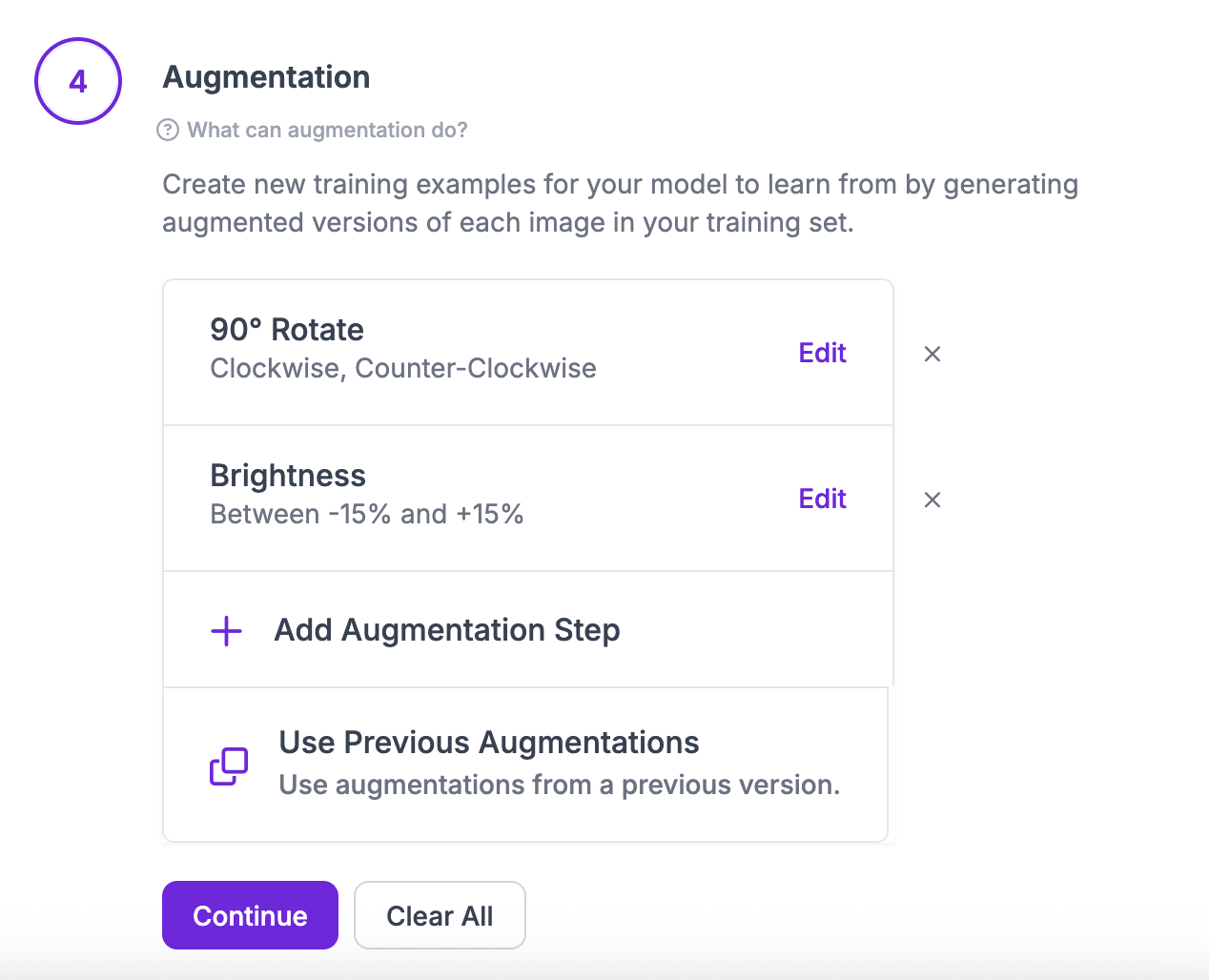
You can then apply any preprocessing or augmentation steps to your dataset:
After generating, you will be prompted to Export your dataset. You can choose to receive your dataset as a .zip file or a curl download link. Choose YOLOv4 PyTorch TXT when asked in what format you want to export your data. You will see a dropdown with various options like this:
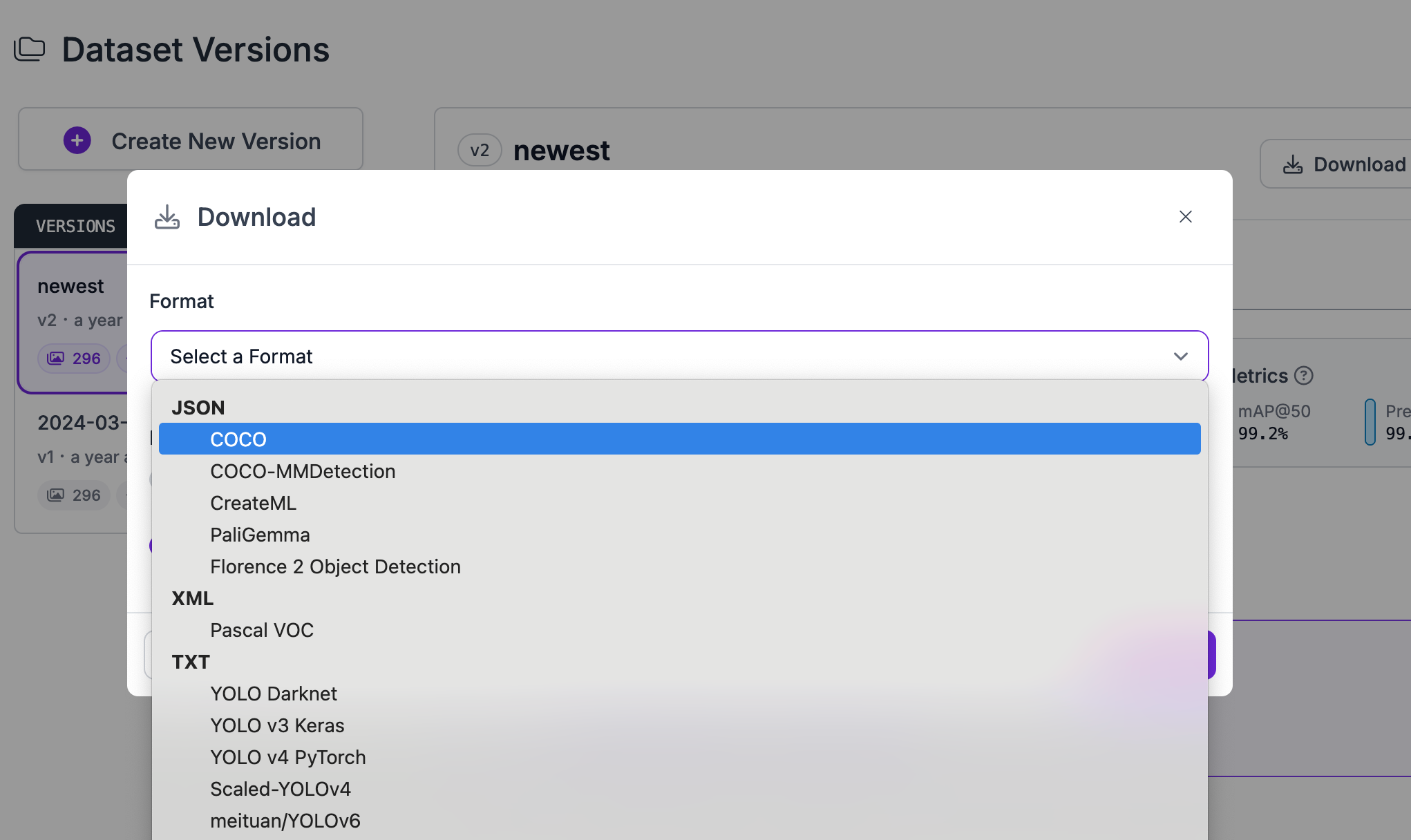
Congratulations, you have successfully converted your dataset from YOLOv8 PyTorch TXT format to YOLOv4 PyTorch TXT format!

Convert Computer Vision Annotation Formats Tutorial
Want to dive deeper into converting annotation formats with Roboflow? In the tutorial below, we explore how to convert your data in the Roboflow dashboard. We also discuss rejecting annotations and train-test-validation splits.
Yes! It is free to convert YOLOv8 PyTorch TXT data into the YOLOv4 PyTorch TXT format on the Roboflow platform.
If you have between a few and a few thousand images, converting data between these formats will be quick. But, the time it takes to convert between data formats increases with the more images you have.
Our team will help you start solving business problems on the first call.
Over 80,000 organizations build with Roboflow.