Custom Vision AI for Hanwha Vision Cameras
Add custom AI to the Hanwha Wisenet cameras you already own. Roboflow trains a model on footage from your own scenes and runs it on your RTSP streams, in the cloud or at the edge, so you can check PPE, watch dock doors, count what moves through a store or warehouse, and send alerts the moment something is wrong.
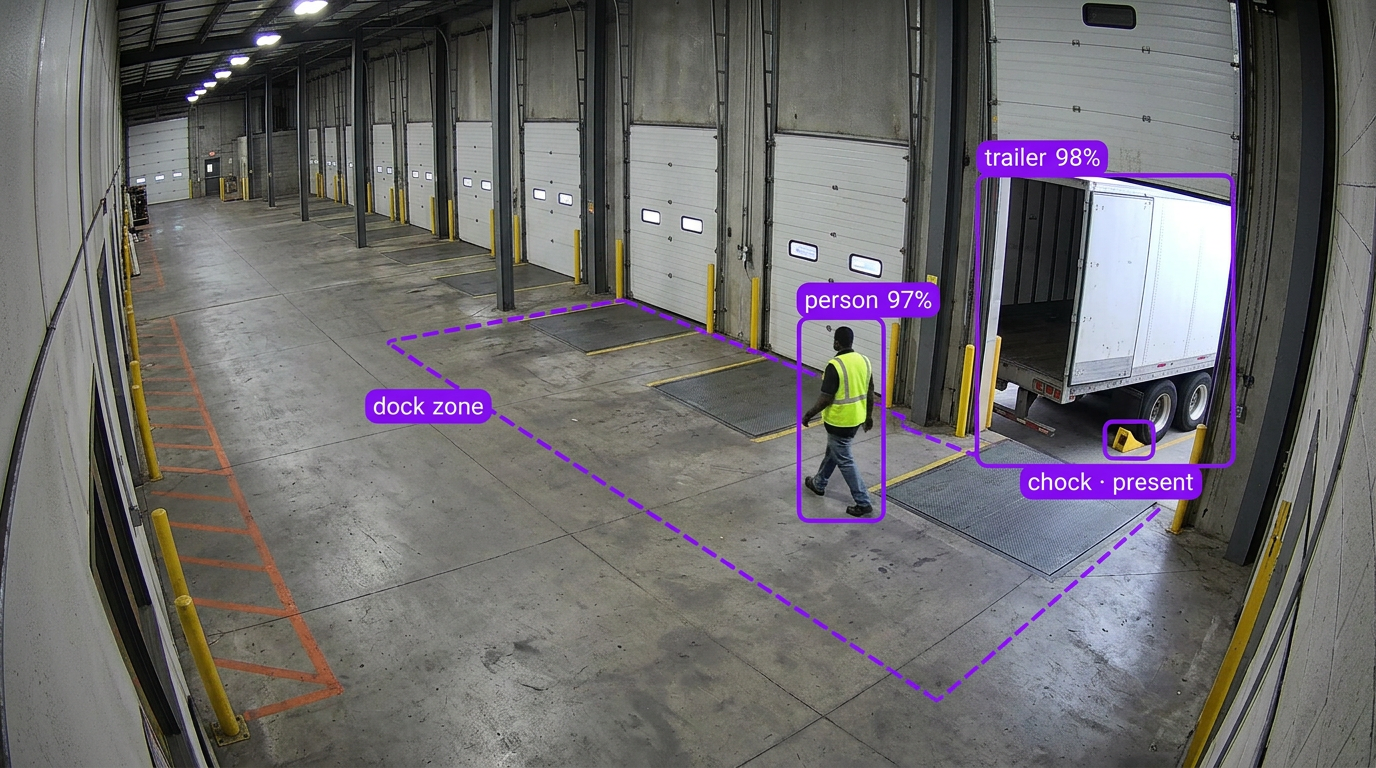
Run vision models on Roboflow hardware
Roboflow Edge computers and the AI1 Smart Camera arrive ready to run your models. Each one ships with RoboflowOS, the operating system we build and maintain, so fixes and security patches reach your devices over the air without a site visit.
Roboflow Edge computers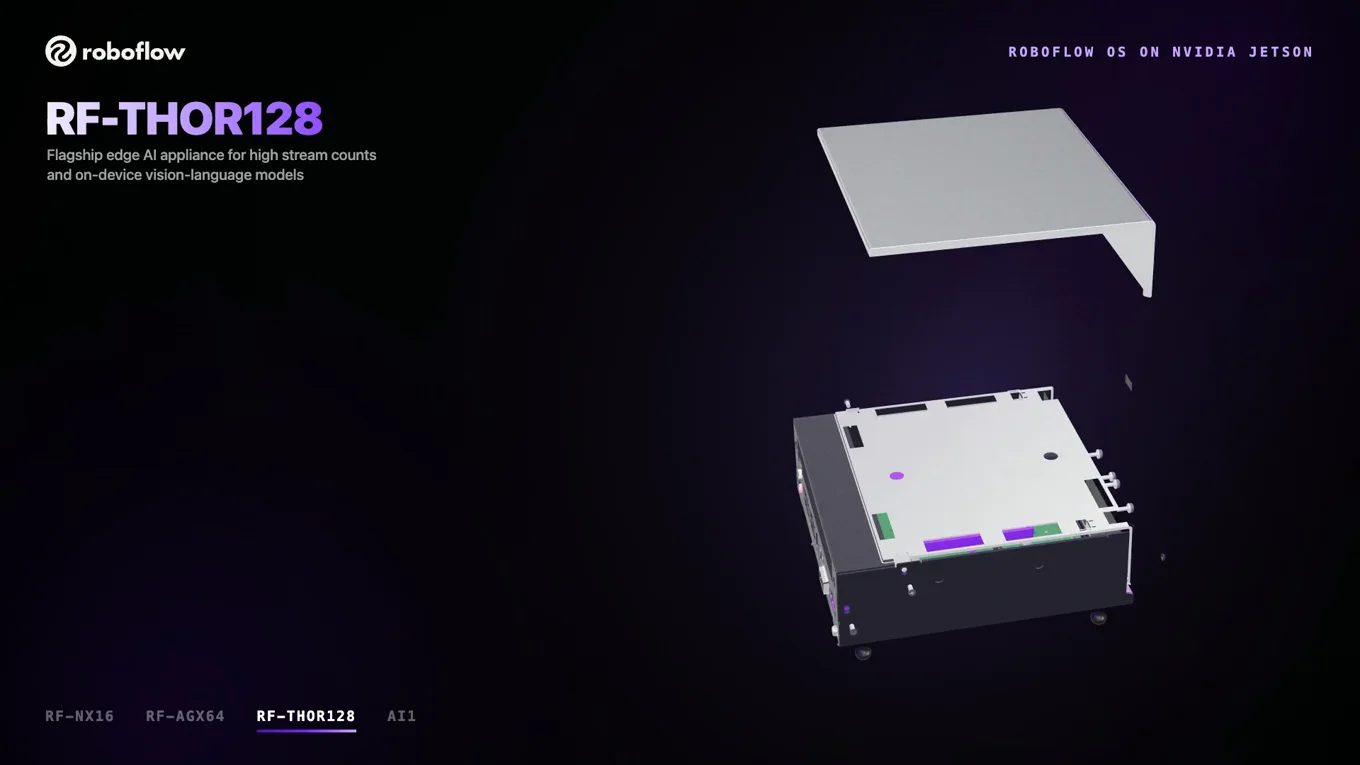
Settings that survive a restart
RoboflowOS rebuilds static addresses, gateway, DNS and camera-port tuning from a persistent store each time the device starts.
Updates over the air
Security patches, camera driver fixes and NVIDIA platform upgrades come in from the Roboflow platform, separate from your models and Workflows.
Tested on the hardware you get
We build the inference runtime too, so we test every OS image against it on the same boards we ship.
Locked down by default
The OS image is read-only and ships without SSH, a desktop or a local login. Your team reads logs, checks streams and views telemetry in Deployment Manager, the Roboflow tool for managing devices remotely.
Five years of updates included
Every appliance comes with five years of RoboflowOS updates from the purchase date, plus a one-year hardware warranty.
RoboflowOS on NVIDIA Jetson
- Smart Camera
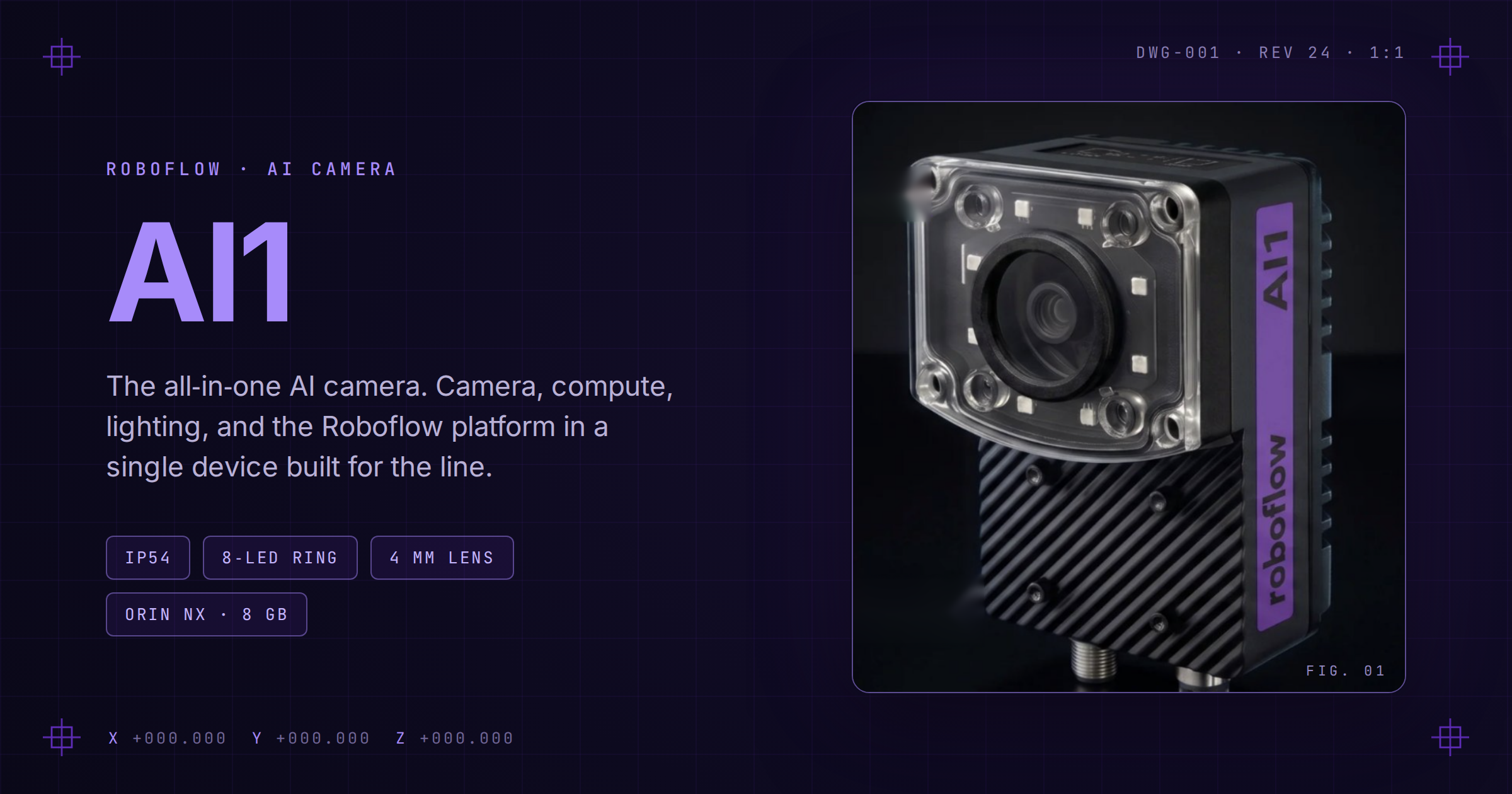
AI1
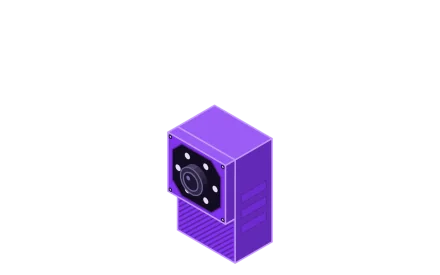
The AI1 puts a camera, a light and a computer in one housing. It pairs an 8 MP (3840 x 2160) camera and LED ring with an NVIDIA Jetson Orin NX 8GB. Teams use it to prove out an edge vision project on a fixed inspection view, counting parts a few inches away or spotting defects dozens of feet away.
- Memory
- 8 GB
- Cameras and networking
- Integrated 8 MP camera and LED ring1 x GbE
1 stream - Roboflow Edge
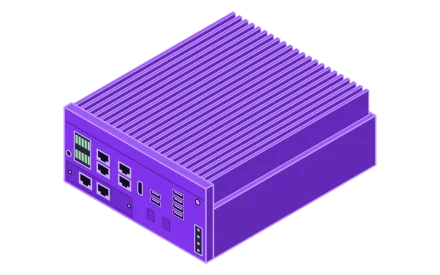
RF-NX16
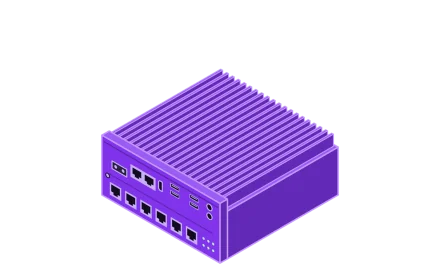
The RF-NX16 handles stations with several cameras. It has six PoE ports on a shared 150 W budget, two more GbE ports and an NVIDIA Jetson Orin NX 16GB.
- Memory
- 16 GB
- Cameras and networking
- 6 x GbE PoE with a 150 W total budget2 x GbE
1–4 streamsRF-NX16 Spec Sheet - Roboflow Edge
RF-AGX64
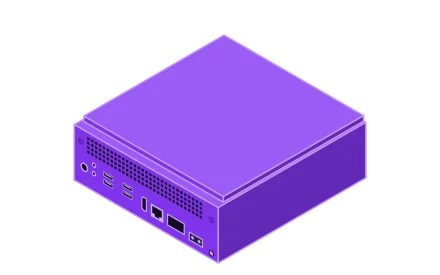
The RF-AGX64 runs higher-resolution cameras and bigger models. It has 64 GB of memory on an NVIDIA Jetson AGX Orin, four PoE ports and two 10 GbE ports.
- Memory
- 64 GB
- Cameras and networking
- 4 x GbE PoE2 x 10 GbE
4+ streams, line scanRF-AGX64 Spec Sheet - Roboflow Edge
RF-THOR128
The RF-THOR128 is our most powerful appliance and runs on the NVIDIA Jetson T5000 with 128 GB of memory. It has one 5 GbE port and a 100 GbE QSFP28 port that breaks out to four 25 GbE links, and its cameras connect through a PoE switch.
- Memory
- 128 GB
- Cameras and networking
- 1 x 5 GbE and 1 x 100 GbE QSFP28Breaks out to 4 x 25 GbE
8+ streams, edge VLM inferenceRF-THOR128 Spec Sheet
One GbE PoE camera port
Already running Hanwha cameras? Connect them to an RF-NX16, RF-AGX64 or RF-THOR128 and manage the whole station from Roboflow.
Not sure which one fits your line?
Send us your cameras, Workflow and line rate, and we’ll create a recommendation for you.
AI for Hanwha Cameras Workflows
Use Hanwha Vision cameras? Explore Workflows you can get started with to create computer vision apps in minutes. Connect RTSP streams from your Wisenet cameras to Roboflow Cloud Streaming or Roboflow Inference and build detection, counting, and alerting workflows on footage you already capture.
How to Setup Hanwha Cameras with AI
Hanwha Vision network cameras can be used for computer vision tasks such as object detection, counting, and tracking. Their RTSP and ONVIF streams connect to Roboflow Cloud Streaming through the Roboflow Connector, or to Roboflow Inference on a server or edge device, with no camera-side changes.
Meet Roboflow AI1
AI1 packages onboard AI compute, integrated lighting, and an industrial camera into one plug-and-play vision system.
How to Use Your Current Cameras for Vision AI
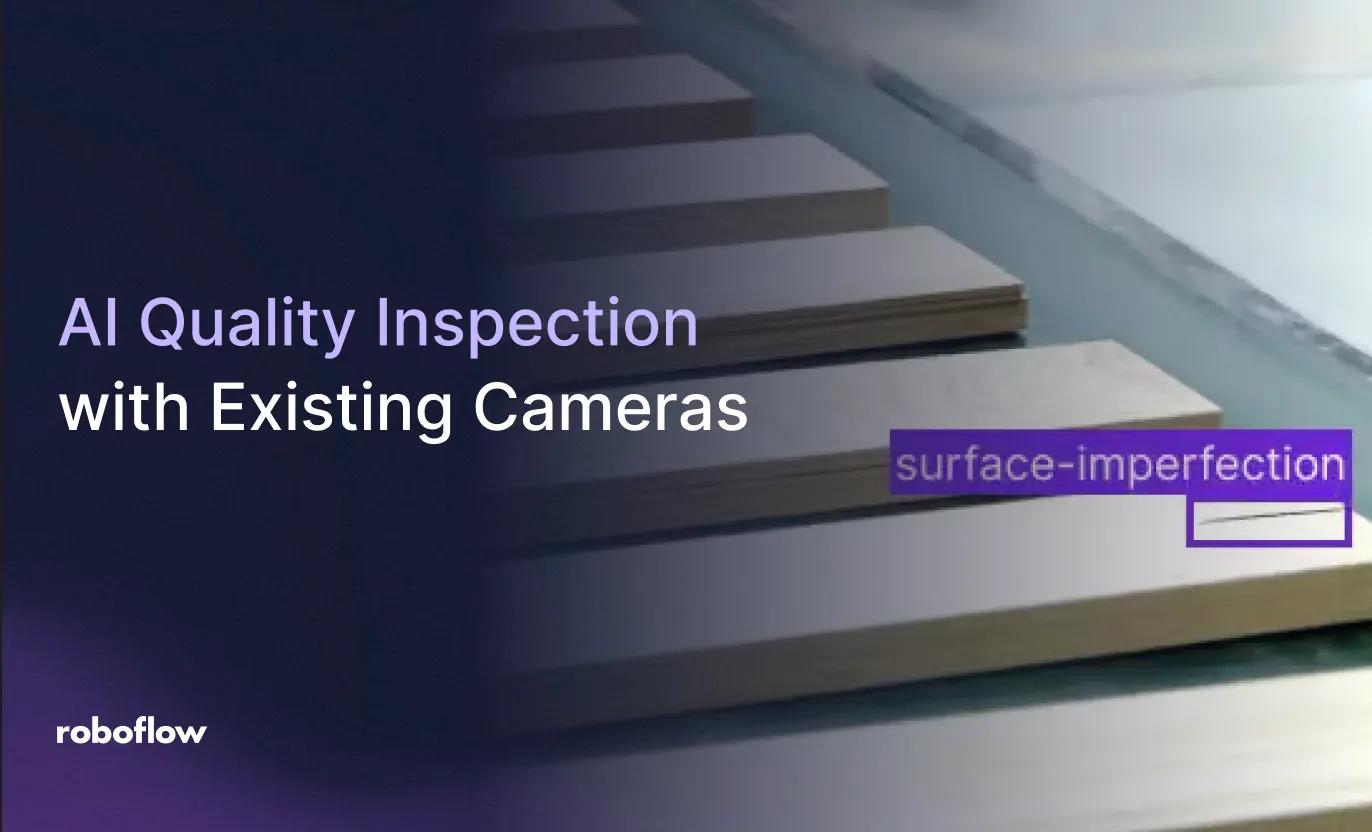
Almost any IP camera that supports RTSP, HTTP-MJPEG, ONVIF, or RTMP can feed a computer vision pipeline, so teams rarely need to replace hardware to start running models on live video.
Best Cameras for Computer Vision
Three cameras we recommend for capturing image frames for computer vision systems, and what to look for when you choose one.
Speak with an AI expert
Our team will help you start solving business problems on the first call.
Ask us about:
- Solution architecting
- Live demonstration
- Pricing and specifications
- Feasibility assessment
Over 80,000 organizations build with Roboflow.
- Rivian
- Pella
- Chobani
- USG Corporation
- BNSF Railway
- American Woodmark
Additional resources
Vision AI for Warehouses
See how warehouses use Vision AI to improve productivity, track inventory, and keep workers safe around forklifts and docks.
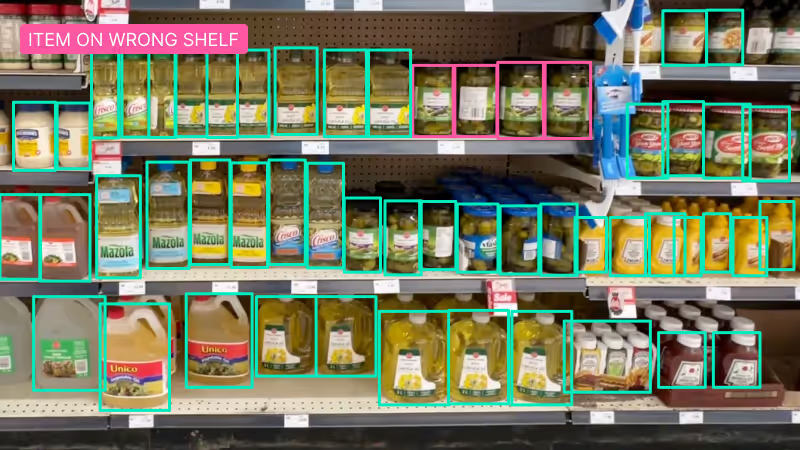
Vision AI for Retail and Service
See how retailers use vision AI for shelves, queues, customer flow, and loss prevention.
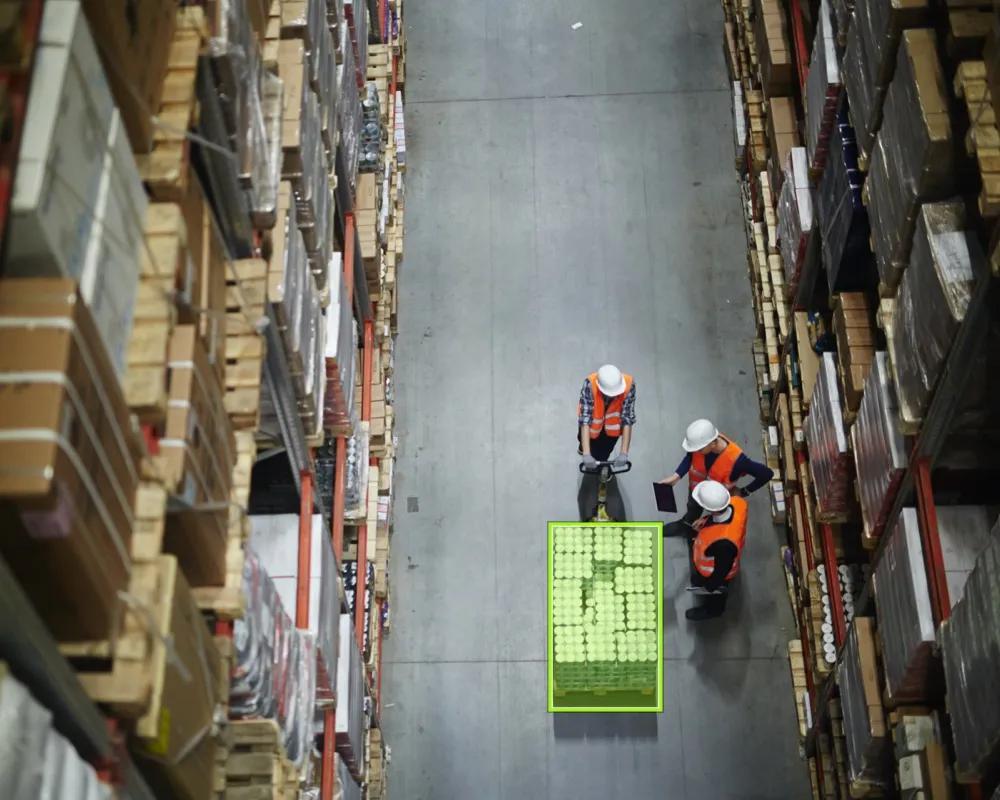
Vision AI for Safety and Security
From package theft to chemical spills, computer vision can detect risks big and small from security camera footage.