ONVIF Camera Setup for Vision AI on the IP Cameras You Have
ONVIF lets IP cameras from different makers work with the same software. Set up the stream once, and Roboflow runs your vision model on it, and can even steer PTZ cameras.
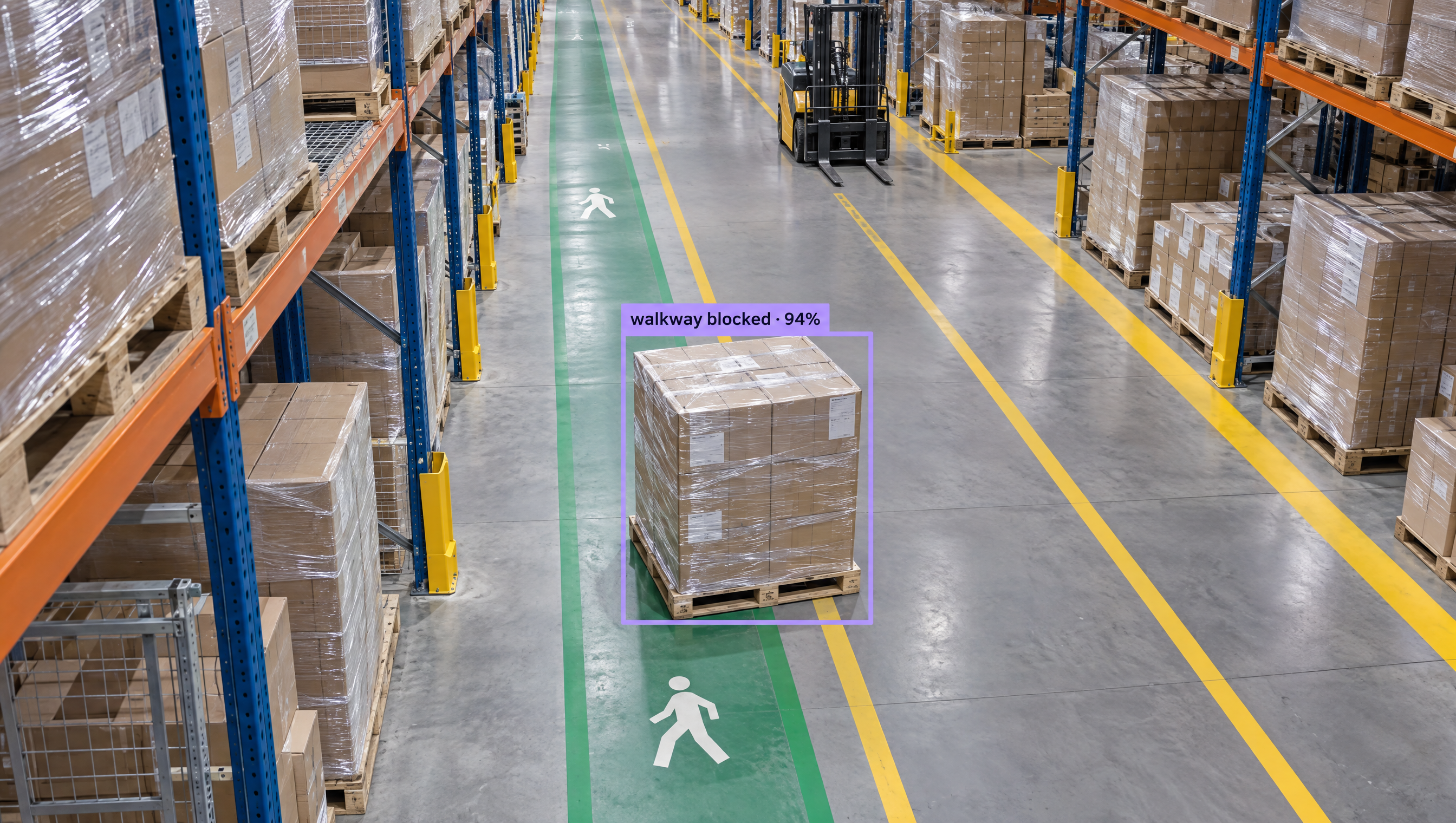
AI for ONVIF Camera Setup Workflows
Setting up ONVIF cameras? Explore Workflows you can get started with to create computer vision apps in minutes. Try the top open and closed source models on frames from your IP cameras for free, then deploy a Workflow with Roboflow Inference on your RTSP streams.
How to Setup ONVIF Cameras with AI
ONVIF cameras stream over RTSP to Roboflow Inference on a server or edge device on the same network. Run a model or Workflow on the stream, and use the PTZ Tracking block to steer PTZ cameras over ONVIF.
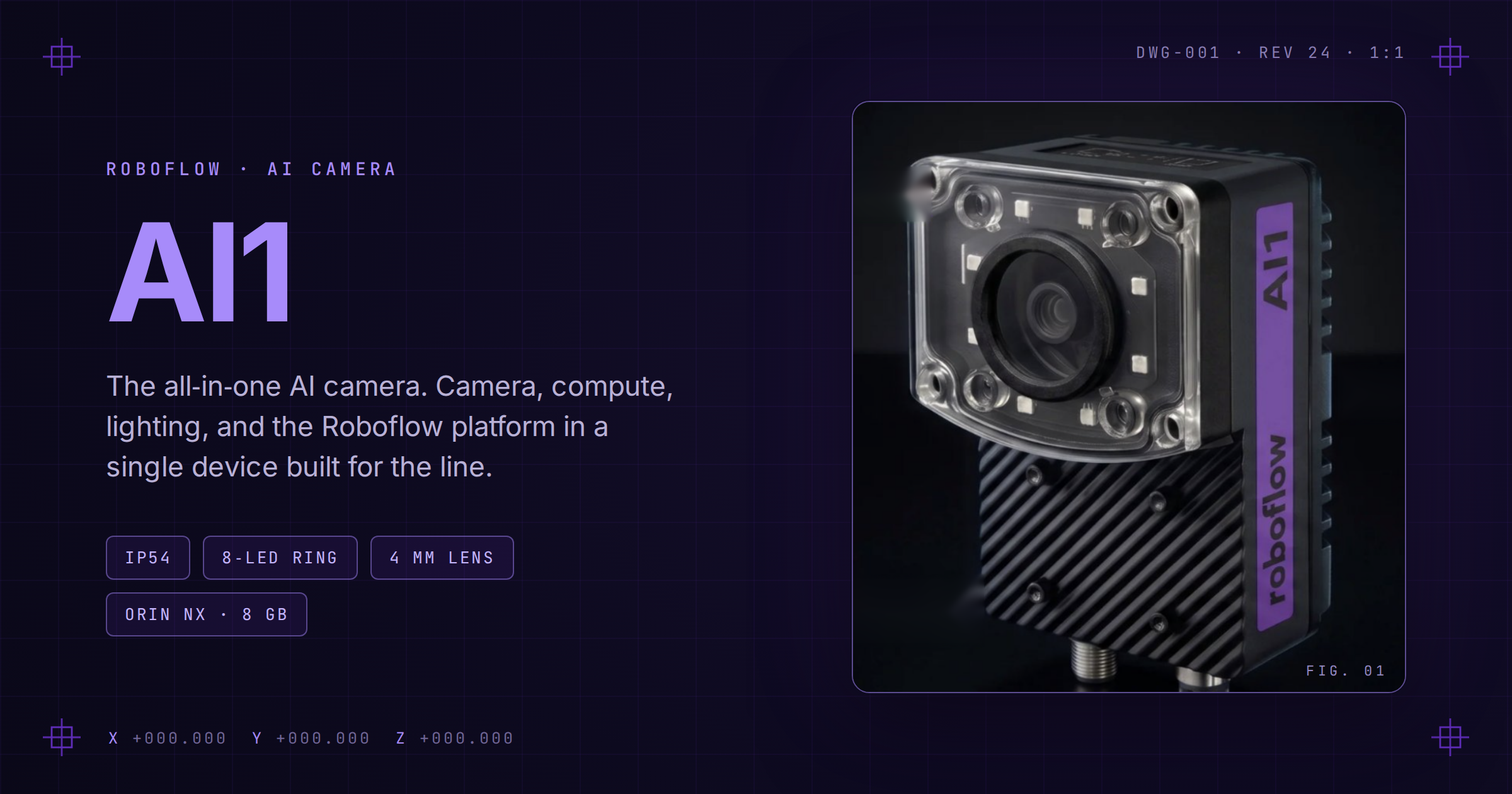
Meet Roboflow AI1 (opens in a new tab)
AI1 packages onboard AI compute, integrated lighting, and an industrial camera into one plug-and-play vision system.
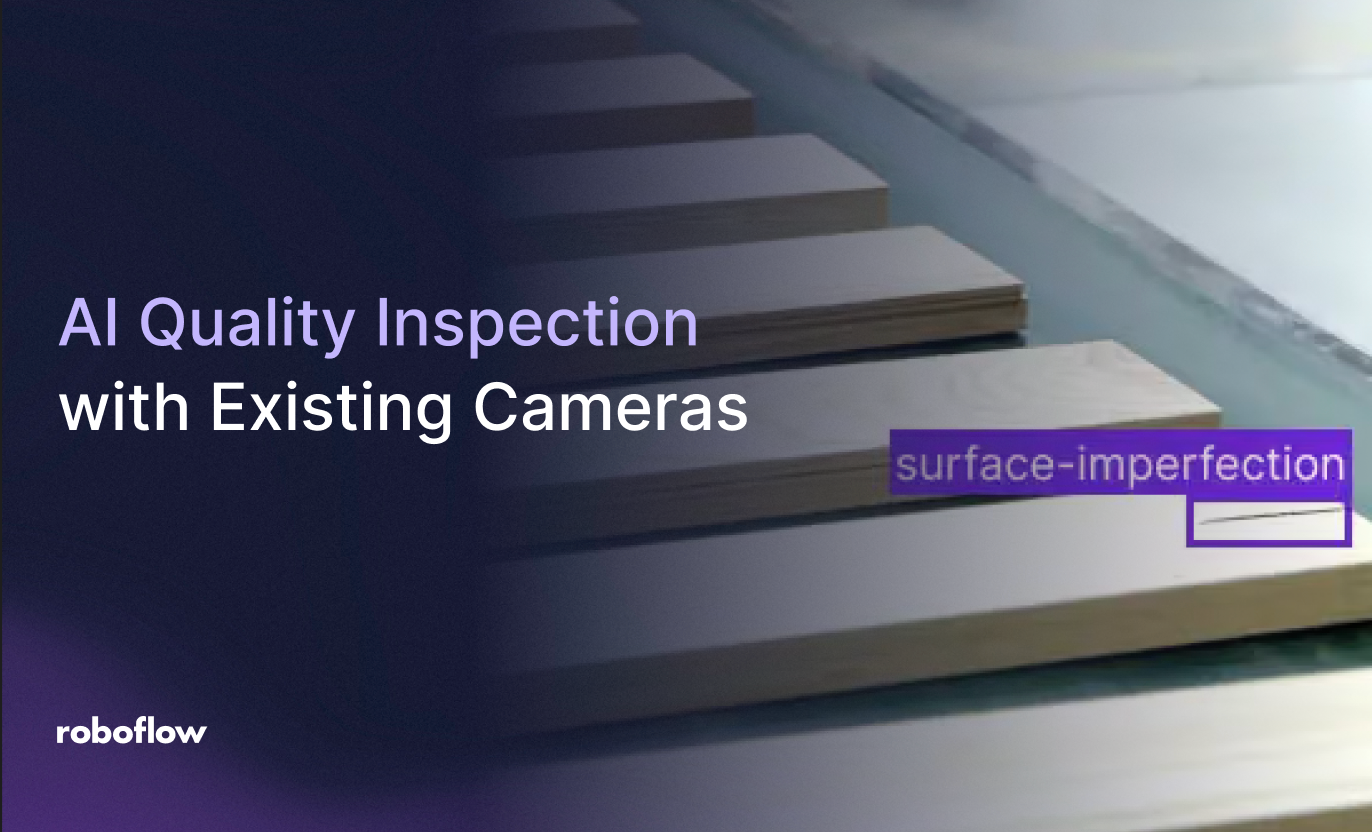
How to Use Your Current Cameras for Vision AI
Almost any IP camera that supports RTSP, HTTP-MJPEG, ONVIF, or RTMP can feed a computer vision pipeline, so teams rarely need to replace hardware to start running models on live video.
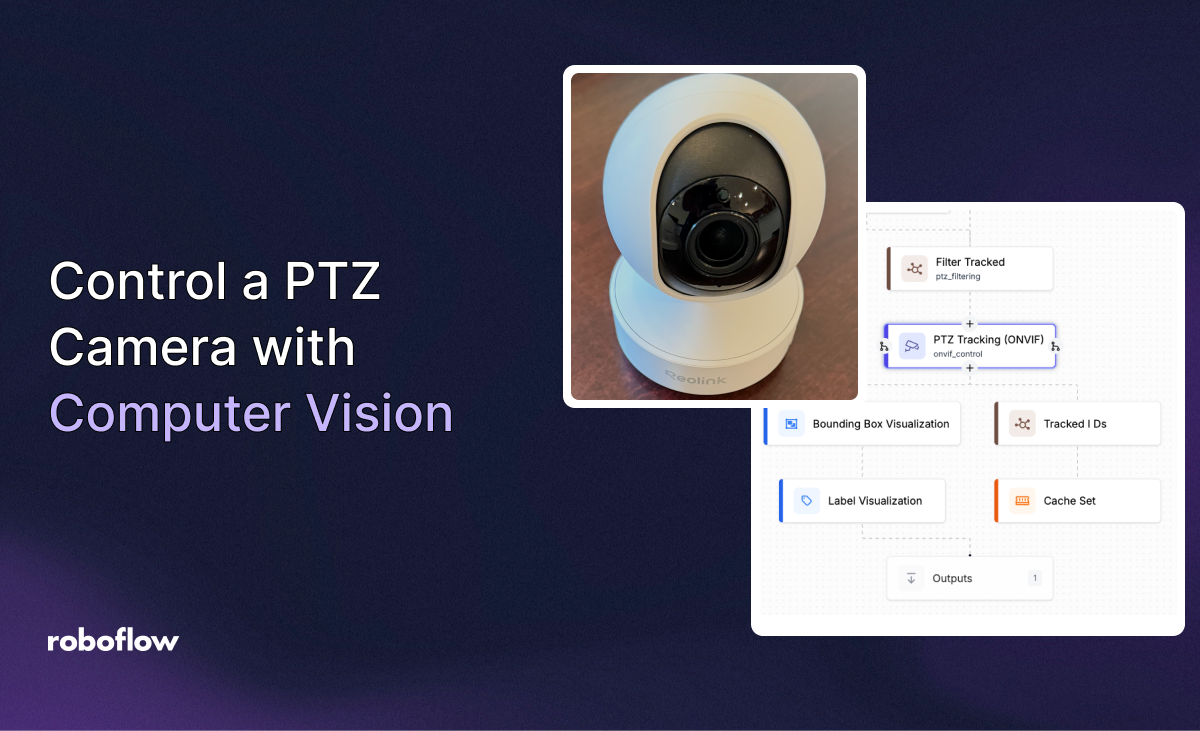
Control a PTZ Camera with Computer Vision
Use the PTZ Tracking block in Roboflow Workflows to follow objects, zoom in, and return a PTZ camera to a preset.
“Achieving positive results using AI in a lab environment is easy, but the real challenge comes when scaling the solution across a network like ours without disrupting day-to-day operations. Our partnership with Roboflow is allowing us to do just that.”
Asim Ghanchi
AVP of Technology, BNSF
Speak with an AI expert
Our team will help you start solving business problems on the first call.
Ask us about:
- Solution architecting
- Live demonstration
- Pricing and specifications
- Feasibility assessment
Over 16,000 organizations build with Roboflow.
- Rivian
- Pella
- Chobani
- USG Corporation
- BNSF Railway
- American Woodmark
Get the Latest in Computer Vision First
Additional resources
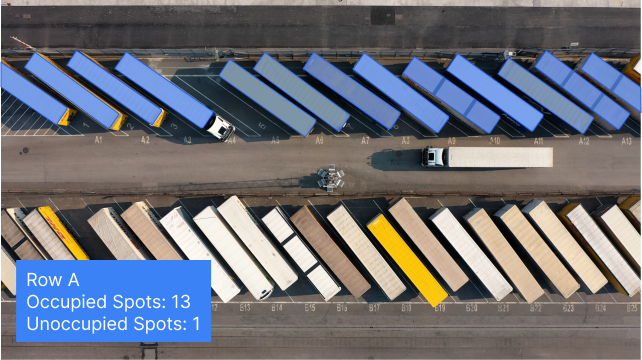
Vision AI for Logistics
See how logistics teams use Vision AI to track packages, verify loads, and monitor safety across warehouses and yards.
Vision AI for Warehouses
See how warehouses use Vision AI to improve productivity, track inventory, and keep workers safe around forklifts and docks.
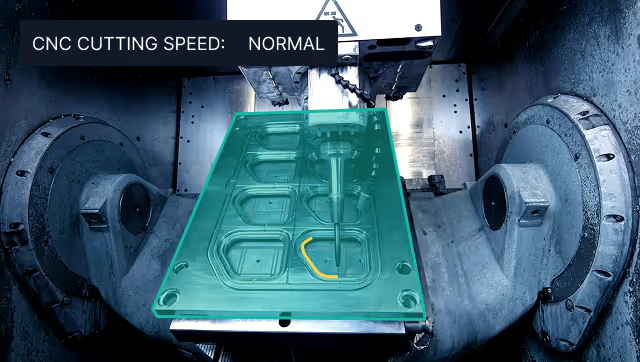
Vision AI in Industrial Manufacturing
Learn how manufacturers deploy Vision AI for quality control, worker safety, and process automation at scale.