Global Shutter vs Rolling Shutter

Freeze the motion or maximize the detail. Roboflow runs on both.

Global shutter sensors expose every pixel at the same moment, so fast-moving parts come out undistorted. Rolling shutter sensors expose row by row and typically cost less, which suits stationary or slow scenes. Train a vision model in Roboflow and run it on images from either. Over 2 million developers build with Roboflow.
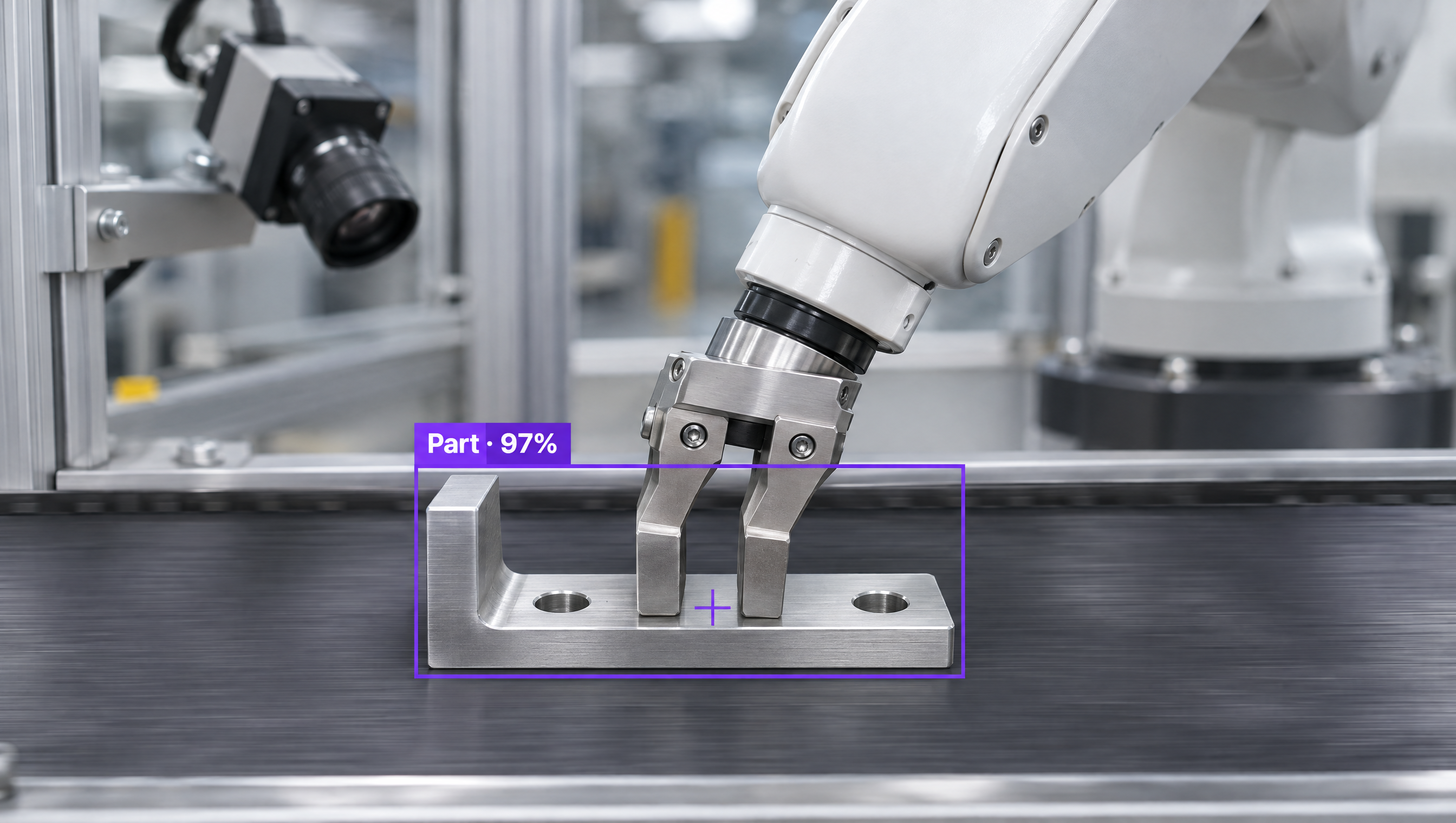
A robotic arm gripper picks up a metal part on a conveyor belt, guided by computer vision object detection.

Why are companies choosing Roboflow?

Roboflow is enterprise vision AI infrastructure, used by more than half of the Fortune 100, with SOC 2 Type II, HIPAA, and air-gapped deployment. Create datasets, train models, and deploy to production.

  • Train on Your Own Camera's Images

    Label images from the camera, shutter, and lighting you'll use in production, so the model learns what it will actually see.

  • Basler and LUCID Built In

    Roboflow devices find Basler cameras on GigE or USB and LUCID GigE cameras, and add them as streams.

  • Runs Next to the Line

    Process images on an edge device or industrial PC at the machine, with TensorRT acceleration on NVIDIA hardware.

Which shutter fits your line?

Roboflow runs the same model on images from either, so you can choose by what's moving and how fast.

  • Global Shutter: Fast Motion

    Exposes every pixel at once. Best for conveyors, robot guidance, and measuring parts while they move.

  • Rolling Shutter: Stationary Detail

    Typically lower cost with strong sensitivity. Best for stationary or slow inspection under steady light.

  • Strobe and Global Reset: Close the Gap

    Short exposures, strobe lighting, or a rolling shutter's global reset mode can reduce distortion when parts move.

OK I’m ready, how do I use Roboflow?

Roboflow makes it easy to build, train, and deploy custom computer vision models, even if you’re not a machine learning expert.

Talk to a Vision AI engineer about your camera setup

Not sure which sensor your line needs? Bring Roboflow your cameras and use case and we'll show you a model running on your images on the first call.

Ask us about:

  • A plan for the cameras and lighting on your line
  • A live demo of a model trained on your own images
  • Roboflow hardware that runs models next to your line
  • Your trained model served over MCP, so frontier models can call it

Over 80,000 organizations build with Roboflow.

  • Rivian
  • Pella
  • Chobani
  • USG Corporation
  • BNSF Railway
  • American Woodmark
Start where you are

Compare Global Shutter and Rolling Shutter

Global shutter and rolling shutter describe how a camera's sensor exposes and reads out each frame. That choice decides whether a fast-moving part looks the way it really is.

A global shutter sensor exposes every pixel at exactly the same moment, so each frame is one snapshot in time. That removes the skew and wobble, often called the jello effect, that fast motion causes on other sensors, which matters when software measures moving parts or guides a robot. Global shutter sensors have traditionally cost more because of their more complex pixel circuits, though modern designs have closed most of the sensitivity gap.

A rolling shutter sensor exposes the frame row by row from top to bottom. More light-collecting area per pixel gives it high sensitivity and low noise at a lower cost, so it suits stationary, high-resolution inspection. When parts move, short exposures, strobe lighting, or a global reset mode, where every row starts exposing at once, can reduce the distortion.

Whichever sensor you choose, Roboflow handles the vision model. Label images from your own camera with Auto Label, train a model such as RF-DETR (opens in a new tab), Roboflow's open-source detection, segmentation, and keypoints model, and deploy it with Roboflow's open-source Inference server (opens in a new tab). On Roboflow devices, you can add Basler, LUCID, USB, and RTSP cameras (opens in a new tab) as streams and run the model on every frame.

Teams can also use Roboflow Workflows to build applications that combine computer vision models with business logic, then run them on Basler and LUCID camera setups, an industrial PC, or NVIDIA Jetson next to your line.

For organizations building production computer vision applications in manufacturing, logistics, robotics, or food processing, Roboflow offers a complete training-to-deployment solution for the cameras you already run.

Global Shutter vs Rolling Shutter: Feature by Feature

FeatureGlobal ShutterRolling Shutter
How it exposesEvery pixel starts and stops at the same momentRow by row, top to bottom
Fast-moving objectsNo rolling shutter distortionCan skew or wobble (the jello effect)
Sensitivity and noiseModern sensors have closed most of the historical gapMore light-collecting area per pixel: high sensitivity, low read noise
CostTypically higherTypically lower
LightingPairs well with short strobe flashes; gains most with short exposuresStrobe with global reset mode reduces distortion on some models
Best forConveyors, parcel scanning, robot guidance, traffic and plate reading, measuring moving partsStationary high-resolution inspection, microscopy, and most security cameras
Works with RoboflowYes, Roboflow models run on frames from global shutter camerasYes, Roboflow models run on frames from rolling shutter cameras

Which One Should You Choose?

  • Choose global shutter when parts move fast past the camera, or when software measures or locates moving objects.
  • Choose rolling shutter for stationary or slow scenes where resolution, low noise, and cost matter most.
  • Add strobe lighting when a rolling shutter camera is already installed on a moving line.
  • Whichever you pick, train the model on images from that camera with Roboflow and deploy it next to the line.

More on Machine Vision Cameras and Roboflow