Use Your Phone as an AI Camera for Visual Inspection
The camera in your pocket is good enough to collect training images and test a vision model where the parts are. Scan a QR code to run a model in your phone's browser, stream to Roboflow Cloud for a live test, or build an app with the iOS SDK.
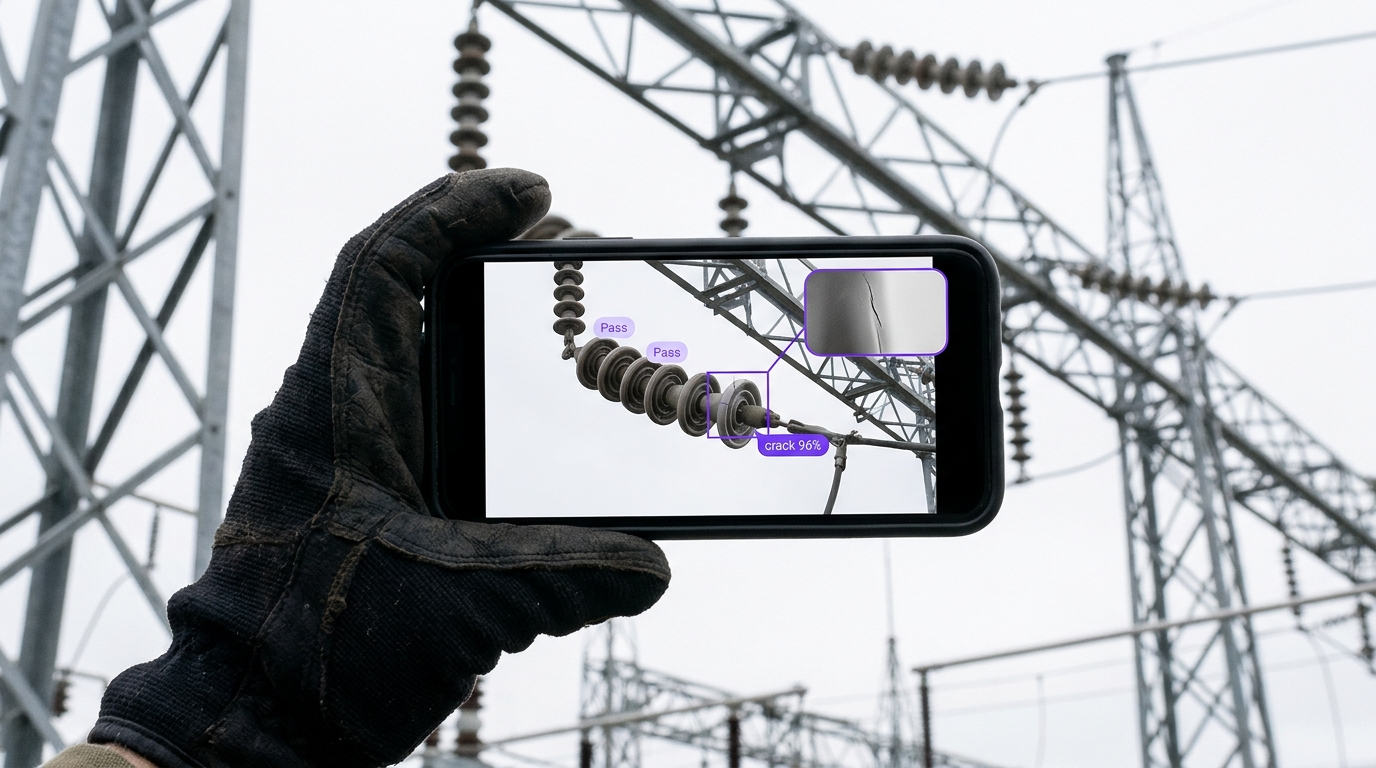
AI for Smartphone Camera Workflows
Testing a vision model on your phone? Explore Workflows you can get started with to create computer vision apps in minutes. Connect your phone as a source in Roboflow Cloud Streaming, run the top open and closed source models on live video, then train a custom model in Roboflow and keep it running on the cameras you already have.
How to Setup Smartphone Cameras with AI
Scan a model's QR code to run it in the phone's browser, choose Phone as a source in Cloud Streaming or publish over RTMP or WHIP from a compatible app, or build an on-device app with the iOS SDK. Train the model in Roboflow on photos from the same phone.
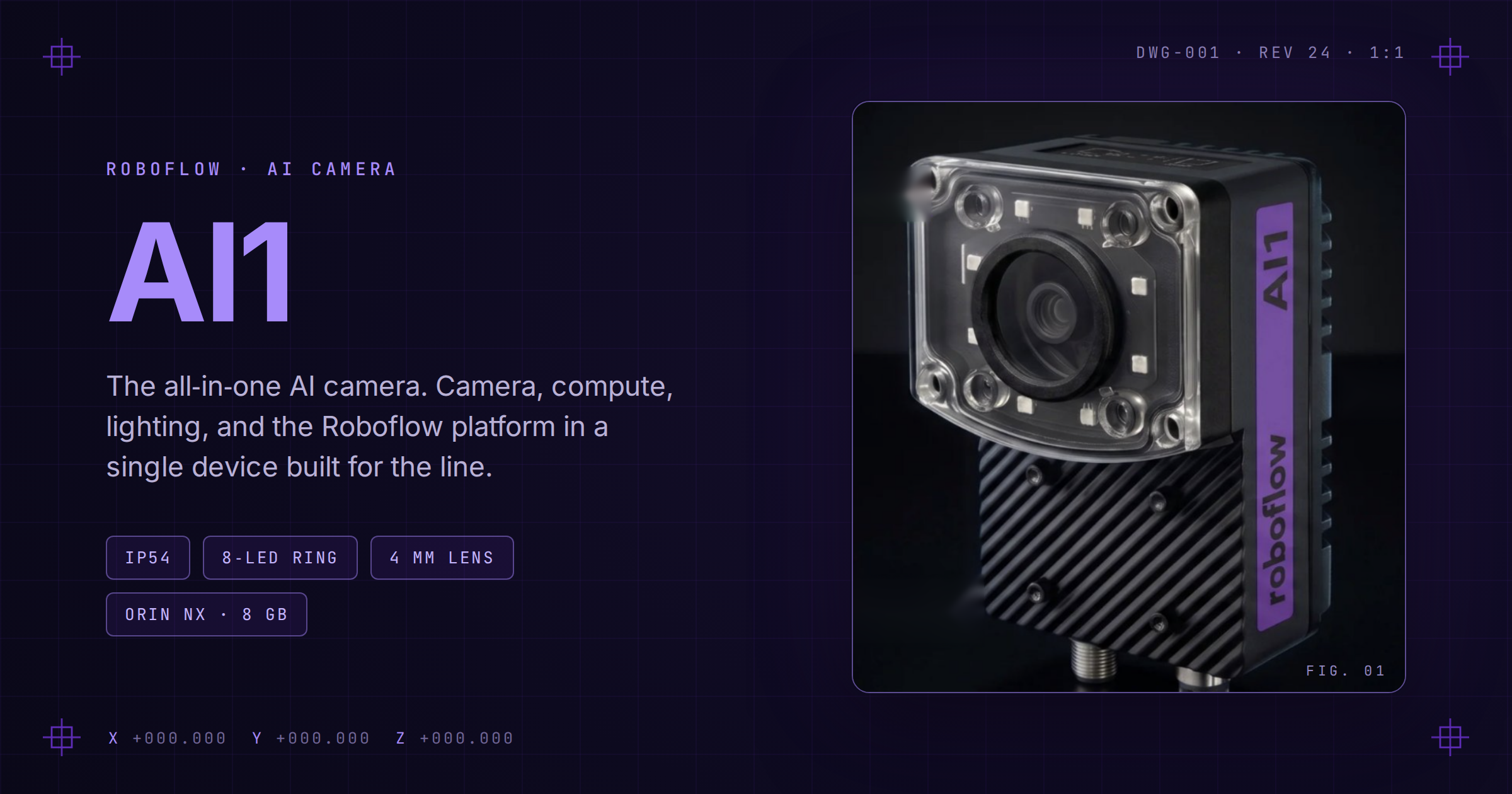
Meet Roboflow AI1
AI1 packages onboard AI compute, integrated lighting, and an industrial camera into one plug-and-play vision system.
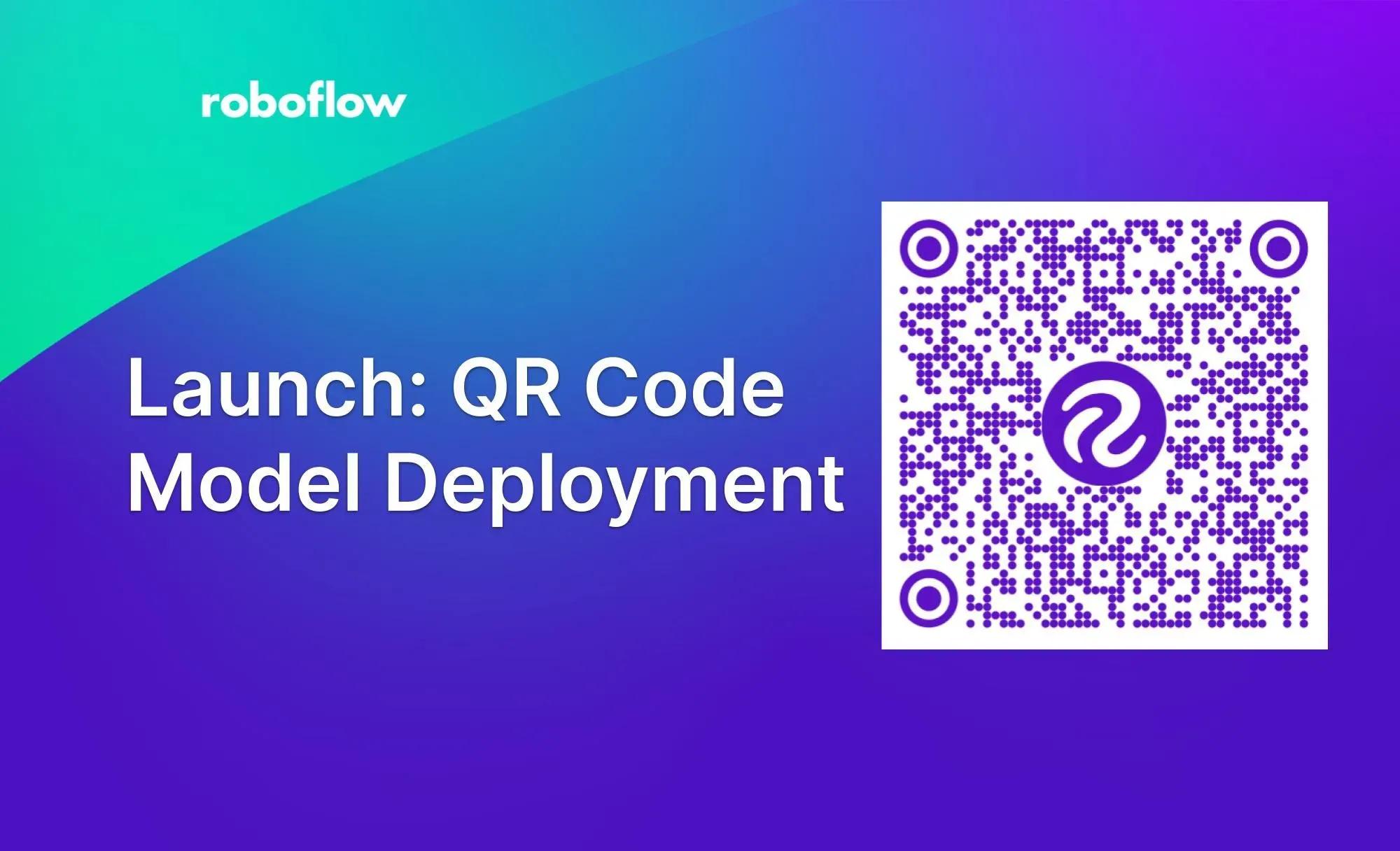
Launch: QR Code Model Deployment
Scan the QR code on any trained model to run it on your phone's camera in the browser, with no app or API work.
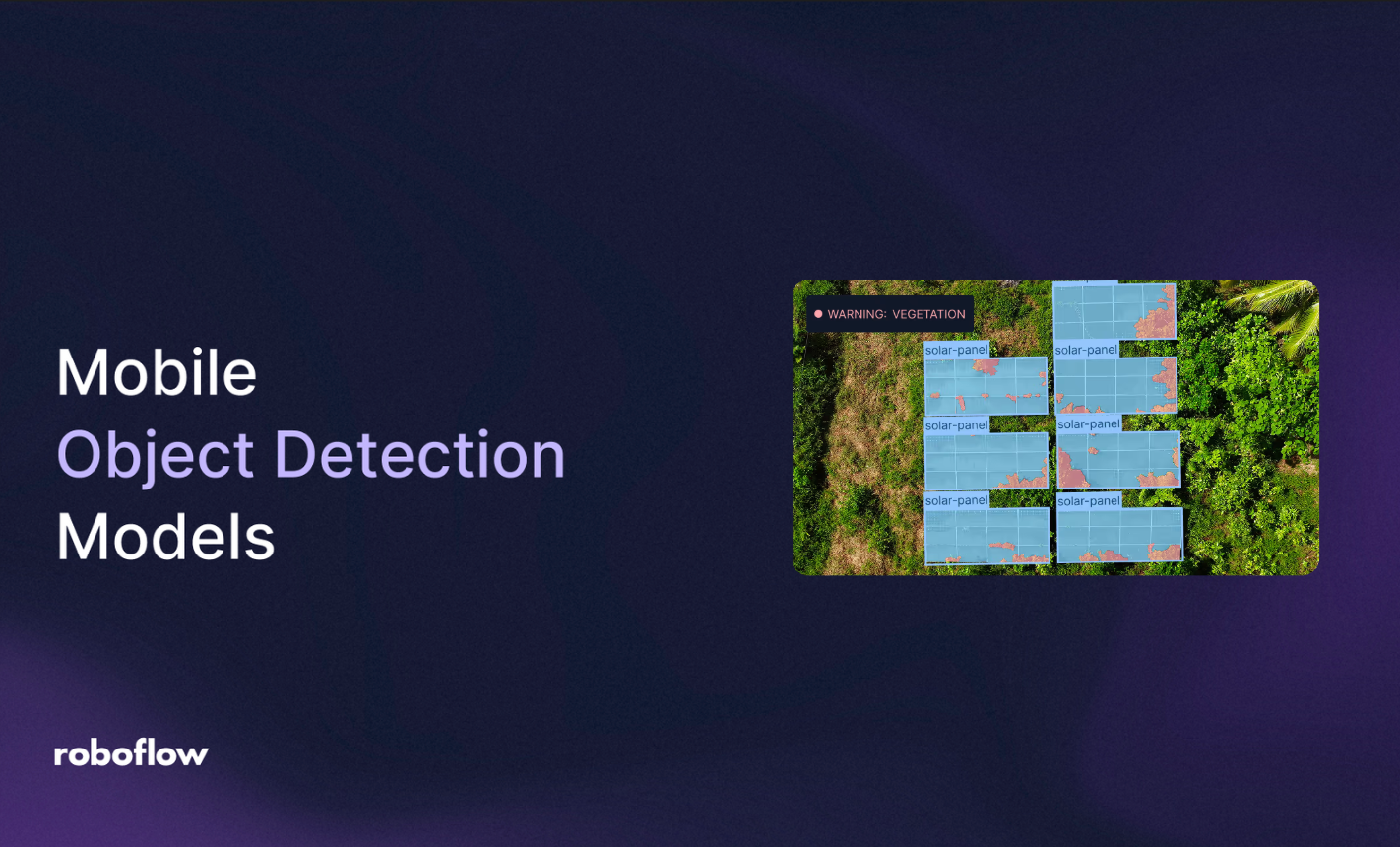
Best Mobile Object Detection Models
Compare on-device options for iPhone and Android, and see how RF-DETR runs on camera frames with the iOS SDK.
“The vision AI solutions we developed with Roboflow have been a core component of connecting our teams and unlocking their ability to collaborate.”
Lou Stocco
Director of Manufacturing Advanced Analytics, USG
Speak with an AI expert
Our team will help you start solving business problems on the first call.
Ask us about:
- Solution architecting
- Live demonstration
- Pricing and specifications
- Feasibility assessment
Over 80,000 organizations build with Roboflow.
- Rivian
- Pella
- Chobani
- USG Corporation
- BNSF Railway
- American Woodmark
Additional resources
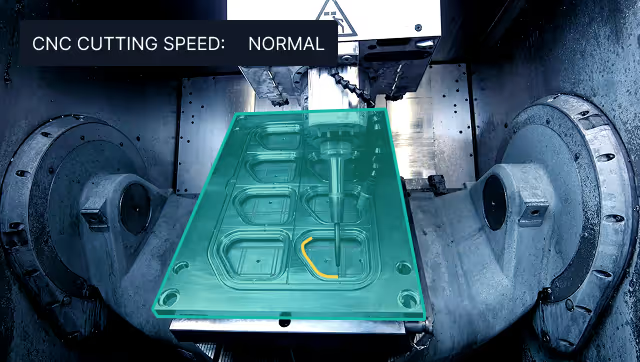
Vision AI in Industrial Manufacturing
Learn how manufacturers deploy Vision AI for quality control, worker safety, and process automation at scale.
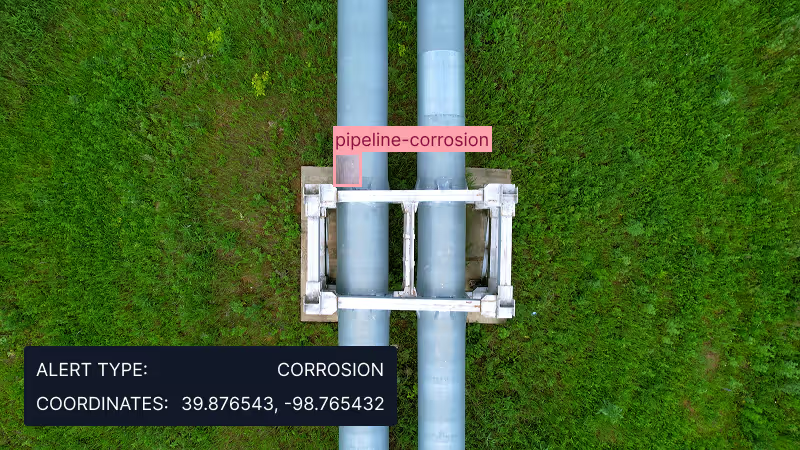
Vision AI for Energy and Utilities
See how energy and utility teams use Vision AI for inspections, safety, and site operations.
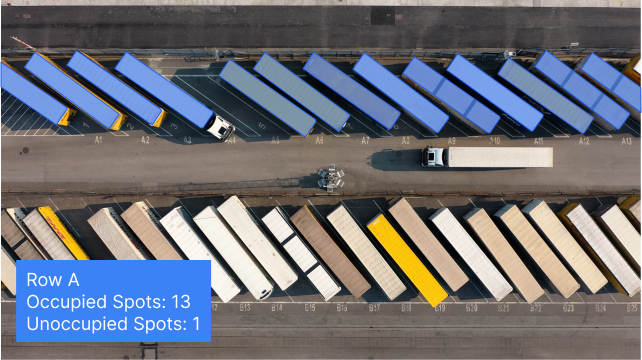
Vision AI for Logistics
See how logistics teams use Vision AI to track packages, verify loads, and monitor safety across warehouses and yards.