Automate Utility Pole Inspection with Roboflow
 Erik KokaljPublished Aug 14, 2026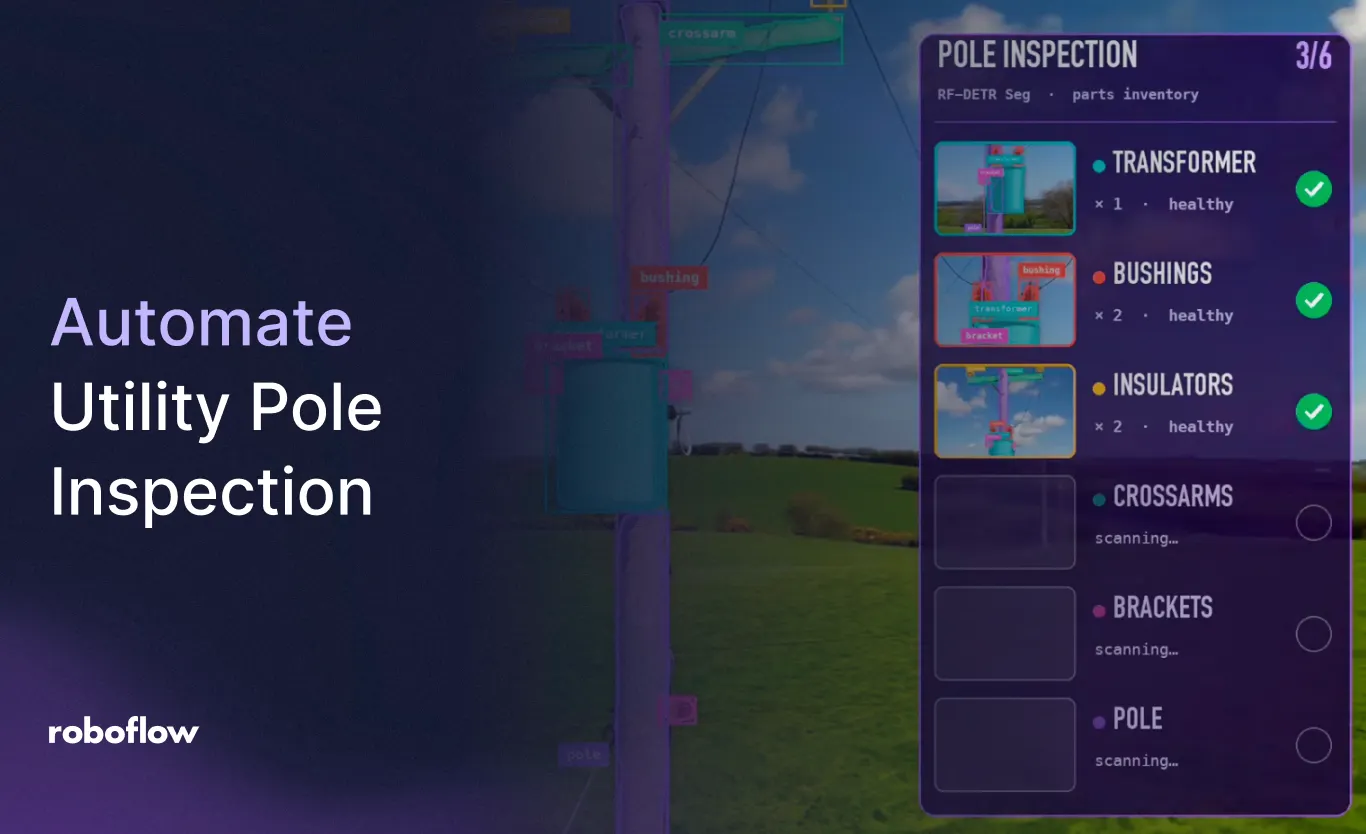
After a storm, finding a damaged utility pole is only the first question. Teams also need to know what broke, where it was observed, and which crew and equipment the repair may require. Utility pole inspection needs to turn footage into information that helps teams act.
Vision AI gives utilities a way to identify poles, transformers, insulators, and visible damage in images and video. With Roboflow, those detections can become part of a utility asset inspection application that connects inspection footage, location data, and repair workflows.
In this webinar, Jennifer Kuchta and Alexei Alexandrovich, Implementation Engineers at Roboflow, demonstrate storm damage assessment from aerial footage, close-up pole component detection, and a path to Salesforce integration. They also show how foundation models accelerate labeling before training a custom model for deployment. You can watch it here or follow along below:

What Is Utility Pole Inspection?
Utility pole inspection evaluates the condition of a pole and its attached equipment to identify maintenance needs or damage. Visual checks can include whether a pole is standing, leaning, or fallen, which components are visible, and whether vegetation is interfering with the equipment.
Computer vision adds a detection layer to the imagery collected during those inspections. A model can locate relevant assets and flag the visible conditions it has been trained to recognize, giving reviewers a more focused starting point.
The webinar explores two levels of inspection. A wider aerial view helps identify damage along a street. Closer footage reveals individual components on a pole, including transformers and insulators. Each view answers different questions, so the image detail needs to match the inspection task.
Map Storm Damage and Identify What Needs Attention
The first demo the duo shares pairs aerial footage with a map showing the drone’s GPS location. As the footage plays, detections identify different damage conditions, and the application marks observations along the route.
One event indicates a need for a replacement pole and transformer. Another shows a pole still in the ground without a transformer. The application also detects standing poles, helping distinguish different visible conditions across the inspected area.
That added context matters for repair planning. A fallen branch may require vegetation removal before another crew can begin work. A snapped pole presents a different repair task from damaged transformer equipment. Capturing the observed condition alongside imagery and location data gives a dispatcher more useful information than a generic damage flag.
The demo also adds classes for fallen branches and street signs. Your inspection model can be trained around the assets and conditions your team needs to identify, using representative examples from your service territory.
For preventative maintenance, the webinar includes a separate, generated pre-storm video illustrating how vegetation near lines could be flagged for review.
Look Closer at Insulators and Pole Components
A street-level overview can reveal a fallen pole, while inspecting individual components requires closer imagery. The second demo shows segmentation masks identifying equipment on a pole, including transformers and insulators.
Segmentation follows the visible shape of each component. That helps separate individual assets from the surrounding scene and provides a starting point for more specific inspection tasks.
For insulator inspection, locating an insulator is the first part of the process. Assessing its condition requires imagery detailed enough to show the relevant defect and a model trained to recognize that condition. The webinar’s component detection example illustrates how to establish that first layer.
For your use case, define the findings your team needs, then collect footage with the views and resolution needed to see them.
Label Inspection Footage Faster with Astra and SAM 3
Building a custom inspection model starts with labeled examples. Drawing a mask around every component in every image can become a substantial part of that work, particularly when poles carry several pieces of equipment.
The webinar shows how Roboflow Agent uses natural-language instructions to guide labeling. Alexei describes the components he wants identified, then combines GPT-6 Astra with SAM 3 to produce segmentation annotations.
For the example presented, the team reports generating 1,000 segmentation masks in 71 seconds. Those are masks across the footage, not 1,000 separately inspected poles.
From there, reviewing annotations and adding examples from different poles, environments, and conditions helps build a dataset that reflects the intended deployment.
Train a Custom Model for Repeated Inspections
Foundation models help create the labels. A smaller custom model can then perform the repeated inspection task with lower inference time and cost than running the general-purpose labeling models on every frame.
In the webinar, Roboflow Agent trains an RF-DETR Seg (opens in a new tab) Small model in about seven minutes. Alexei reports a 9.3-millisecond inference time for the example using the cloud API.
The practical outcome is a model specialized for the components your application needs to recognize, ready to become part of an inspection workflow.
Connect Findings to Salesforce Repair Workflows
The storm damage application displays Salesforce work orders beside the footage. Jennifer then shows how a production integration could use Roboflow Workflows to process an image, retrieve detections, annotate the result, and send information through a Salesforce block.
The payload could include the observed damage and the type of crew needed. Vegetation on site could indicate a vegetation crew, while a fallen pole or downed transformer could require different personnel and equipment.
This connects the inspection result to the systems teams already use for scheduling and dispatch. The footage supplies evidence, the model identifies the trained conditions, and the integration carries that information into the repair process.
Run Utility Pole Inspection on Live or Recorded Footage
The webinar outlines live cloud processing through an RTMP stream, local processing with Roboflow Inference (opens in a new tab), and analysis of recorded footage with suitable metadata.
A separate drone demonstration detects people and displays results on the controller, illustrating the live-streaming approach.
You'll also see a vehicle-mounted camera example that flags leaning poles during a drive. It illustrates another source of inspection imagery: footage captured during trips crews are already making.
Watch Utility Pole Inspection in Action
Watch the full webinar (opens in a new tab) to see storm damage mapping at 1:22, component detection and labeling at 6:01, Salesforce integration at 10:17, streaming deployment at 11:59, and vehicle-based inspection at 14:05.
Then explore utility asset inspection with Roboflow to connect your inspection imagery with the findings your maintenance and repair teams need.