Polarized Lighting Machine Vision That Cuts Glare for Vision AI
Glare on metal, glass, and plastic hides scratches and print. Polarized lighting removes it, and Roboflow trains a model on the clean images and runs it on your camera's stream.
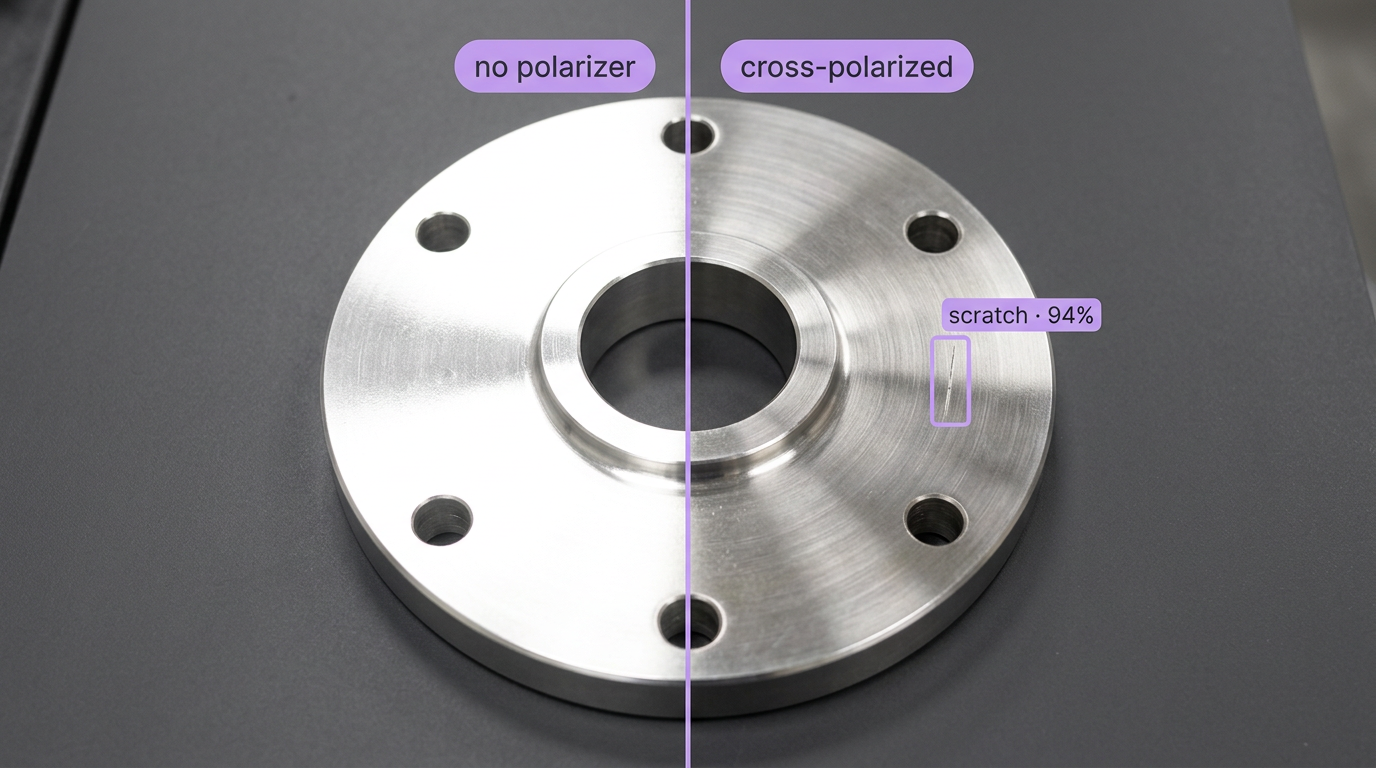
AI for Polarized Lighting Machine Vision Workflows
Inspecting shiny parts with polarized lighting? Explore Workflows you can get started with to create computer vision apps in minutes. Try the top open and closed source models on your polarized images for free, then train a custom model in Roboflow and deploy it with Roboflow Inference.
How to Setup Polarized Lighting Machine Vision with AI
Fit a polarizer on the light and a second on the lens, crossed at right angles, or use a polarization camera over GigE Vision. Train a model in Roboflow on images taken with that setup, then run it with Roboflow Inference and send results to your PLC.
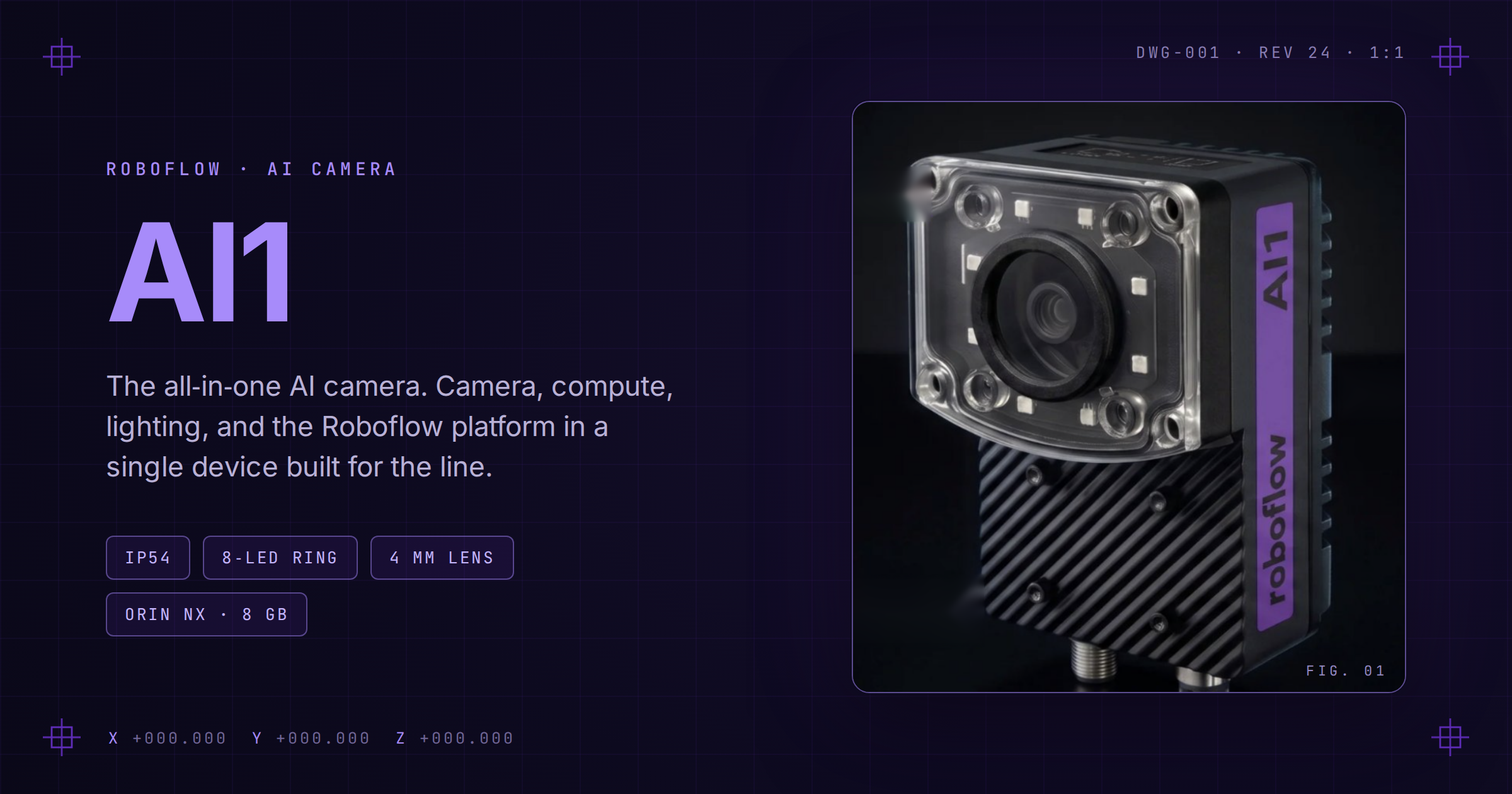
Meet Roboflow AI1 (opens in a new tab)
AI1 packages onboard AI compute, integrated lighting, and an industrial camera into one plug-and-play vision system.
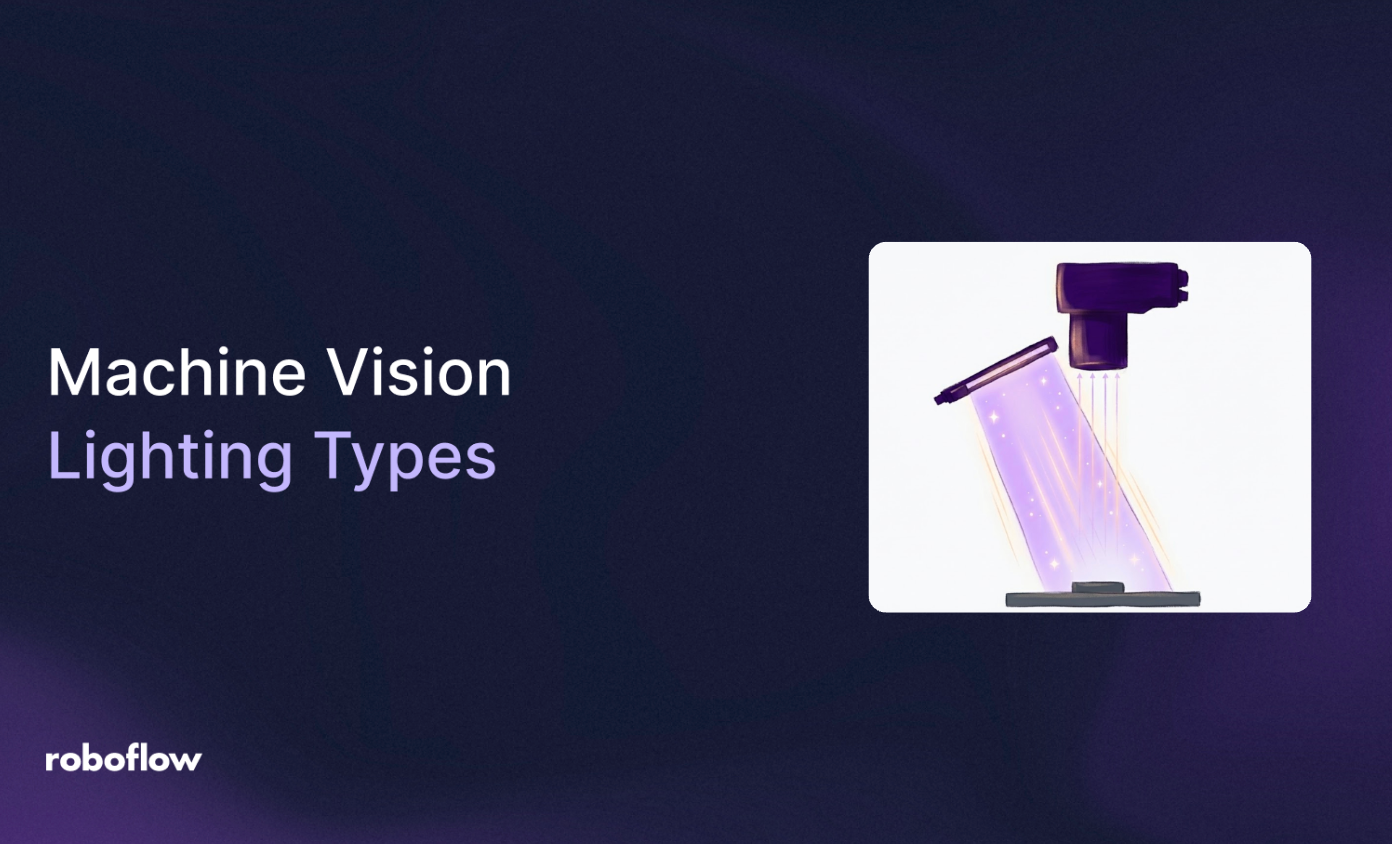
Machine Vision Lighting Guide
Compare dome, coaxial, dark field, and polarized lighting to improve contrast, stability, and accuracy.
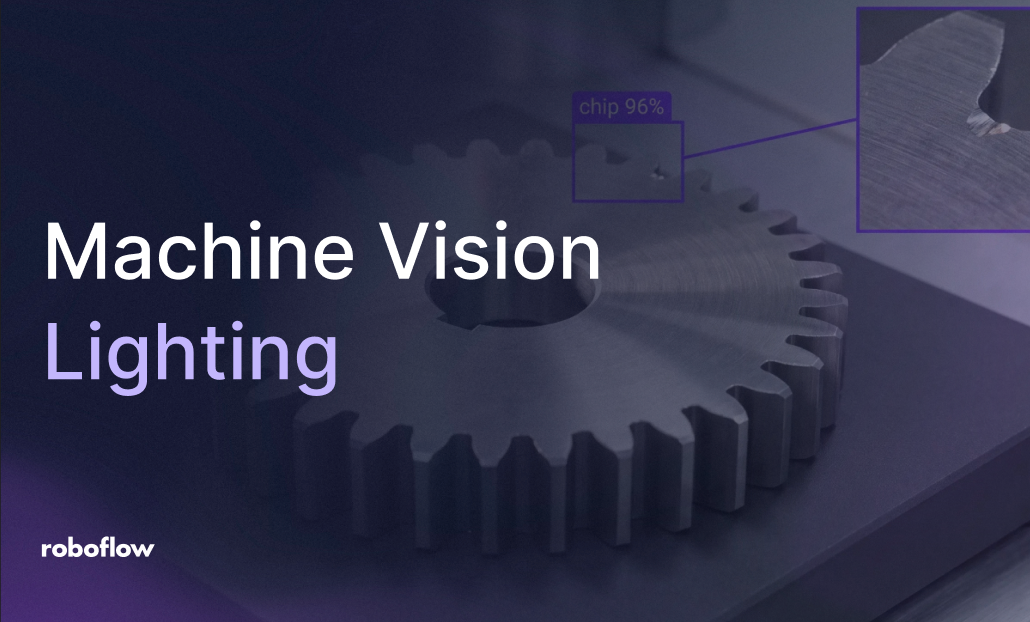
Ambient Light in Machine Vision: Stop Accuracy Drift
Fix glare and changing ambient light with light placement, diffusers, and crossed polarizers on the light and lens.
“The vision AI solutions we developed with Roboflow have been a core component of connecting our teams and unlocking their ability to collaborate.”
Lou Stocco
Director of Manufacturing Advanced Analytics, USG
Speak with an AI expert
Our team will help you start solving business problems on the first call.
Ask us about:
- Solution architecting
- Live demonstration
- Pricing and specifications
- Feasibility assessment
Over 16,000 organizations build with Roboflow.
- Rivian
- Pella
- Chobani
- USG Corporation
- BNSF Railway
- American Woodmark
Get the Latest in Computer Vision First
Additional resources
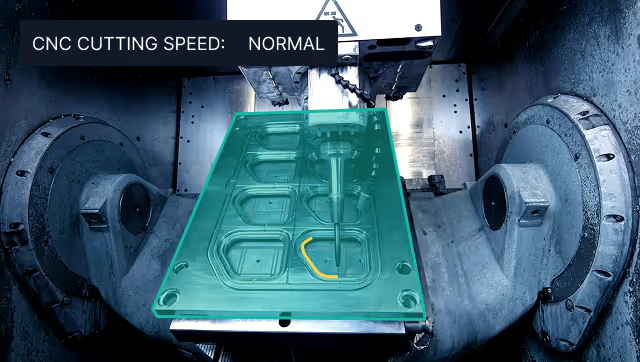
Vision AI in Industrial Manufacturing
Learn how manufacturers deploy Vision AI for quality control, worker safety, and process automation at scale.
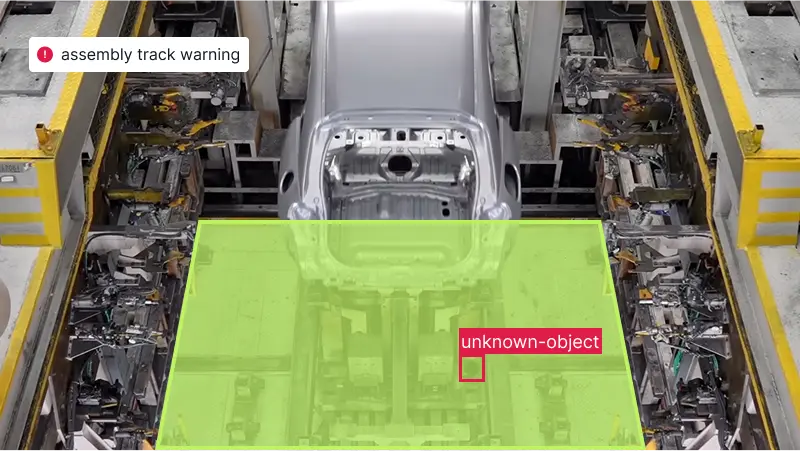
Vision AI for Automotive
See how automotive manufacturers use Vision AI to inspect parts, verify assembly, and catch defects on the line.
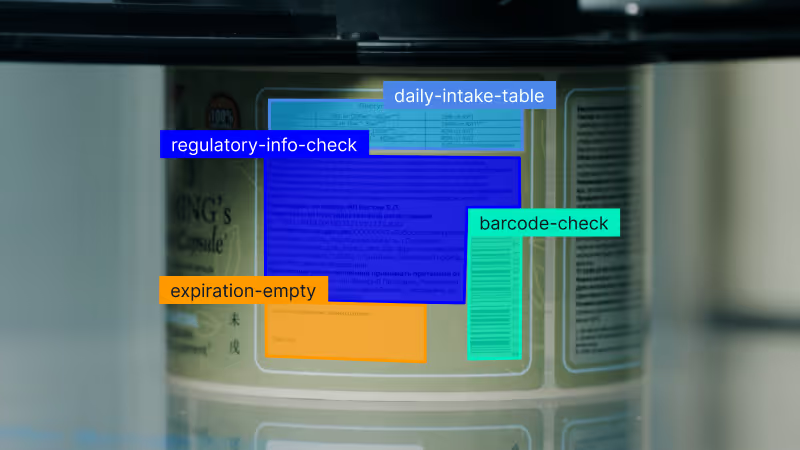
Vision AI for Consumer Goods
Explore how consumer goods brands use Vision AI for packaging inspection, label checks, and quality control.