Image Deduplication AI

Skip repeat uploads, find near-duplicates by visual similarity, and filter look-alike frames out of your pipeline before they reach labeling.
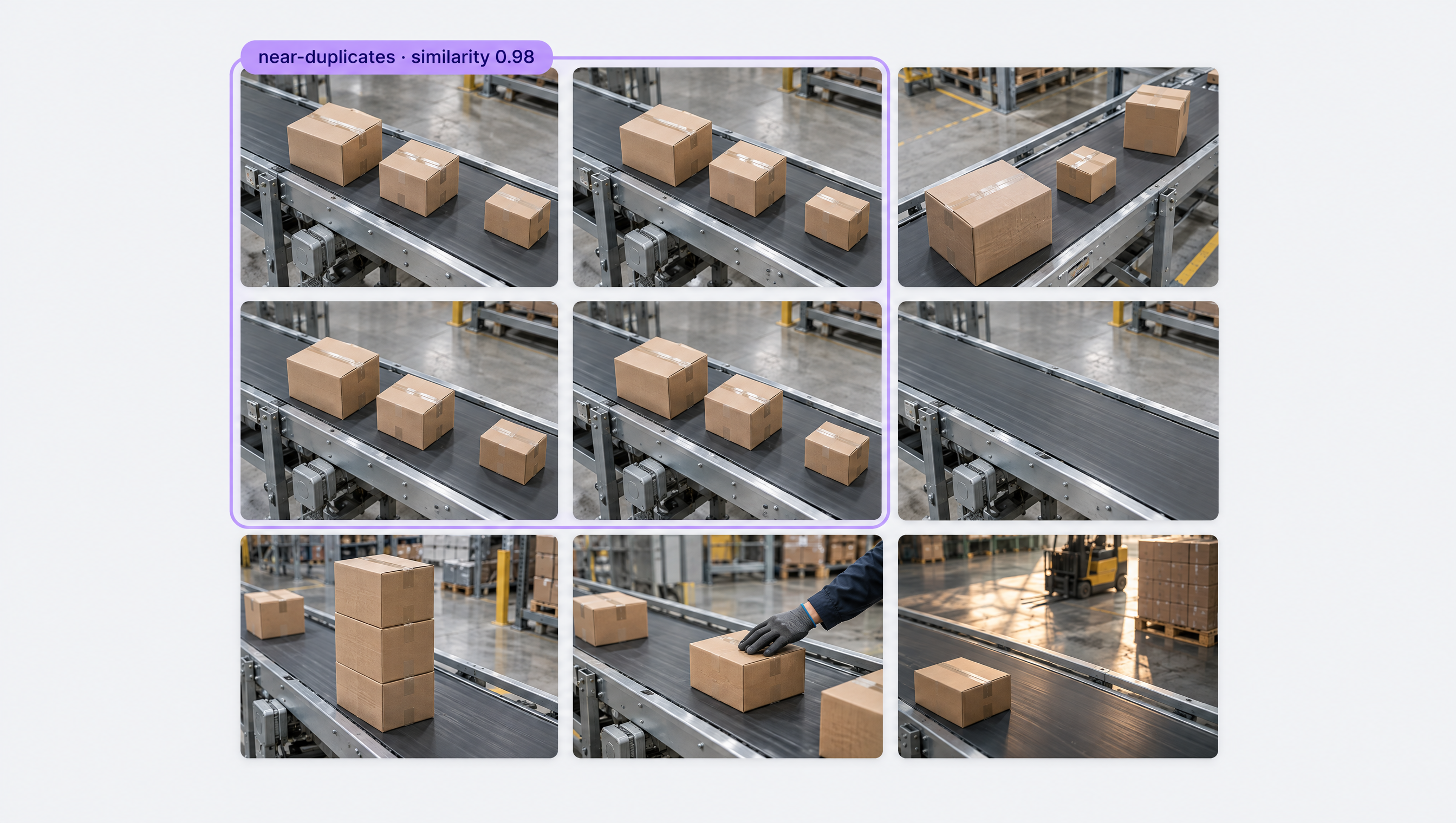
Grid of nine near-duplicate images showing cardboard boxes on conveyor belts in a warehouse setting.

Image Deduplication AI, Built Your Way

  • Duplicates Skipped on Upload

    An image that is already in a project is skipped when you upload it again, and re-adding a removed image brings back its old annotations.

  • Search by Visual Similarity

    Sort a dataset by CLIP similarity to any image with like-image, in the app, the search API, or the Python SDK, to find near-duplicates fast.

  • Dedupe in Your Pipeline

    Compare CLIP embeddings with the Cosine Similarity block in a Workflow, set a threshold, and keep only the frames worth keeping.

  • Exact Duplicate Detection
  • Near-Duplicate Image Search
  • CLIP Embedding Similarity
  • Look-Alike Video Frames
  • Cleaner Train/Test Splits
  • Dataset Search API & SDK

Building something bigger? Talk to an engineer.

Scaling past a prototype, or need on-prem, air-gapped, or fleet deployment? We'll help you plan it.

Ask us about:

  • Architecture review for your cameras, pipeline, and edge hardware
  • Help moving a prototype Workflow into production
  • Deployment options: edge, on-prem, air-gapped, or VPC
  • Volume pricing and enterprise support

Over 16,000 organizations build with Roboflow.

  • Rivian
  • Pella
  • Chobani
  • USG Corporation
  • BNSF Railway
  • American Woodmark
Start where you are

Clean Every Dataset, from First Upload to Live Frames

Duplicate and near-duplicate images waste labeling time and skew your models, and video is the worst offender: hundreds of frames that barely change. Roboflow catches duplicates at three points: when you upload, when you search your dataset, and inside the pipelines that collect new images.

On upload:

  • If you upload an image (opens in a new tab) that is already in the project, the upload for that image is skipped.
  • Re-upload an image you removed and it rejoins the project with its annotations and annotation status, so labeled work is never lost.
  • Merge datasets without paying twice: there is no charge for the merge, because the images are duplicates.

In your dataset:

In your pipeline:

  • Compute CLIP embeddings in Workflows and compare two images with the Cosine Similarity block, where 1.0 means the two are the same.
  • Add a threshold with the Expression block to flag near-duplicate frames before they are saved or sent for labeling.
  • Need a local index? Build an image-to-image search engine with CLIP and Faiss that finds exact and near duplicates across your whole image library.

Start building today. A cleaner dataset is one search away.

‍

Frequently asked questions

What is the difference between exact and near-duplicate images?

An exact duplicate is the same image uploaded twice. A near-duplicate looks almost the same, like two video frames a fraction of a second apart, or the same scene with a slightly different crop or exposure. Near-duplicates are found by comparing image embeddings, not file contents.

Does Roboflow remove duplicates automatically?

Yes for exact re-uploads: an image already in the project is skipped. For near-duplicates, use like-image search or Similarity Search to find them, then remove or tag them, or filter them out in a Workflow before they reach your dataset.

Why do duplicates hurt a model?

They cost labeling time without teaching the model anything new, and when near-identical images land in both your training and test sets, your accuracy numbers look better than the model really is.

Can I deduplicate from code?

Yes. Use the like_image option in the Python SDK or the project search API, or build a Workflow with the CLIP embedding and Cosine Similarity blocks and run it with Roboflow Inference.

‍

Stay connected

Get the Latest in Computer Vision First

Unsubscribe at any time. Review our Privacy Policy.