Roboflow + Create ML
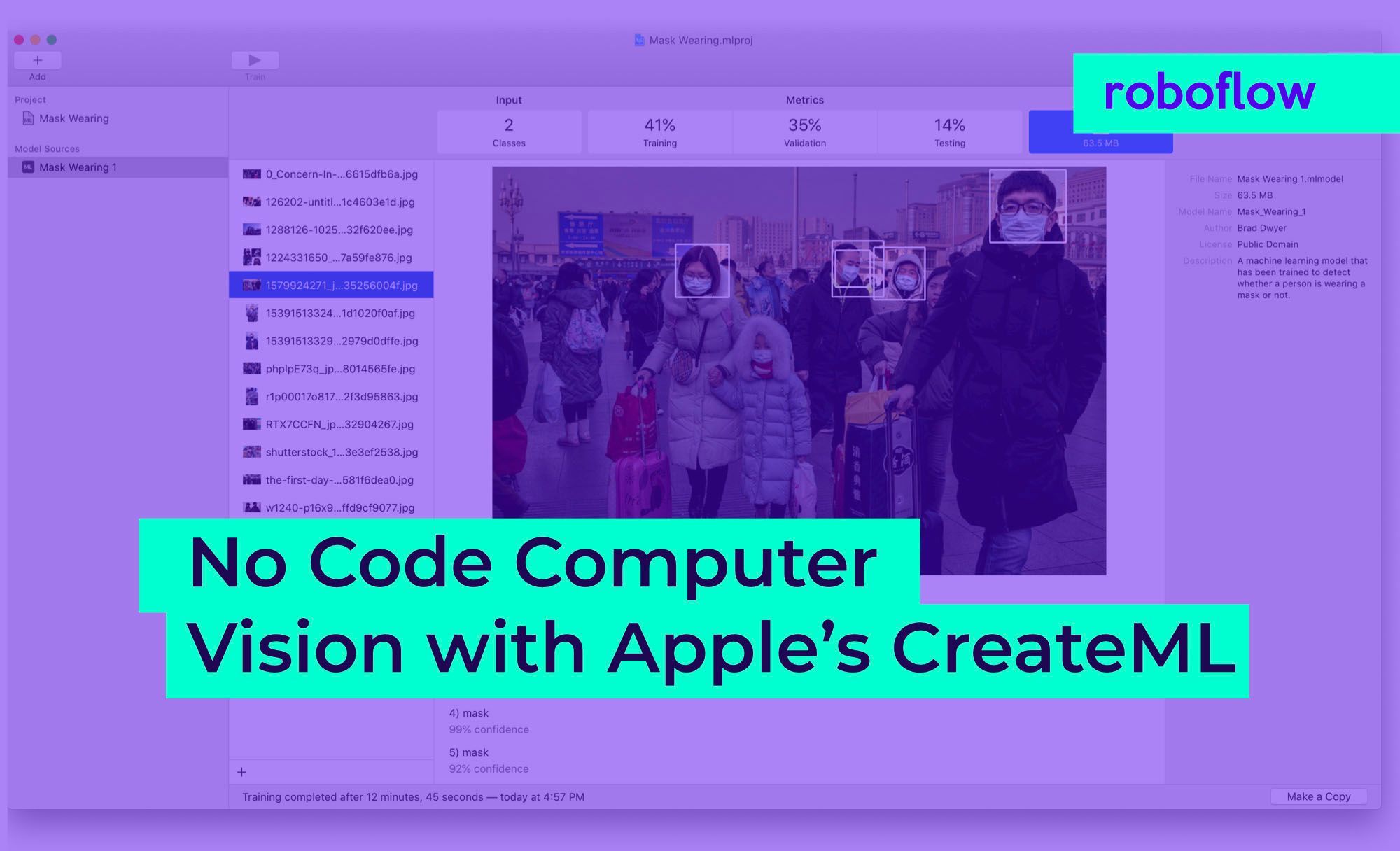
Export a Roboflow dataset as CreateML JSON and train an object detector in Apple's Create ML app on your Mac, for Core ML models that run on iPhone and iPad.
How to connect Create ML to Roboflow
5 stepsGenerate a dataset version
Label your images in Roboflow, then generate a version with the preprocessing and augmentation you want.
Export as CreateML
On the version, click Export, choose the CreateML format and download the zip. Unzip it to get train, valid and test folders.
Create an object detector project
In Xcode, open Xcode, Open Developer Tool, Create ML, and create a new Object Detector project.
Point Create ML at the folders
Set the training, validation and test data to the matching folders from the Roboflow export. Transfer Learning is the suggested algorithm for datasets in the hundreds of images.
Train and test
Click Train, watch validation loss, then check IoU and mAP per split and try held-back images in the Output tab.
What teams build with Create ML
Ship an on-device detector in an iOS app
Train in Create ML on Roboflow data and run the Core ML model on iPhone and iPad.
Grow a Create ML dataset in Roboflow
Import an existing CreateML JSON dataset, label new images, add augmentation and export a fresh version.
Questions
CreateML. It writes the JSON annotation file Create ML's object detector reads, with one entry per image listing each label and box.
Yes. Create ML is part of Xcode, which runs on macOS, and training happens on the Mac.
Yes. Roboflow reads CreateML JSON as well as writing it, so you can upload an existing Create ML dataset to a project.
Our CreateML export is for object detection projects. Classification datasets were not part of what we verified for Create ML.